

Why Can’t I Share My Credential to SeekPass?
On this page
Overview
Recipients can share their credentials through the Share Verifiable Credential (VC) feature. However, the system only allows sharing to SeekPass if the credential belongs to supported Document Categories.
If the SeekPass option is unavailable or not working, the credential’s Document Category may not be supported.
Supported Document Categories for SeekPass
SeekPass sharing is only available for credentials under the following categories:
EducationMicrocredential
These categories are eligible regardless of issuance type:
- Template-Based
- Mint PDF
- Mint F
If the category is:
- Education → SeekPass sharing is allowed
- Microcredential → SeekPass sharing is allowed
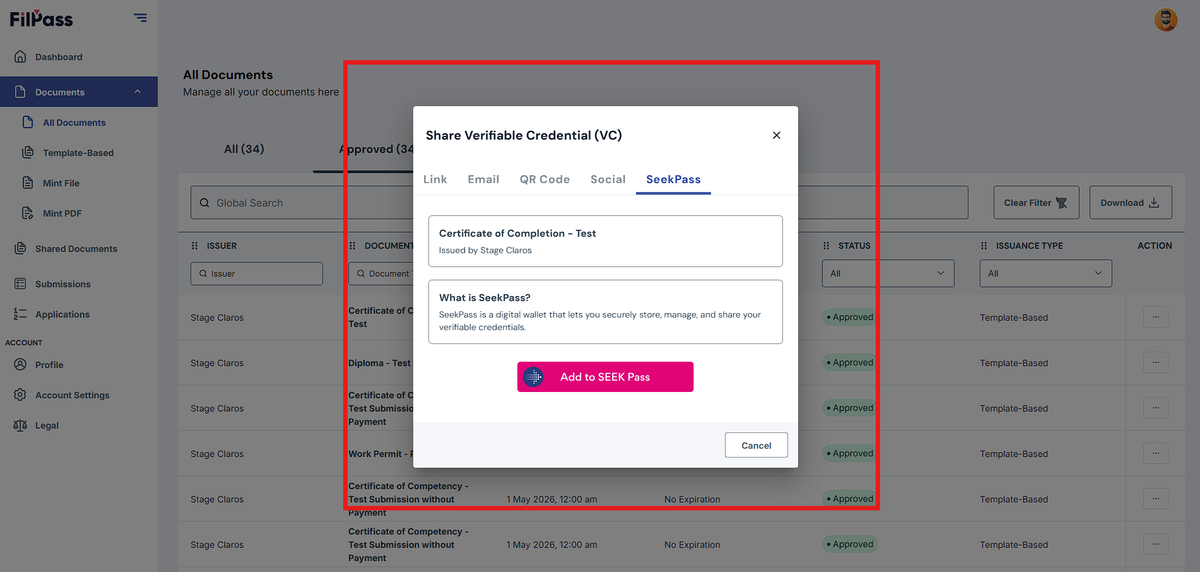
- Other categories → SeekPass sharing is not available
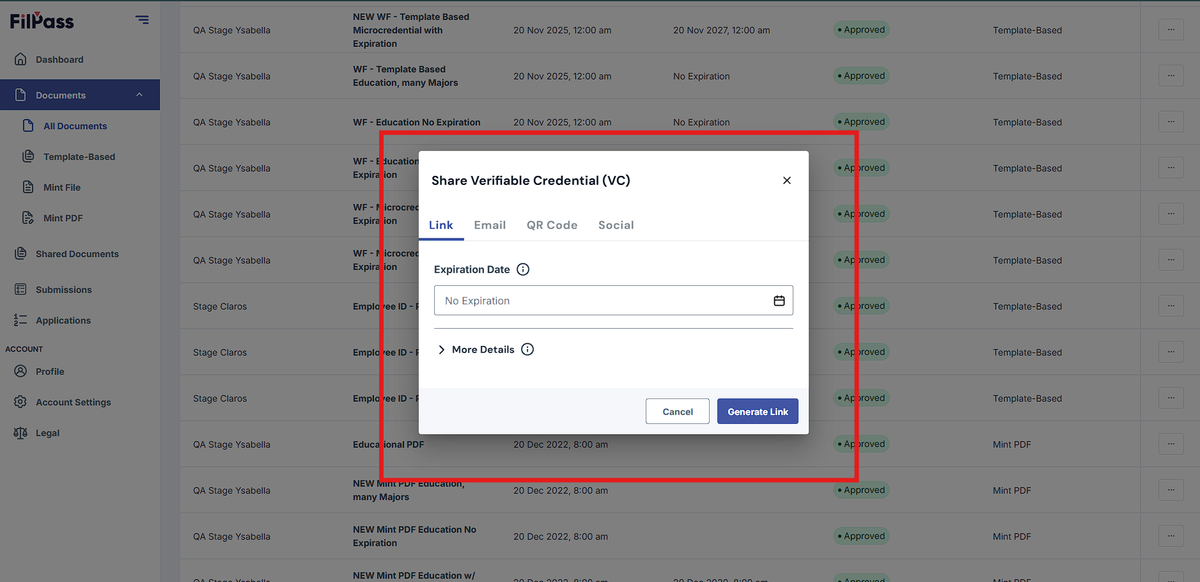
If the credential category is:
- Education → SeekPass tab is available and can be used
- Microcredential → SeekPass tab is available and can be used
- Human Resource → SeekPass sharing will not be available
- Digital Identity → SeekPass sharing will not be available
- Others → SeekPass sharing will not be available
Important Notes:
- Template-Based, Mint PDF, and Mint File are all supported if the category is eligible
- SeekPass availability depends on the Document Category
- Issuance type does not affect SeekPass support
- Unsupported categories cannot be shared to SeekPass even if the credential is valid
Common Questions:
Q: My credential is valid but I still cannot share it to SeekPass. Why?
A: The Document Category may not be Education or Microcredential.
Q: Does SeekPass only work for Template-Based issuances?
A: No. SeekPass works for Template-Based, Mint PDF, and Mint File issuances as long as the Document Category is supported.
Q: Can I change the Document Category after issuance?
A: This depends on system permissions and issuance status. It is recommended to configure the correct category before issuing credentials.