

Approval Tab
The system allows up to 9 approvers to be set up, based on role settings under "Account."
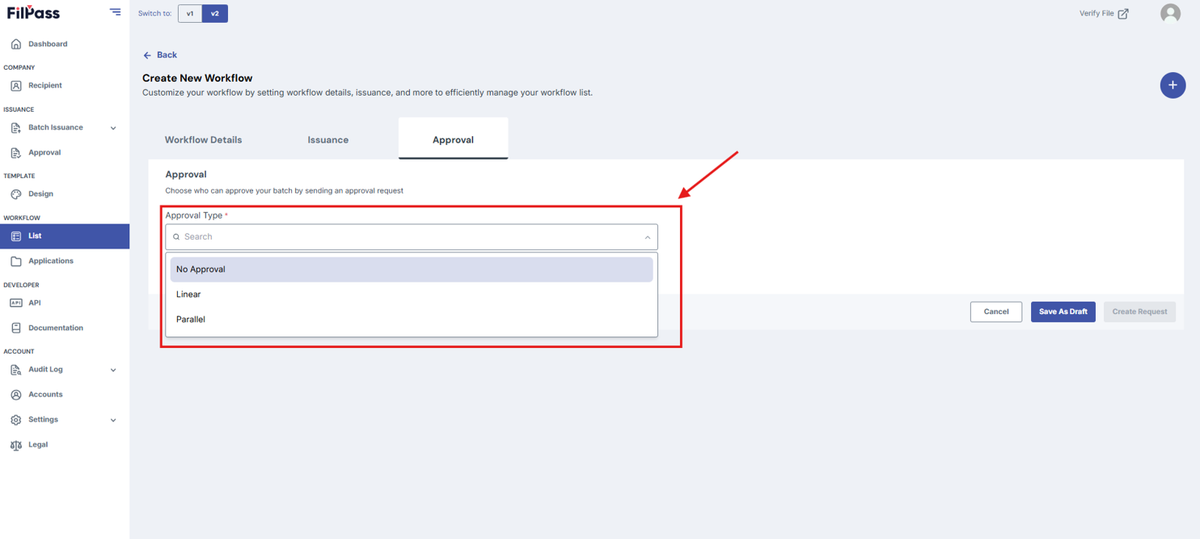
- Approval Types:
- No Approval: No Approvers are needed.
- Linear: Approval moves step by step, requiring the 1st approver to approve before passing to the next. The document is only approved when the last approver approves it.
- Parallel: Approvers can approve in any order. The document is processed only after all approvers have approved it.
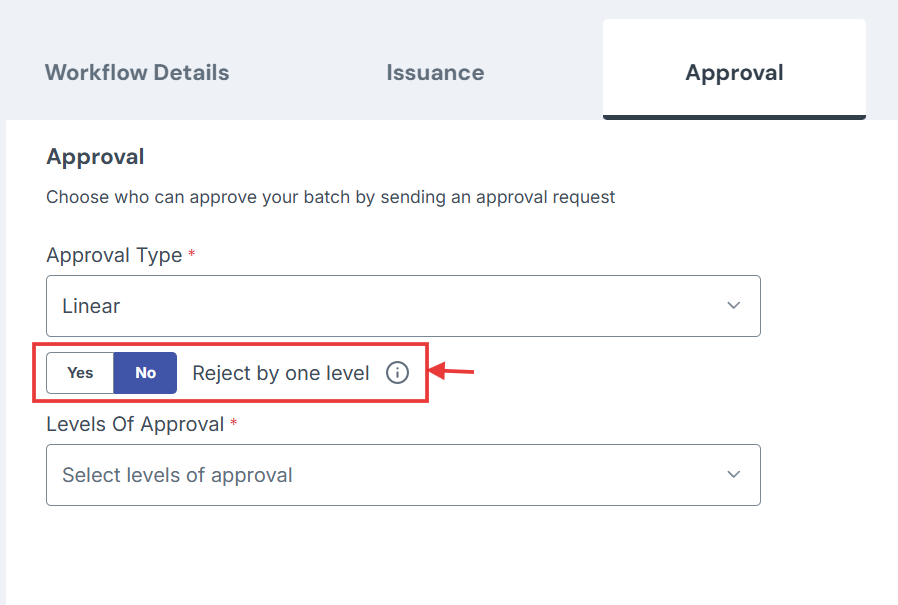
- If you choose Linear Approval, you also have a feature called Reject by one level.
- No: The issuance will be automatically rejected if one of the approvers rejects it.
- Yes: The issuance will return to the previous approver to approve again if one of the approvers rejects it.
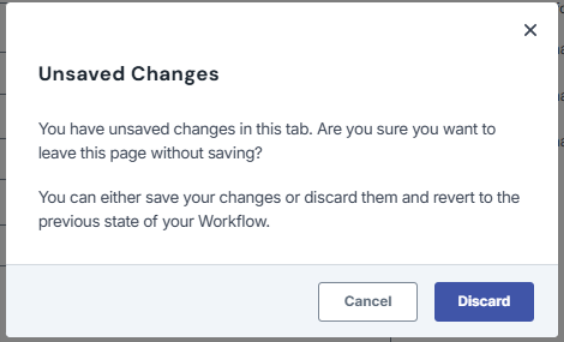
Note: If you exit the page or go to another page without saving, a discard modal will appear and ask for confirmation in leaving the page.
Note: If you exit the page or go to another page without saving, a discard modal will appear and ask for confirmation in leaving the page.
Was this helpful?