

Add Field Section
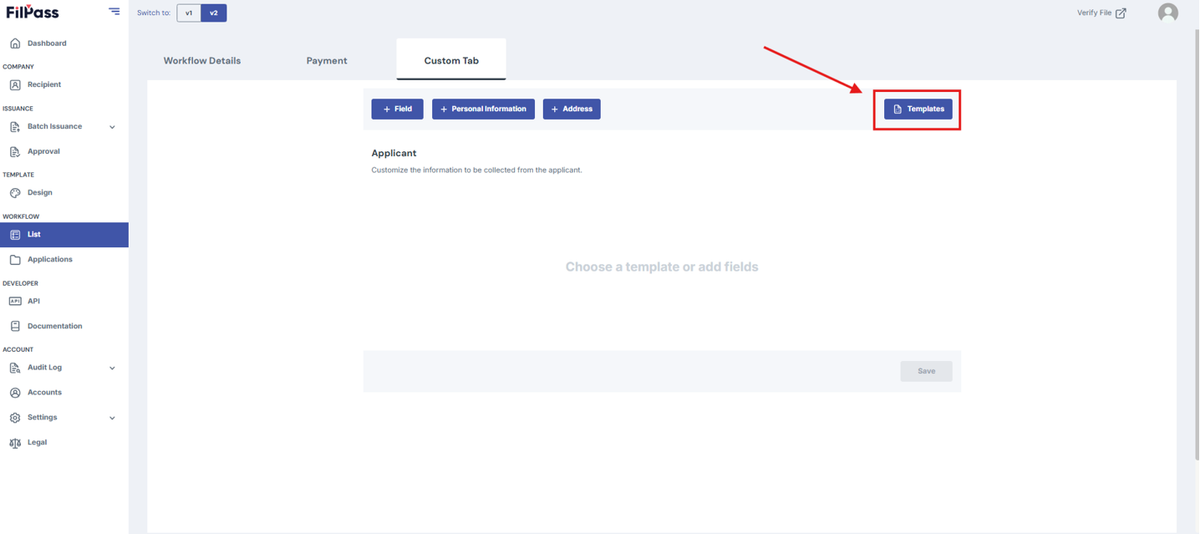
1. Click “Templates” on the top right corner to add premade fields.
- Fields are used to collect information from recipients (e.g., Name, Age, Address).
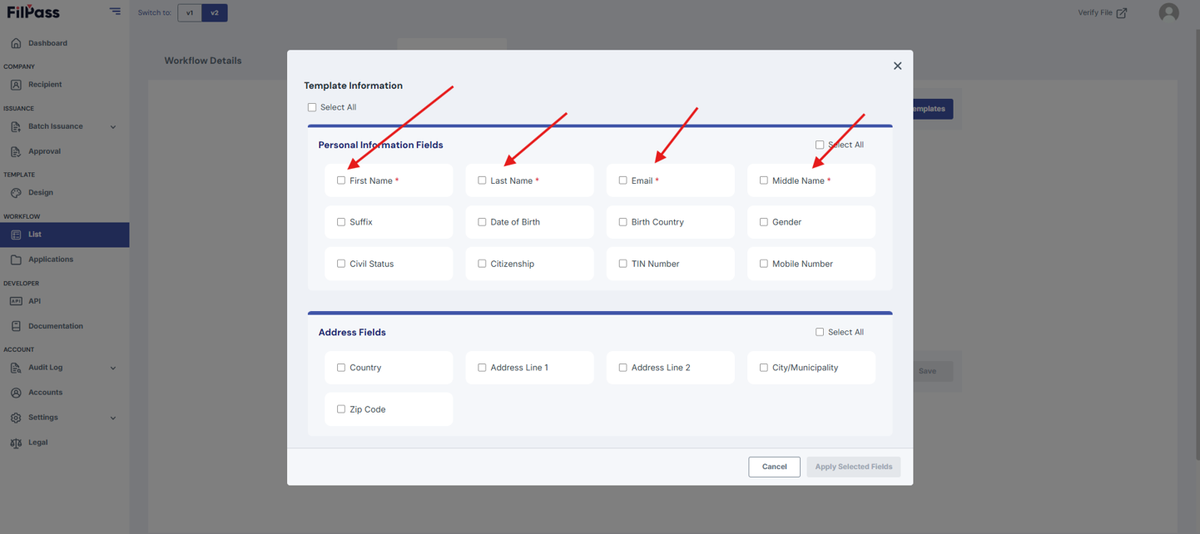
2. Check the checkboxes within the Templates modal to select the required fields.
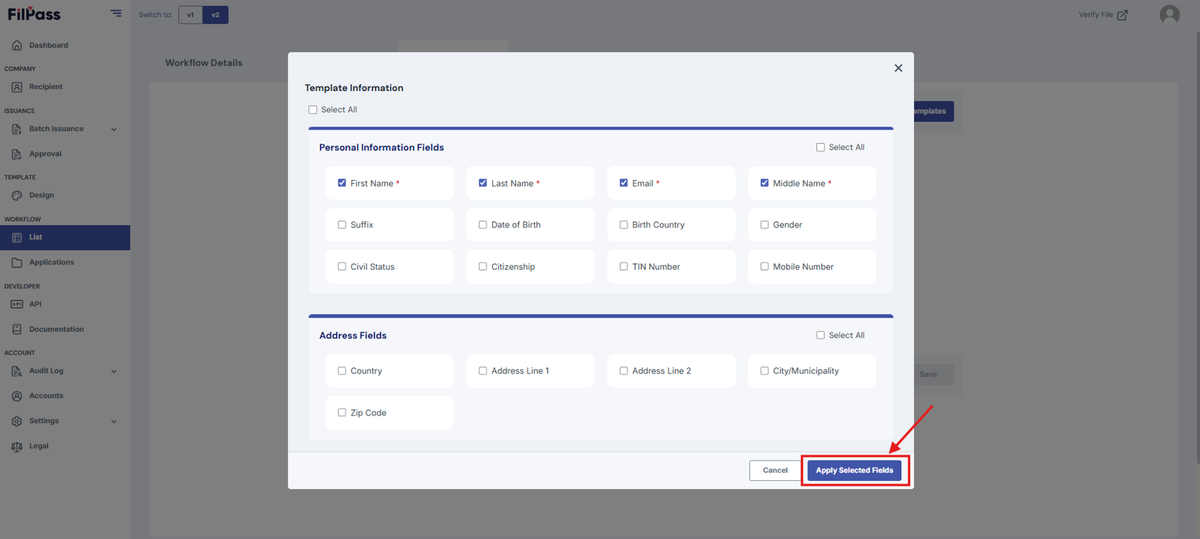
3. Click “Apply Selected Fields” after adding all necessary fields.
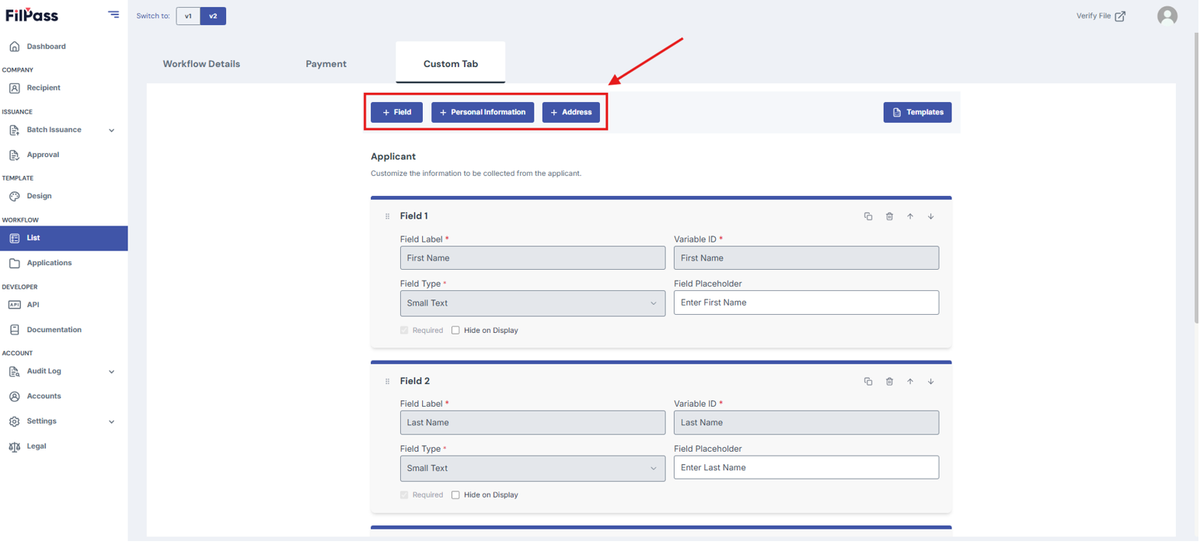
4. You may also use the other options on the top to add fields. (Field, Personal Information, and Address)
- Field: Adds a custom field
- Personal Information: Adds the first four fields in the Personal Information section of the Templates.
- Address: Adds all fields in the Address section of the Templates.
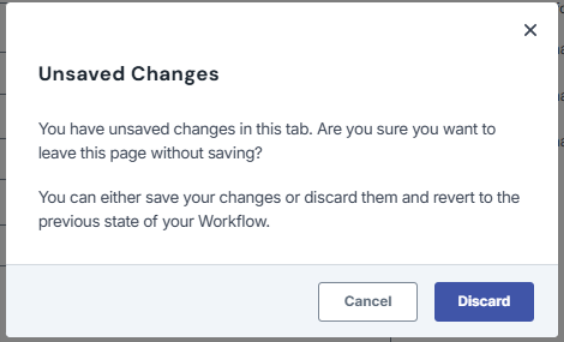
Note: If you exit the page or go to another page without saving, a discard modal will appear and ask for confirmation in leaving the page.
Was this helpful?