

Viewing a dBizCard
Step 1: Open the link
Click the dBizCard link you were sent, or scan its QR code. The card opens in your browser — no account or app needed.
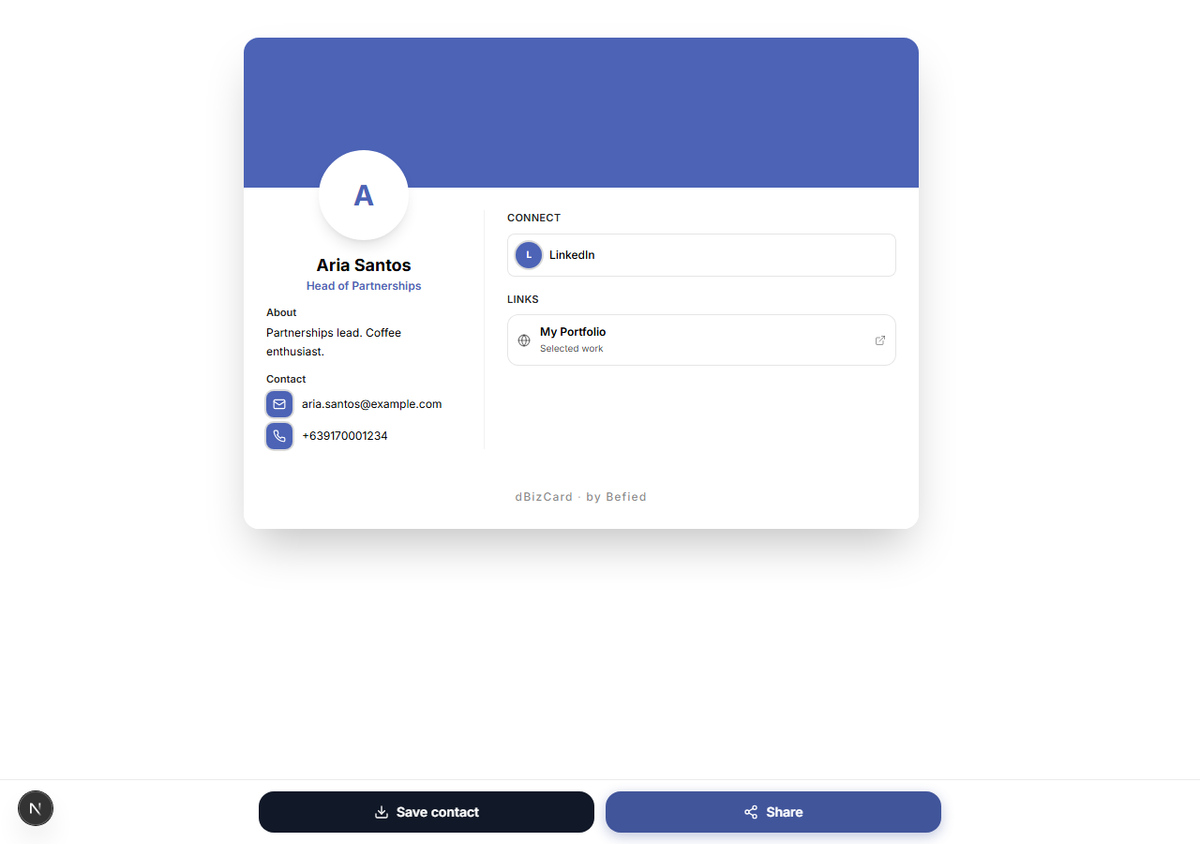
Step 2: Explore the card
You'll see the person's photo, name, role, and any bio, contact details, social profiles, and links they chose to show. Tap a link to open it.
Note: If you see "card currently unavailable" or "no longer available," the owner has hidden or removed the card.
Result: You can view and use the shared card instantly.
Was this helpful?