

How to Create Your dBizCard Account
On this page
Create a dBizCard account to start building and sharing your digital business card.
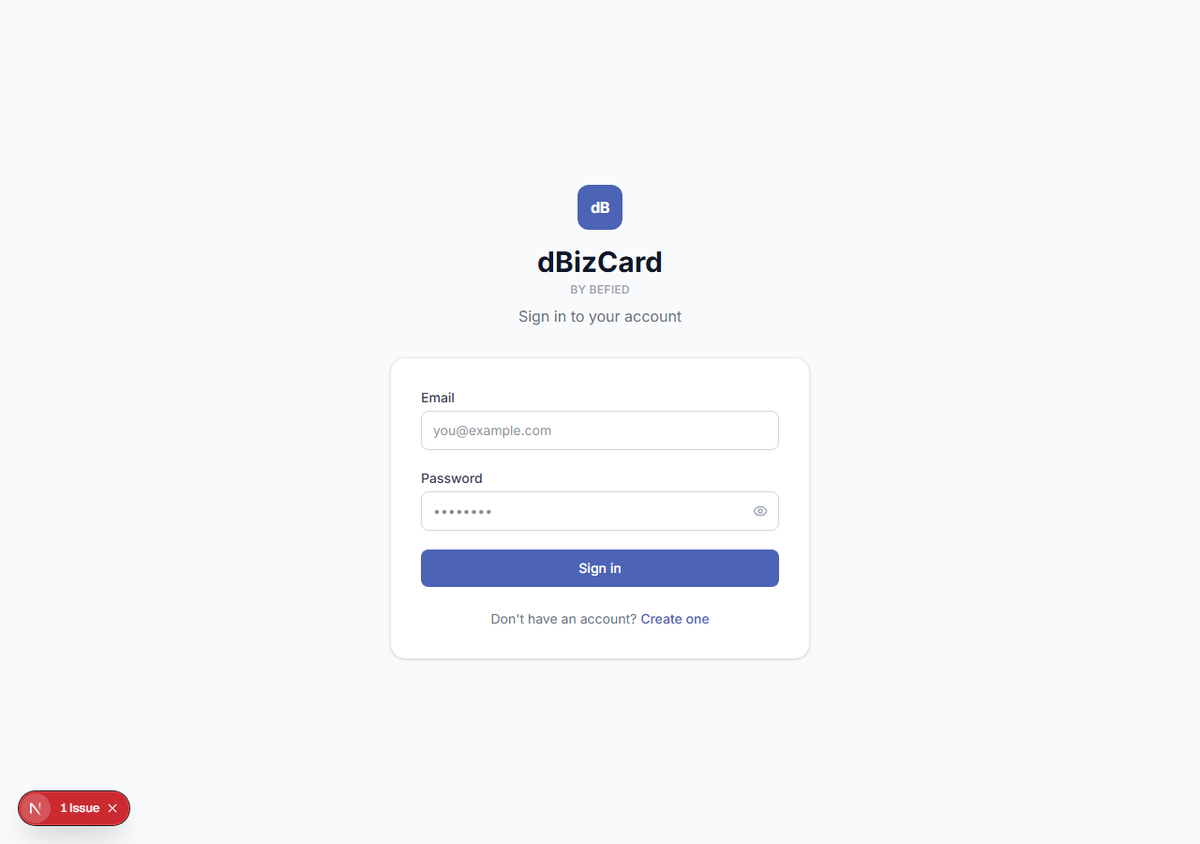
Step 1: Open the sign-up page
Go to the dBizCard login page and click Create one (below the sign-in form).
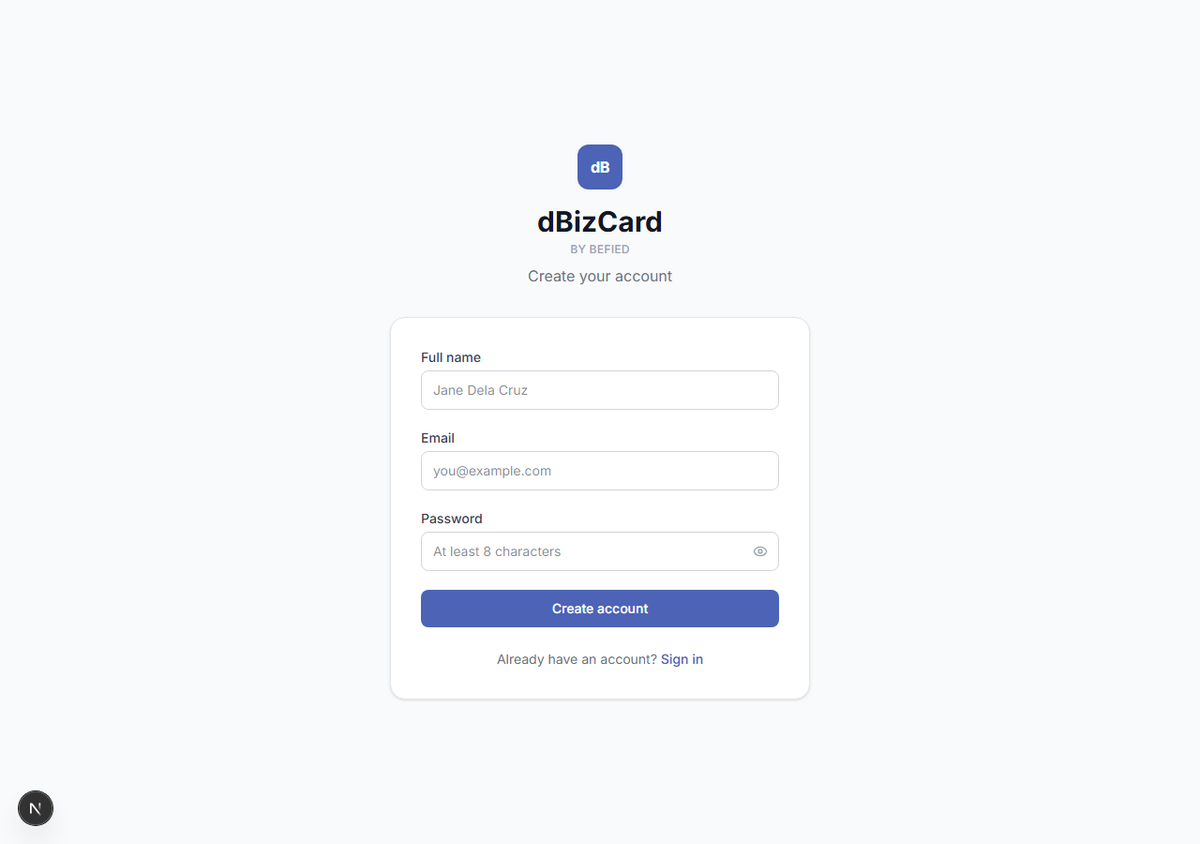
Step 2: Enter your details
Fill in the sign-up form:
- Name
- Password (minimum 8 characters)
Step 3: Create your account
Click Create account. You'll be taken to your dashboard, ready to make your first card.
Note: If you use FilPass, you may not need to register — see Signing In via FilPass.
Result: Your dBizCard account is created and you're signed in.
Was this helpful?