

Uploading a Profile Photo & Banner
On this page
Step 1: Upload a profile photo
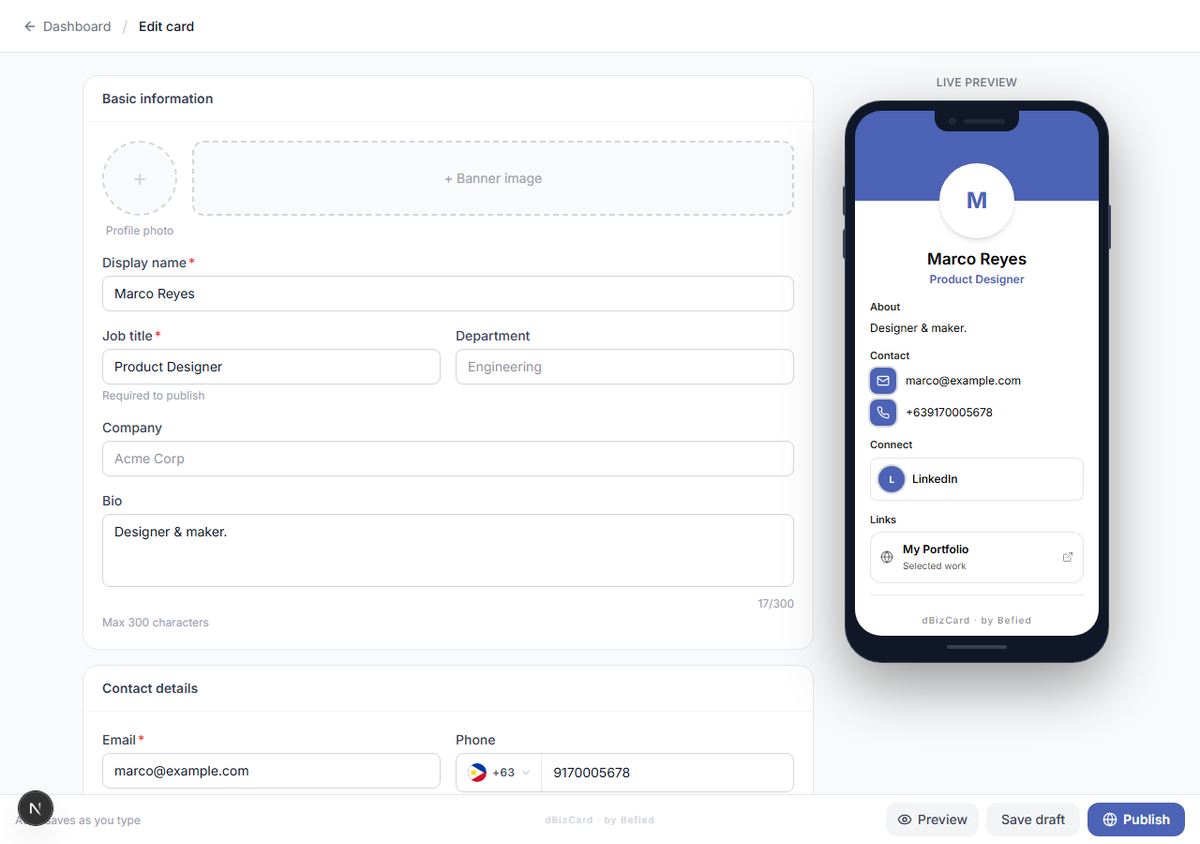
In Basic information, click the round photo area and choose an image from your device.
Step 2: Crop and save
Adjust the crop, then confirm. Your photo appears in the preview.
Note: Images must be 5 MB or smaller. Use the Remove link under the photo to clear it.
Step 3: Add a banner
Click the banner area to upload a wide header image, then crop and confirm.
Result: Your photo and banner appear on your card.
Was this helpful?