

Understanding Auto-Save & Drafts
Auto-save as you type
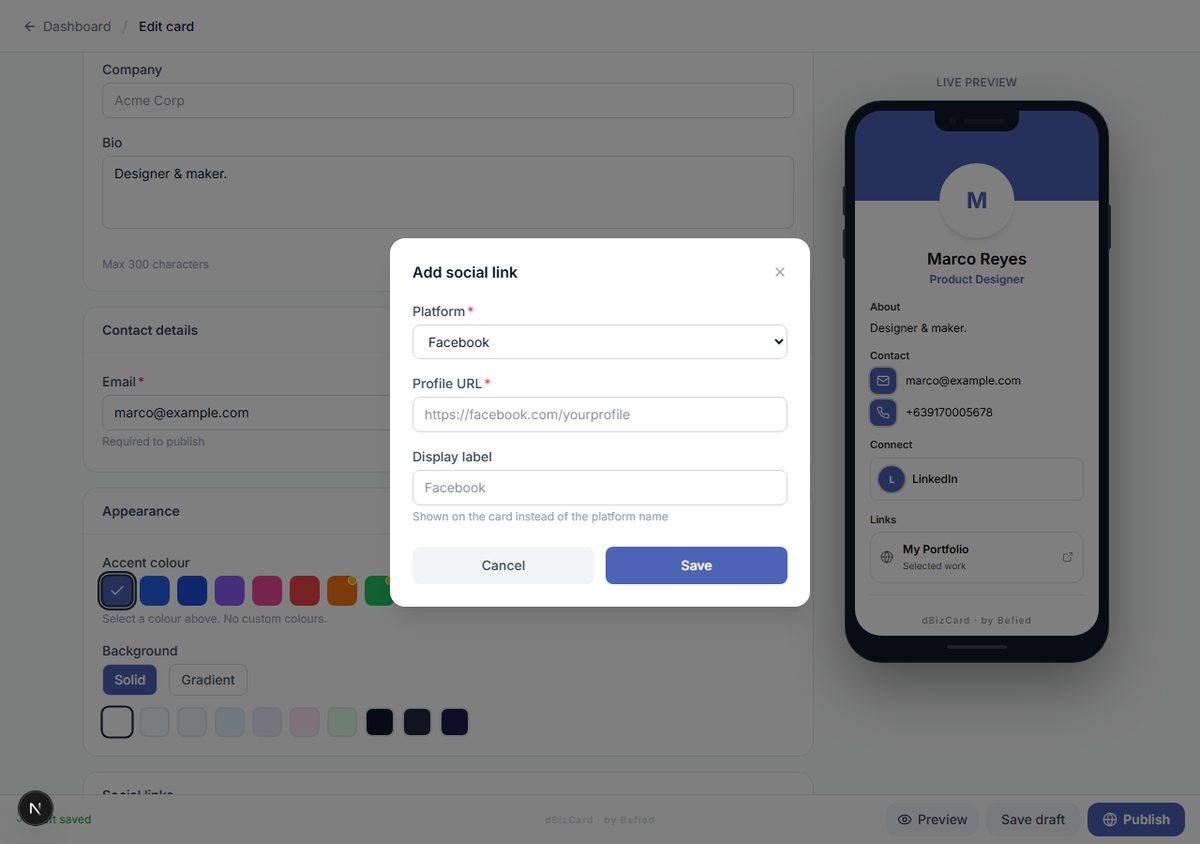
The editor saves your changes automatically. The bottom bar shows Saving draft… then Draft saved. You can also click Save draft to save immediately.
Saving a published card
If your card is already published, saving updates your draft only — the live public card does not change until you click Update public card. The bar reads "Draft saved — public card unchanged" to remind you.
Warning: Leaving the editor while a save is still in progress will prompt you to confirm, so you don't lose changes.
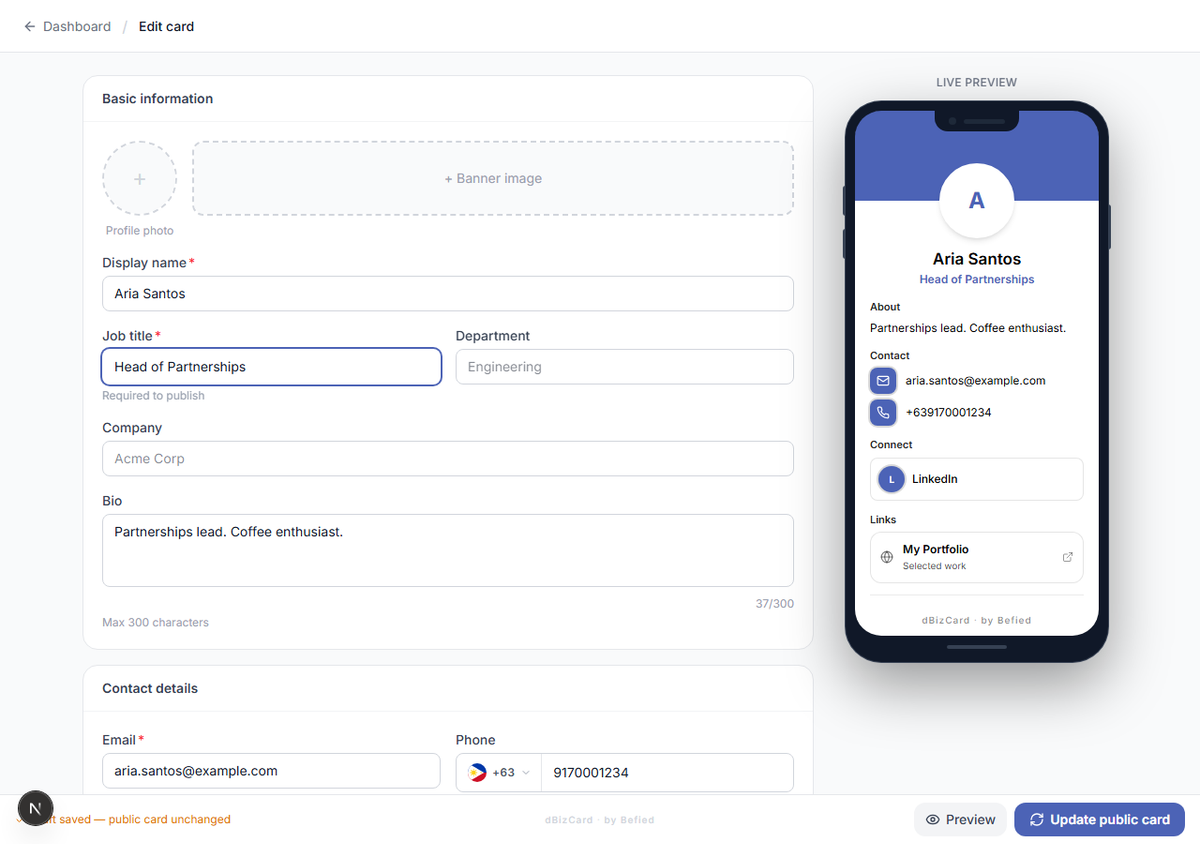
Result: You know your edits are safe and how they relate to the live card.
Was this helpful?