

Signing In via FilPass (SSO)
If you already have a FilPass account, you can open dBizCard without creating a separate password — FilPass signs you in for you.
Prerequisites: You're signed in to your FilPass Recipient account.
Step 1: Open dBizCard from FilPass
From your FilPass account, open the dBizCard link. FilPass securely hands you over to dBizCard.
Step 2: You're signed in automatically
dBizCard verifies your FilPass identity and signs you in — the first time, it creates your dBizCard account automatically. You land on your dashboard.
Note: When you sign out of dBizCard, you're returned to the FilPass login page.
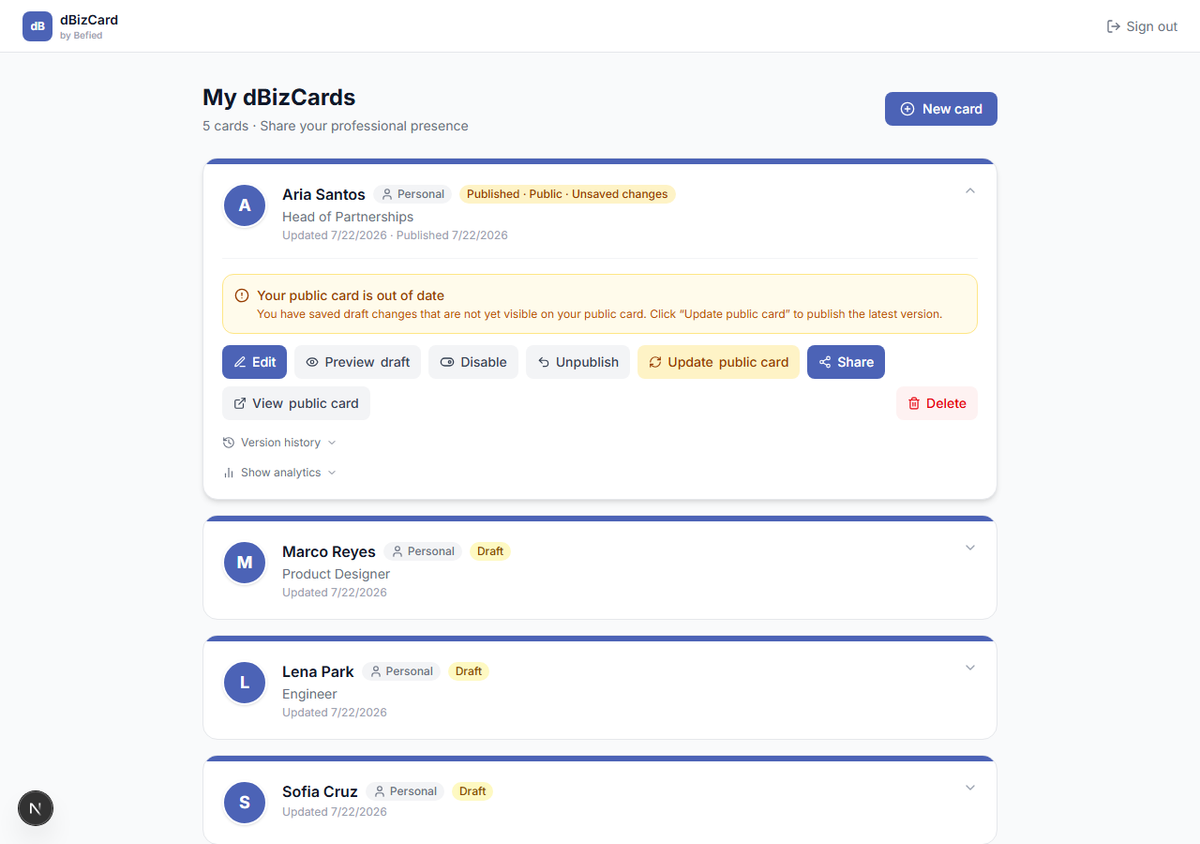
Result: You're signed in to dBizCard through FilPass.
Was this helpful?