

My Image Won't Upload
Check the file
- Size: the image must be 5 MB or smaller.
- Type: use a standard image (JPG or PNG).
Try again
- Re-crop and confirm in the crop window.
- Use the Remove link to clear a stuck image, then re-upload.
- If it still fails, try a smaller image or a different browser.
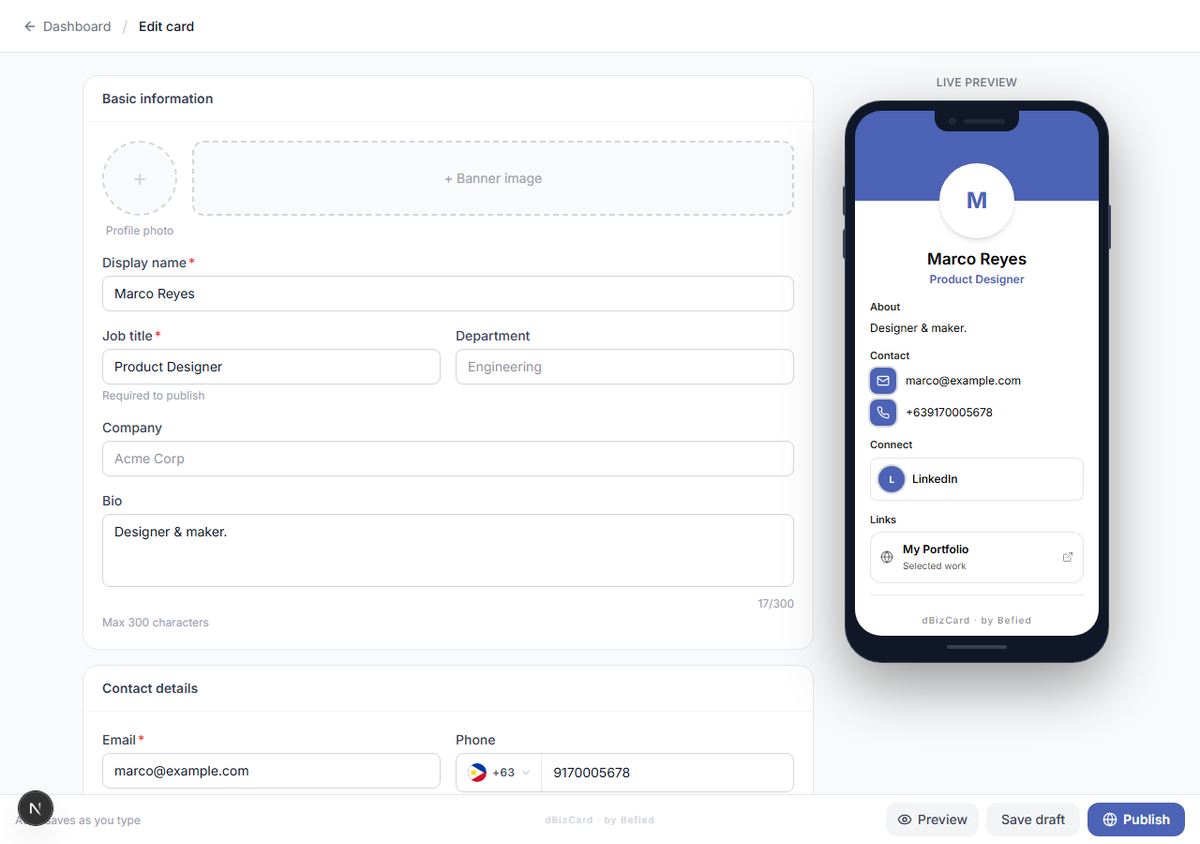
Result: Your image uploads and appears on the card.
Was this helpful?