

Controlling What Shows (Visibility)
Step 1: Open Visibility
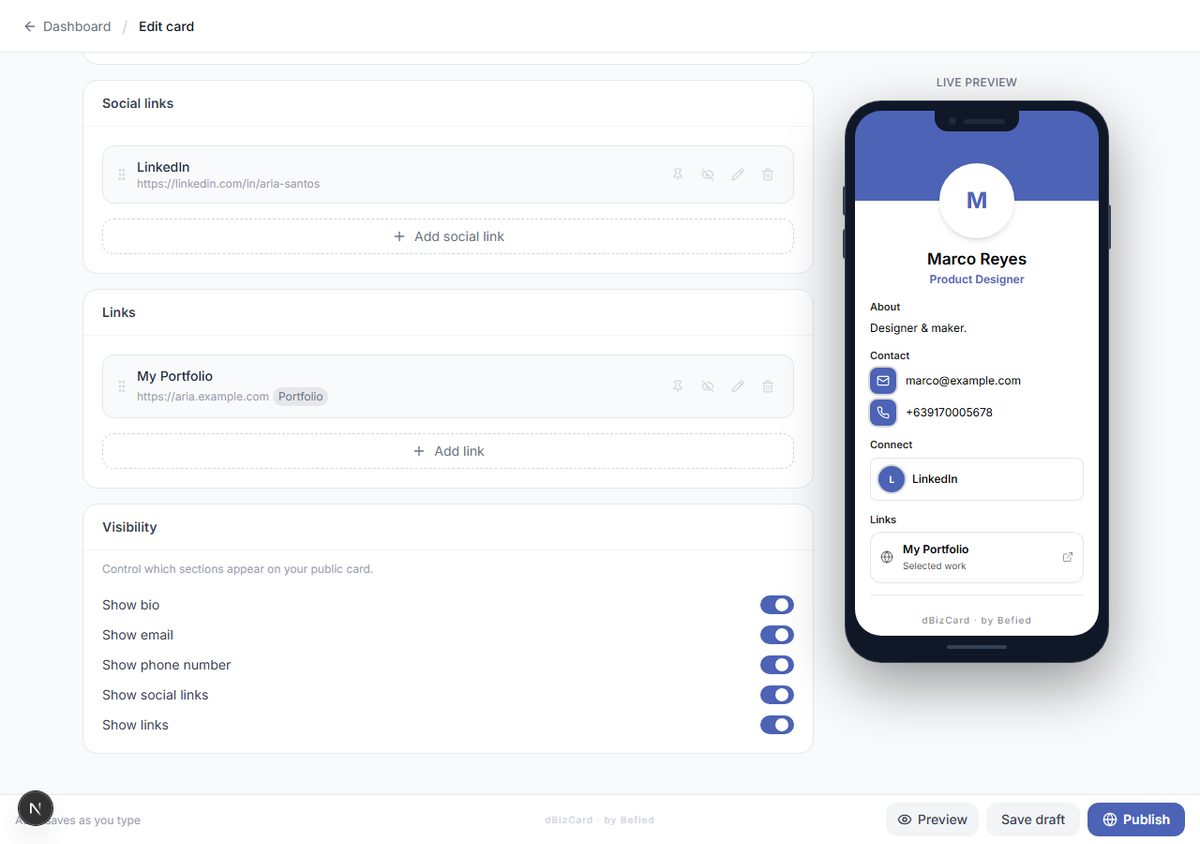
In the editor, go to the Visibility section.
Step 2: Toggle sections on or off
Turn each section on or off for your public card:
- Show bio
- Show email
- Show phone number
- Show social links
- Show links
Note: Hiding a section here doesn't delete anything — it just keeps it off the public card.
Result: Only the sections you chose will appear to visitors.
Was this helpful?