

Adding & Managing Links
Step 1: Add a link
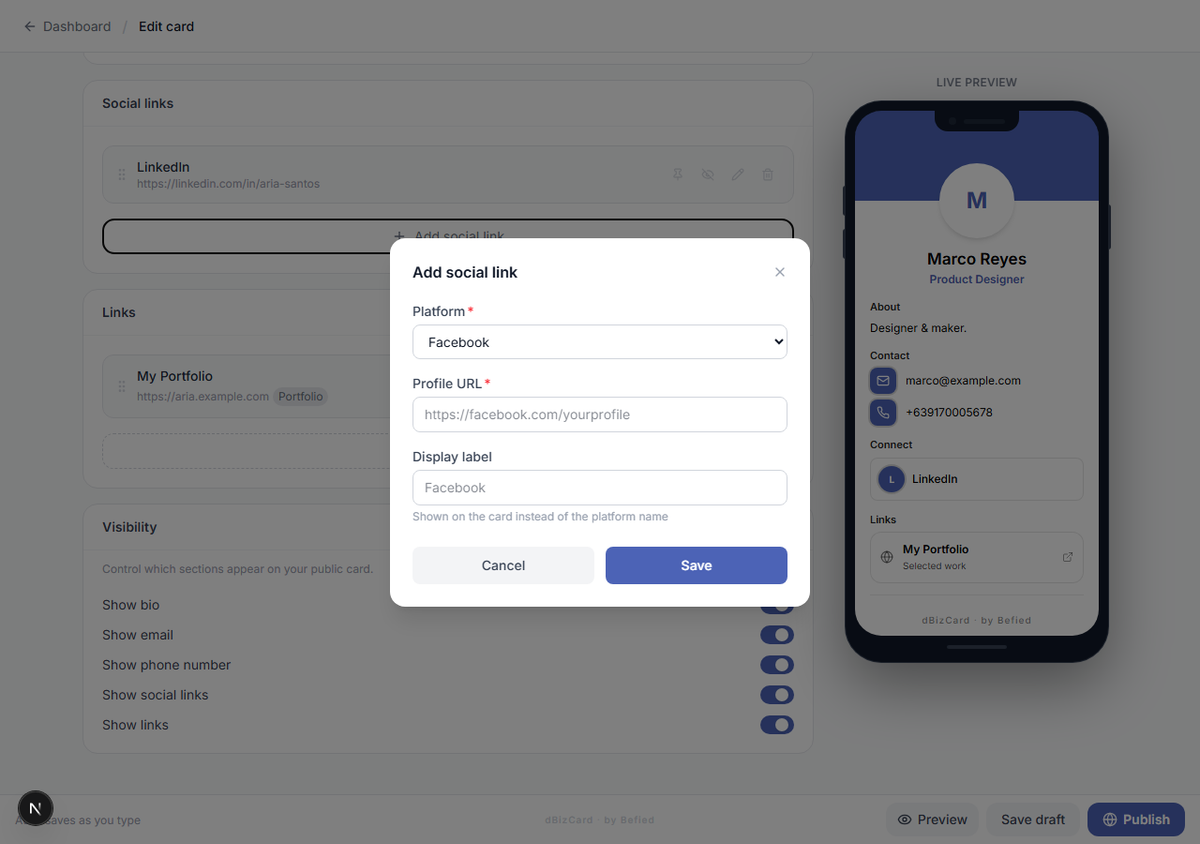
In the Links section, click Add link and enter:
- Title
- URL
- Description (optional)
- Tags (optional — e.g. Certificate, Project, Portfolio, Work, Education)
Step 2: Organize your links
Drag to reorder, Pin to feature at the top, Hide to keep but not show, or Delete to remove.
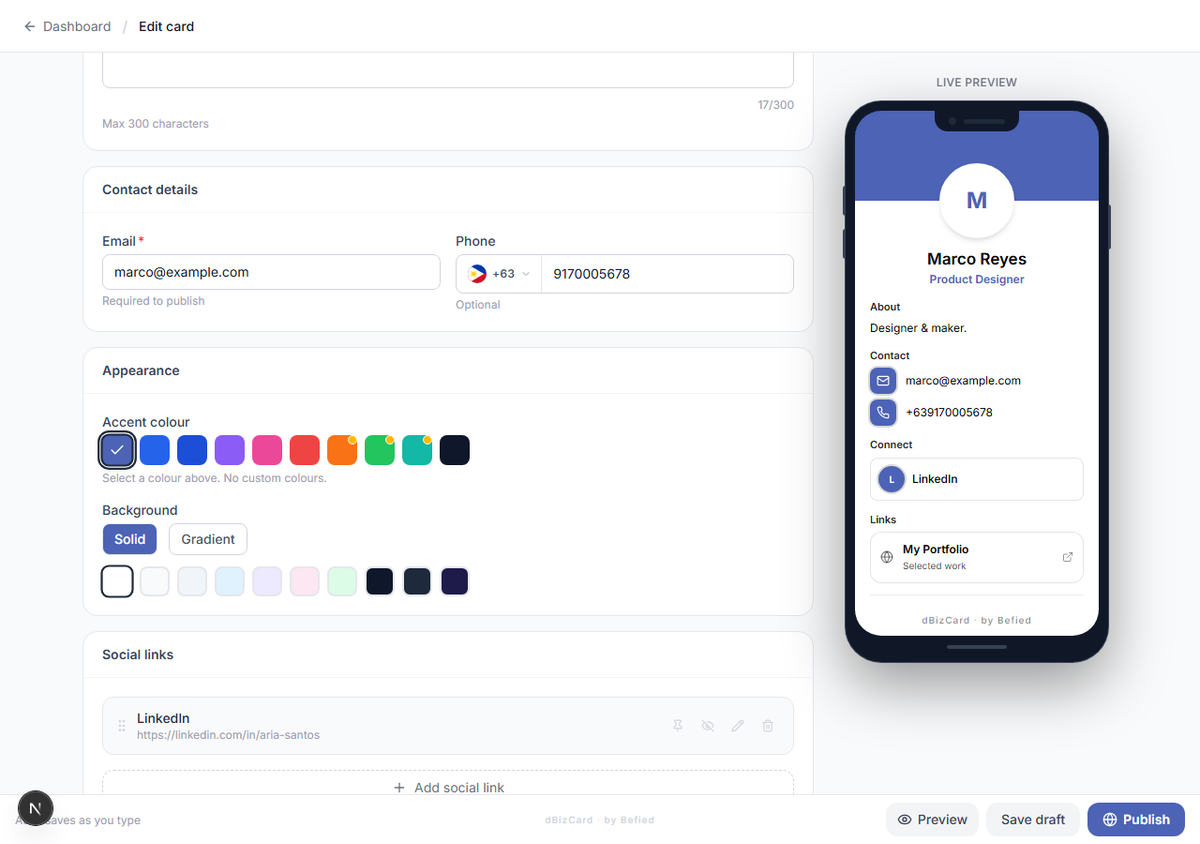
Result: Your custom links are added and organized.
Was this helpful?