

What is Event Request Details
Select/Fill in the following details:
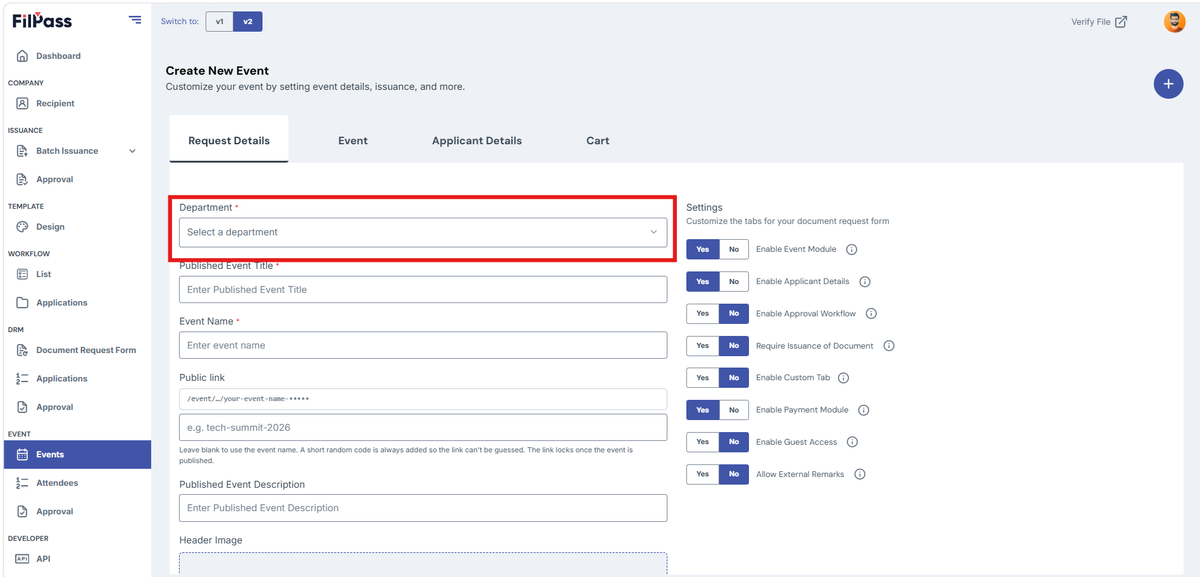
- Department (Required)
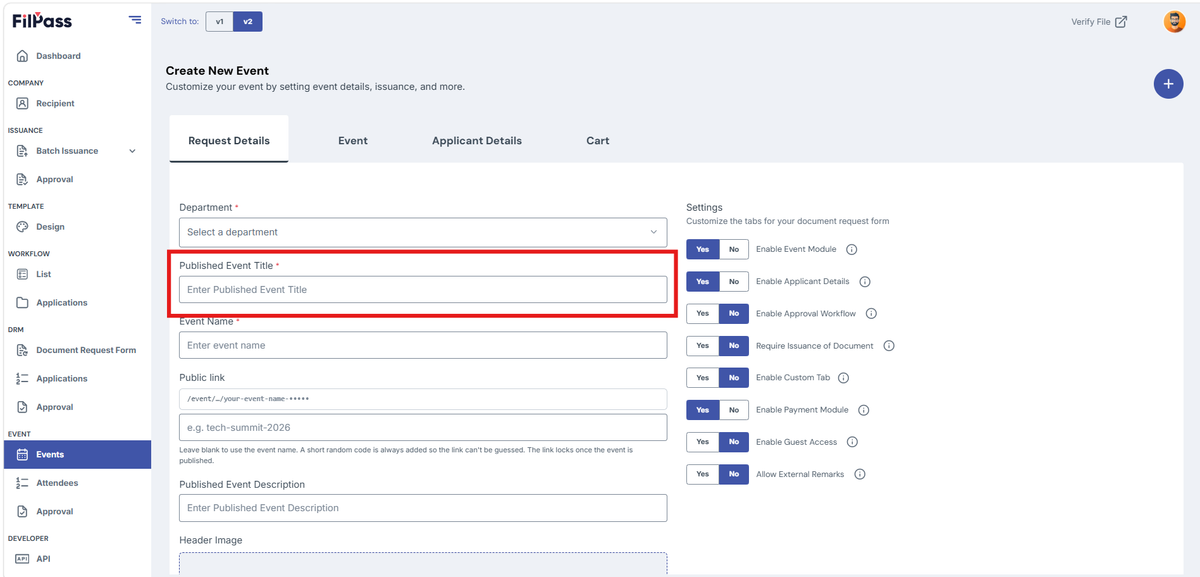
2. Published Event Title (Required)
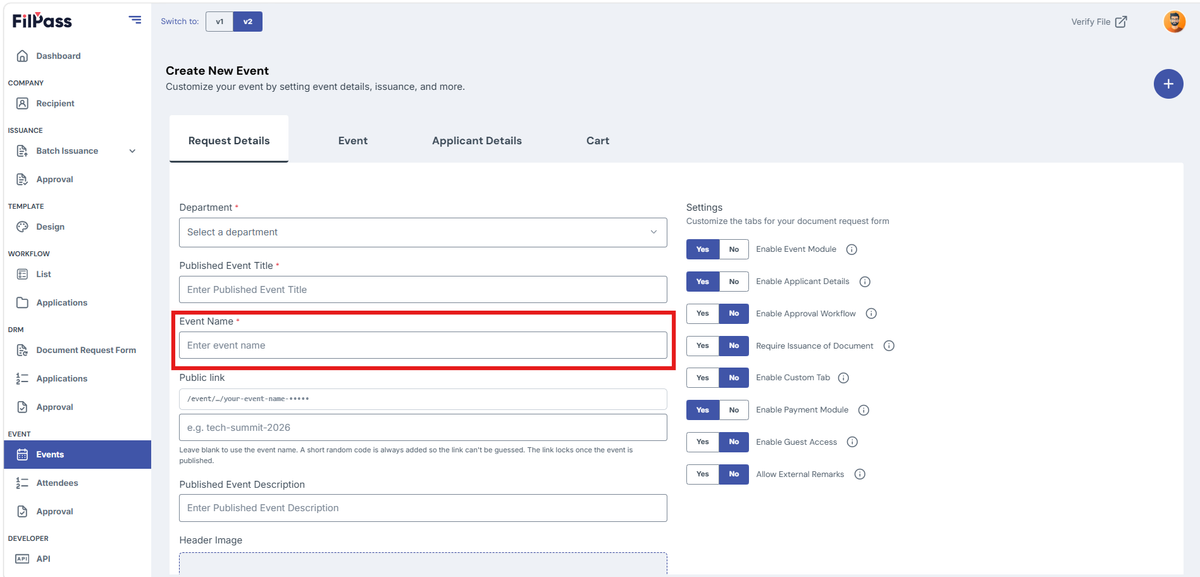
3. Event Name (Required)
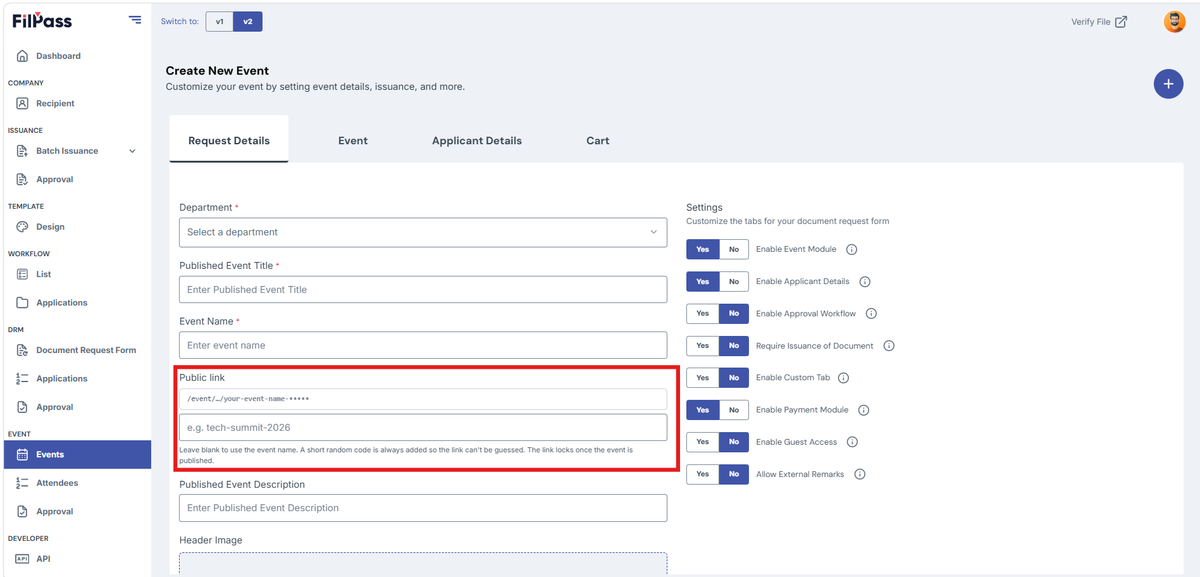
4. Public Link (Optional)
5. Published Event Description (Optional)
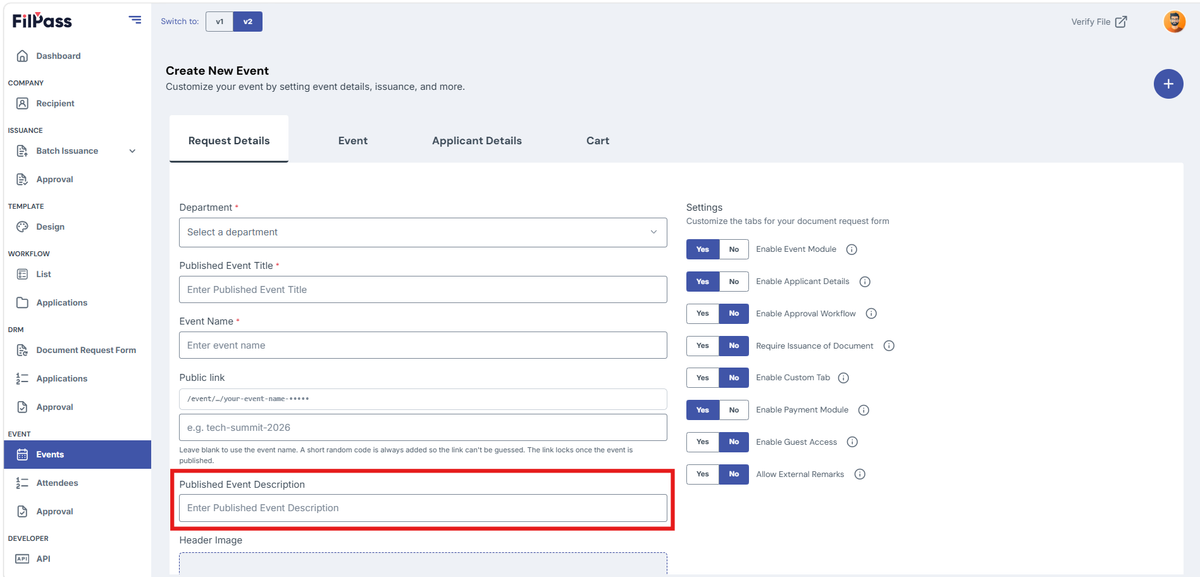
6. Header Image (Optional)
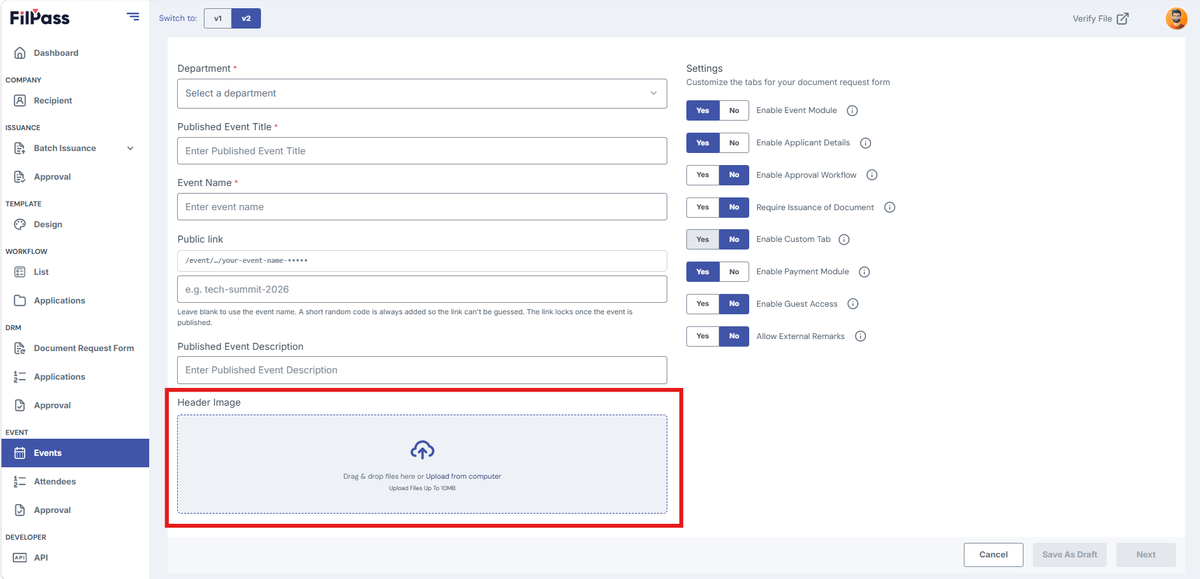
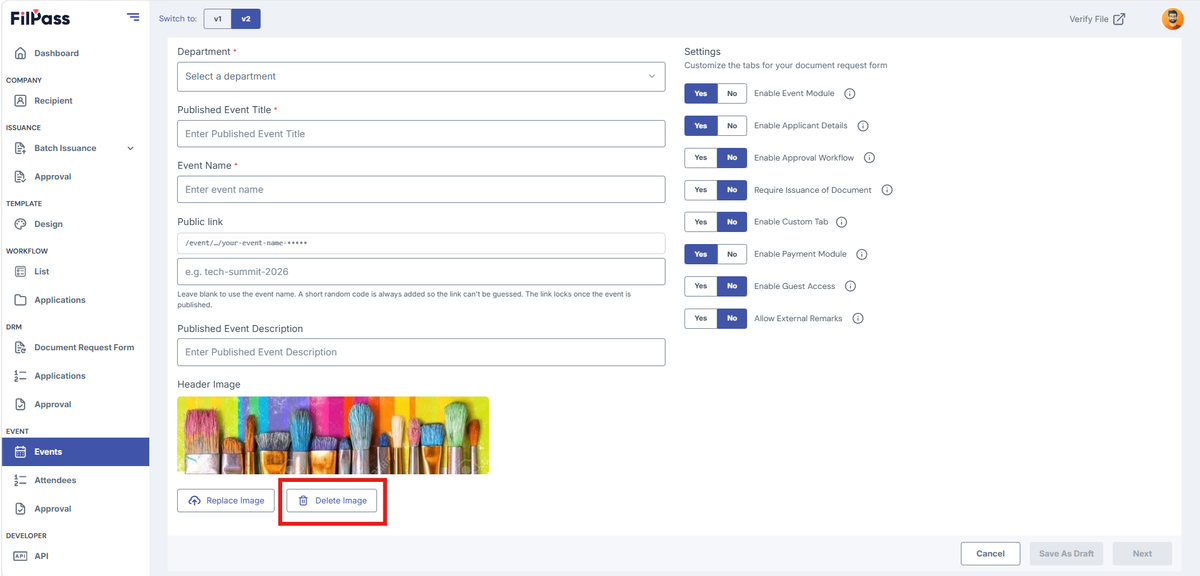
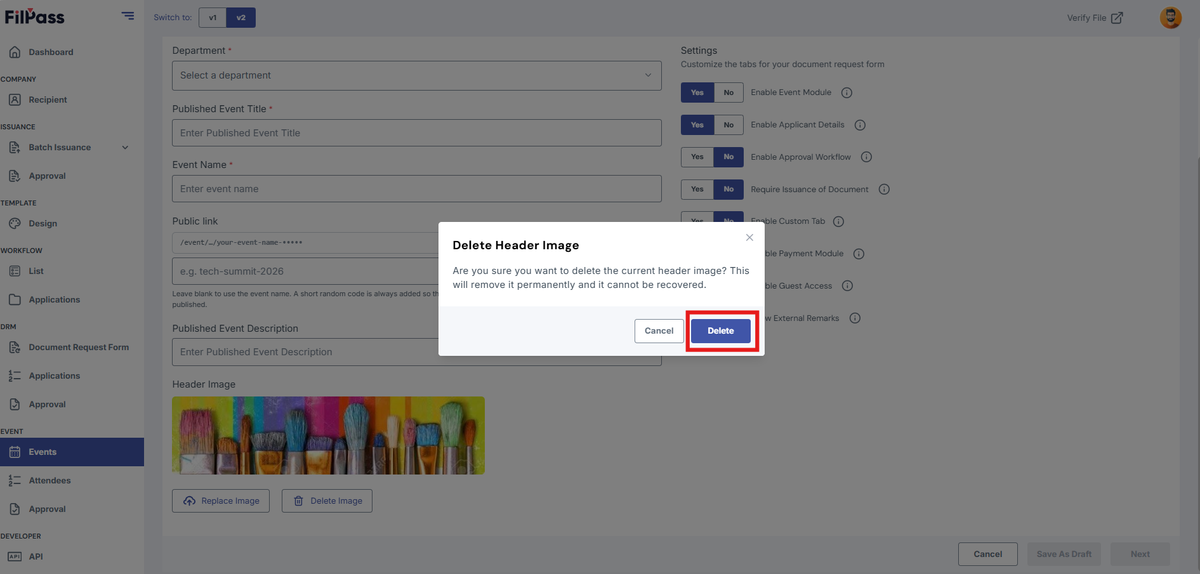
Delete Header Image
- Click Delete Image
- Confirmation modal will pop up
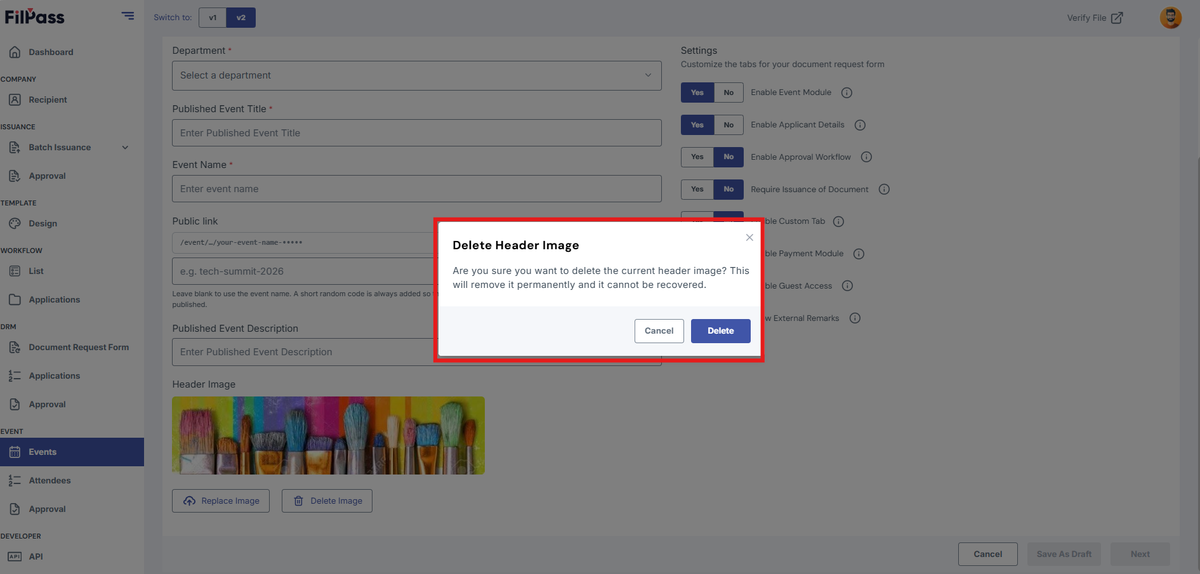
- Click Delete to confirm the header deletion
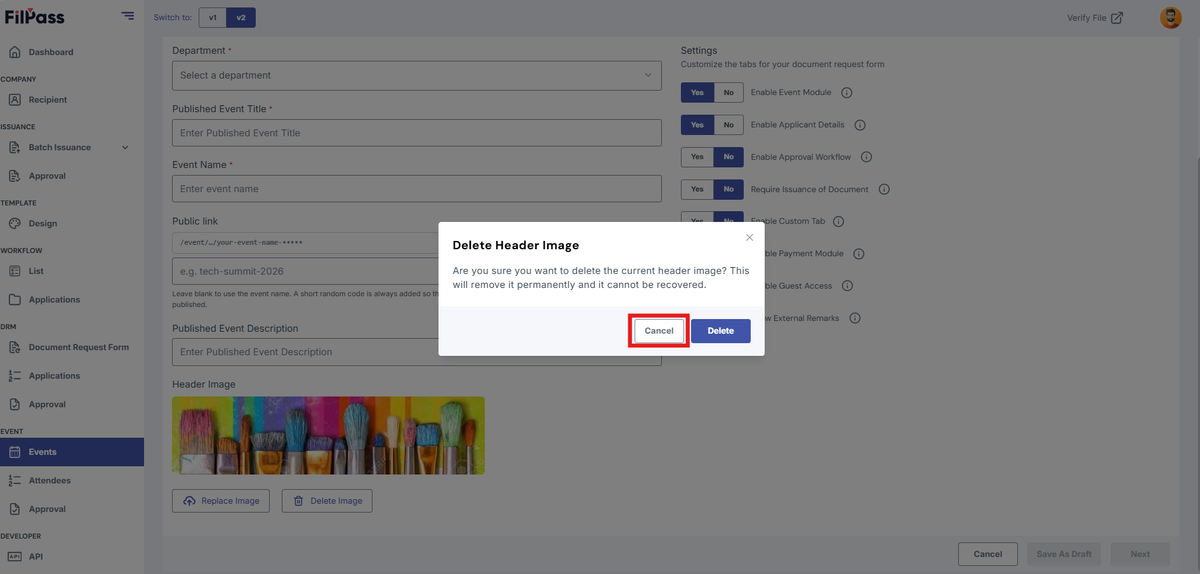
- Click Cancel if you don’t want to delete the header image
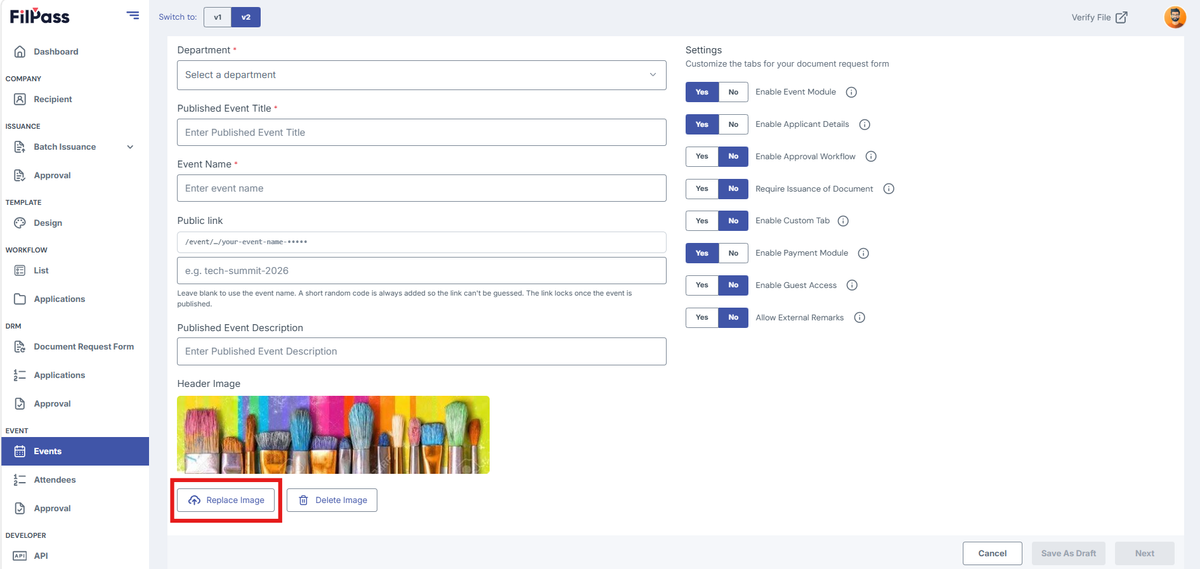
- Replace Header Image
Event Settings
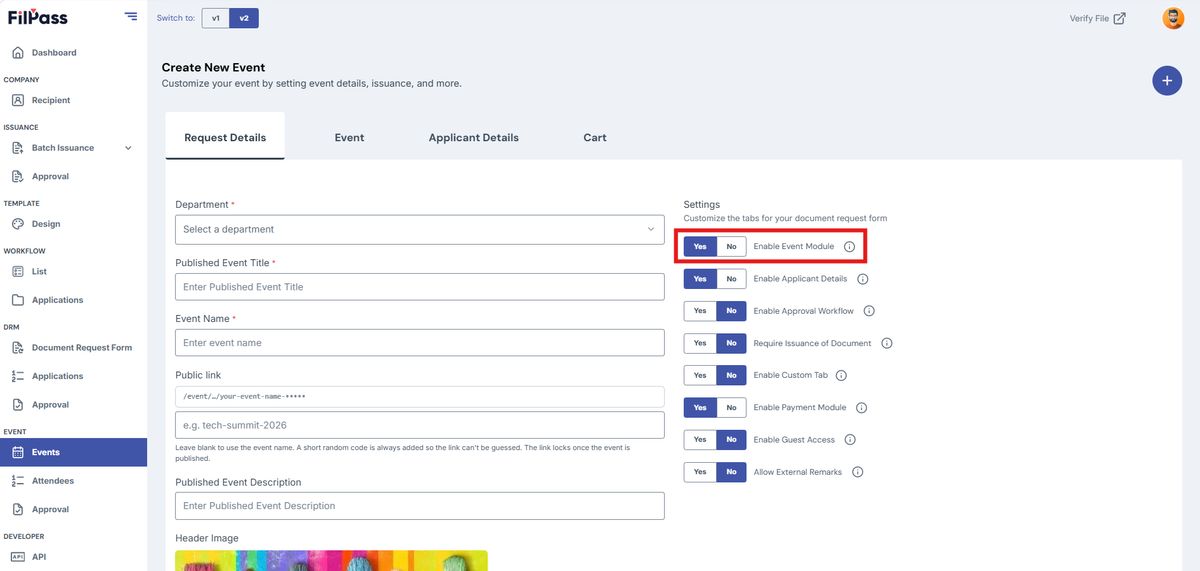
Under “Settings” there are eight (8) toggles to customize the event
A. Enable Event Module (Yes in default)
- YES – enables the public event details in the Event page
- NO – disables hide the page from attendees
B. Enable Applicant Details (Yes in default)
- YES – enables to track applicant details
- NO – disables the application form features inside the event
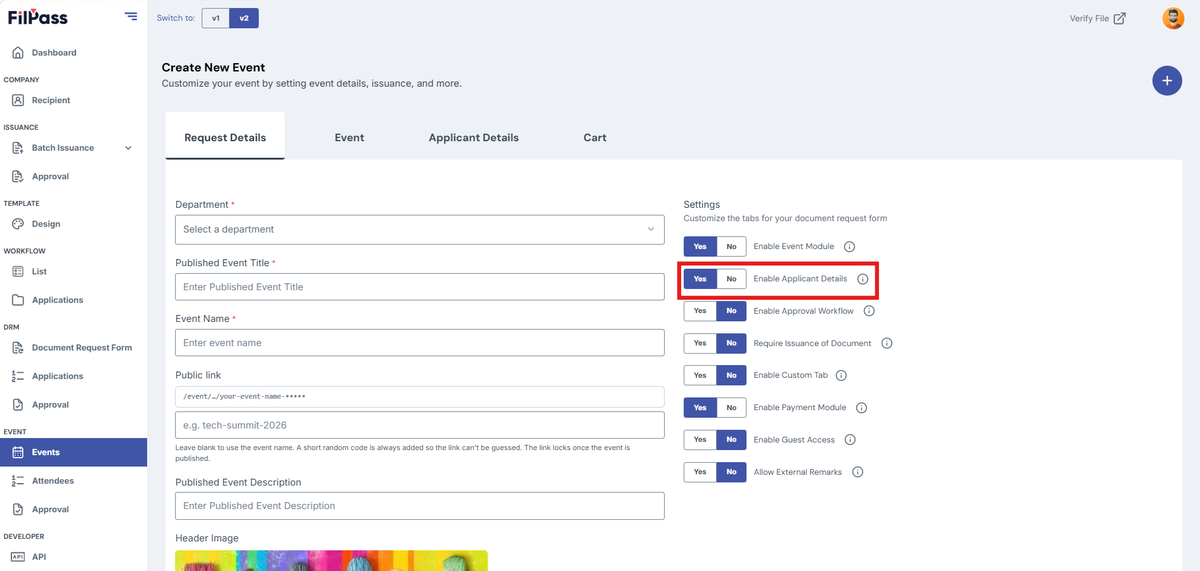
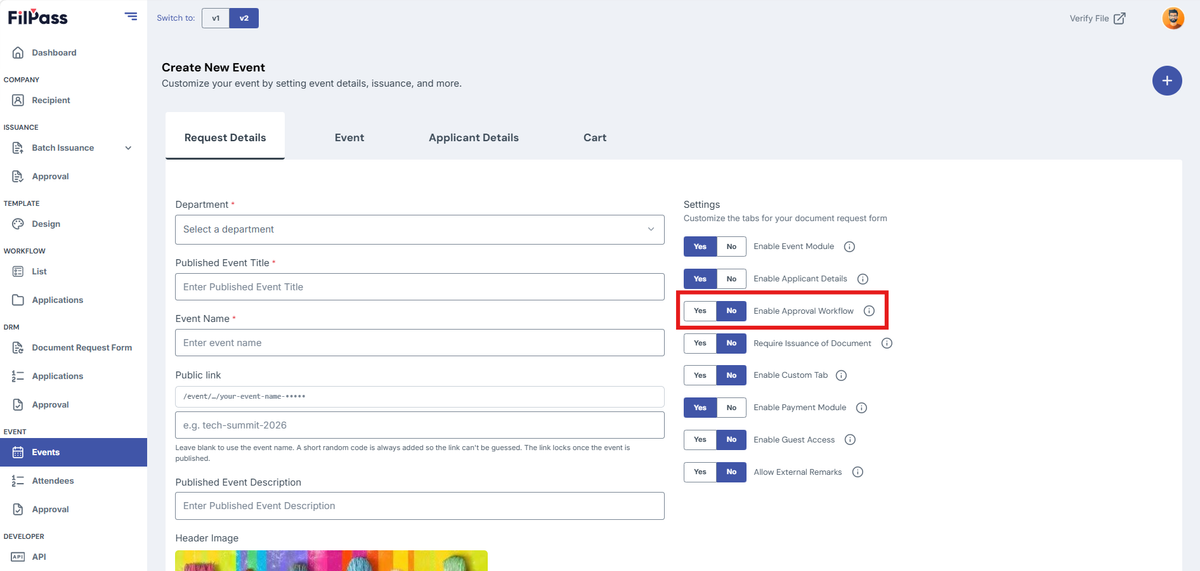
C. Enable Approval Workflow
- YES – can assign a person(s) to approve documents
- Approval workflow tab will be visible
- NO – documents will not need approval
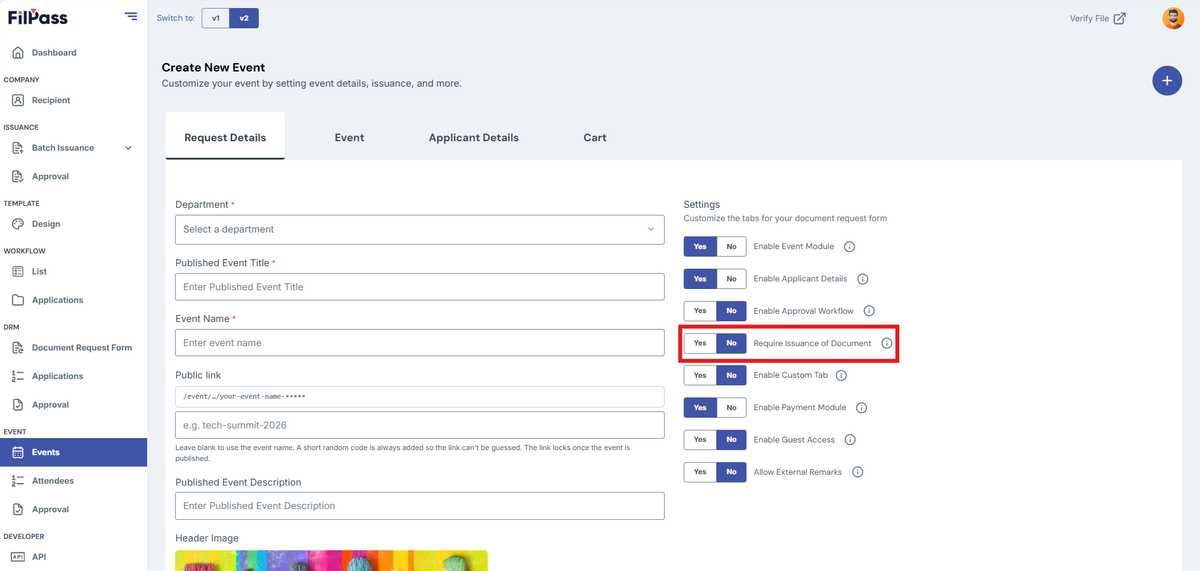
D. Enable Issuance Document
- YES – enables the Issue Document Feature inside the event
- NO – disables the Issue Document Feature inside the event
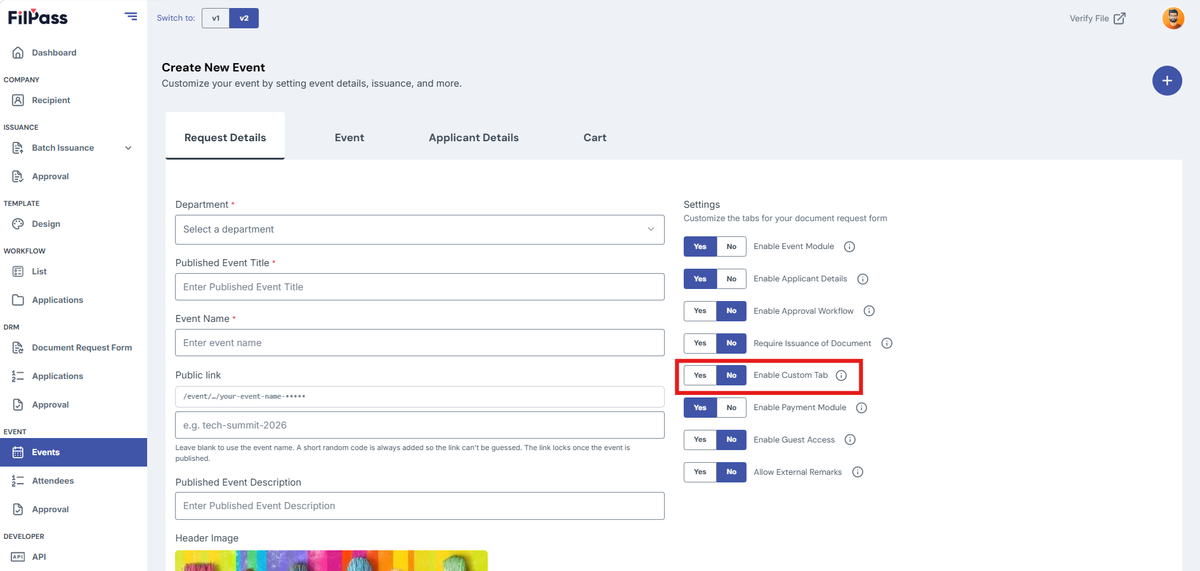
E. Enable Custom Tab
- YES – can add additional information using template fields
- NO – remove the additional information fields
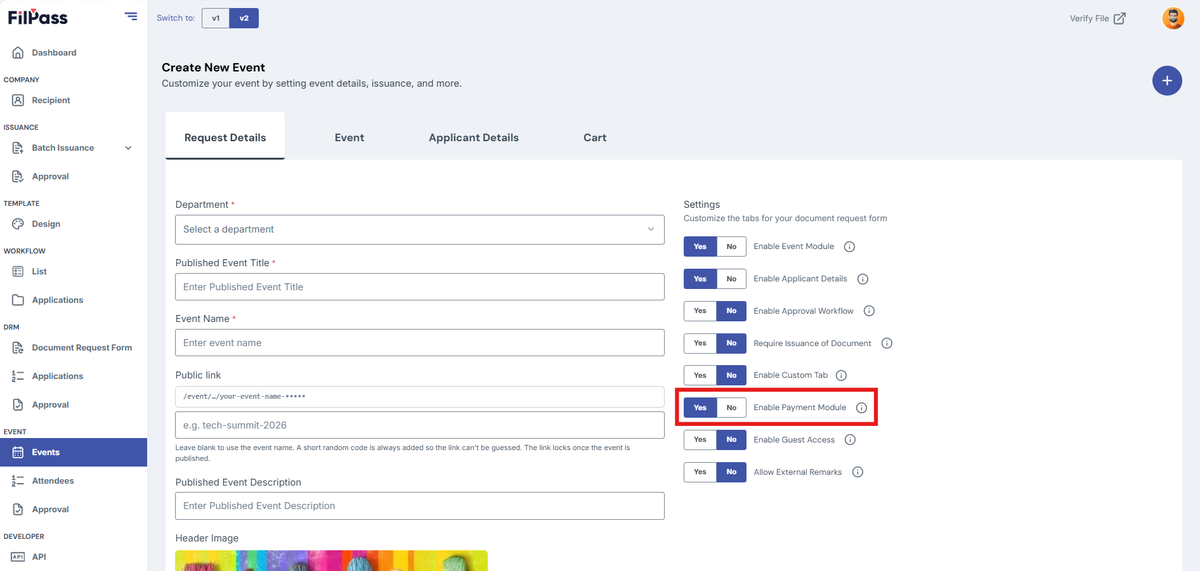
F. Enable Payment Module
- YES – will have payment gateway for the event
- NO – remove the payment gateway for the event
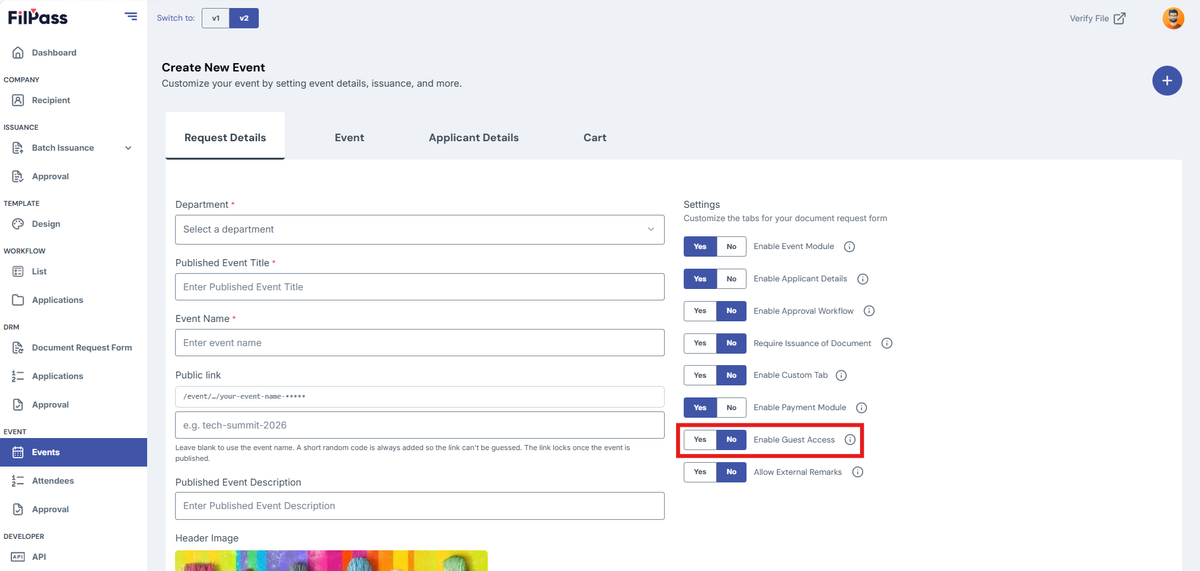
G. Enable Guest Access
- YES – Guest can access the document request
- NO – Guest cannot access the document request
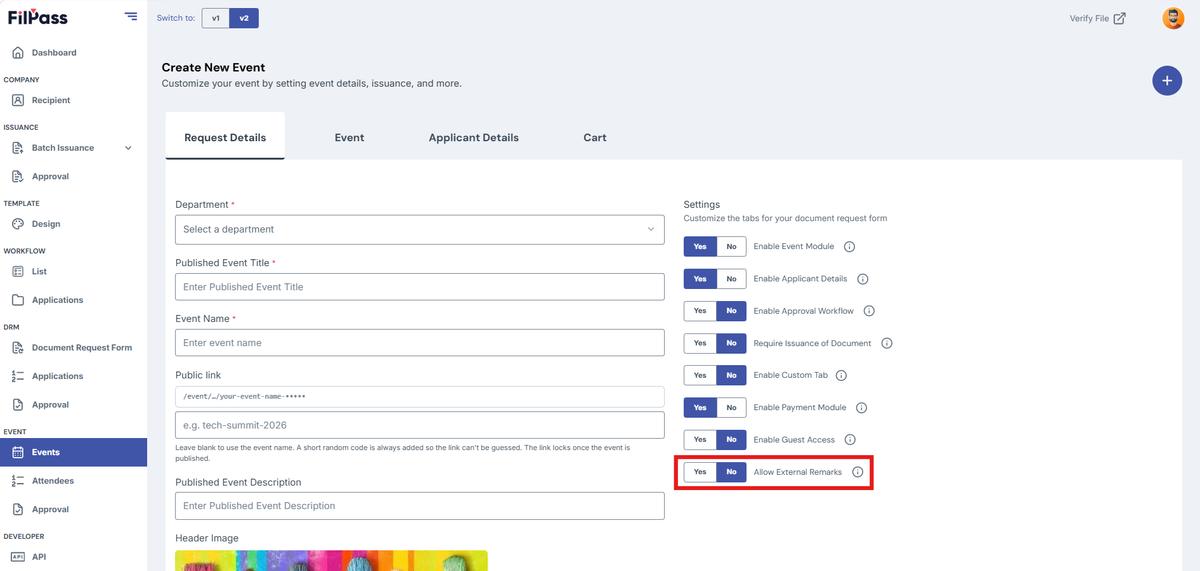
H. Enable External Remarks
- YES – Issuing Authority can leave external remarks
- NO – Issuing Authority cannot leave external remarks
Was this helpful?