

How to View Recipient Profile?
1. View Action
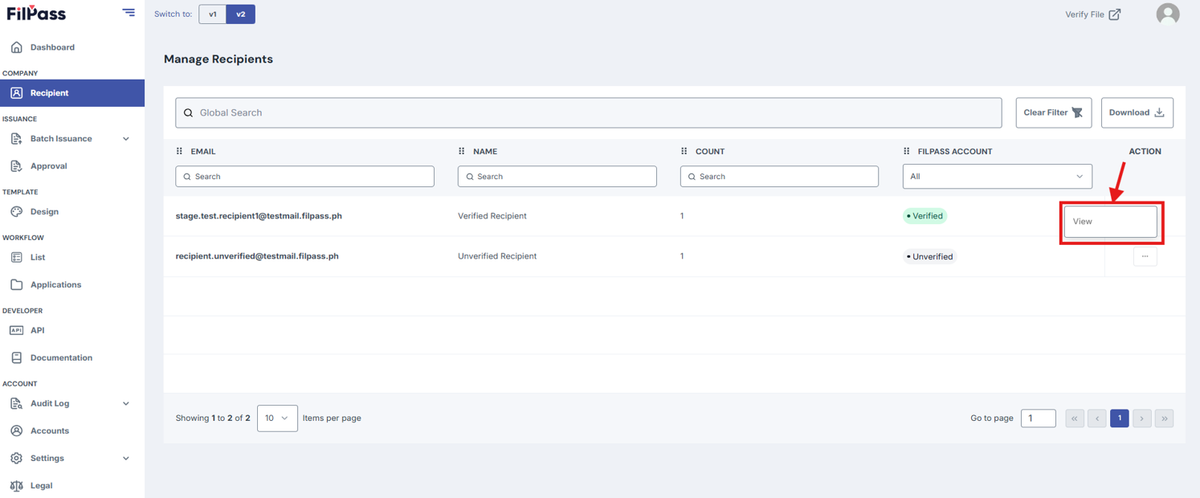
- Click on the action button of the user you want to view and press View.
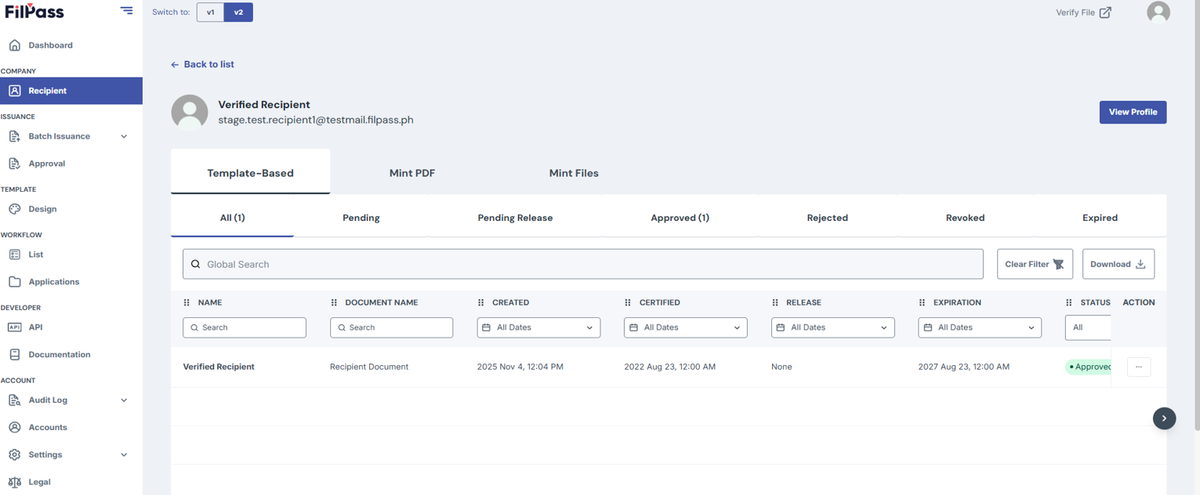
- You can now view all issuances separated by their Issuance Type assigned to that recipient. You can download or resend the email if the document is Approved and Pending-Release.
2. View Profile
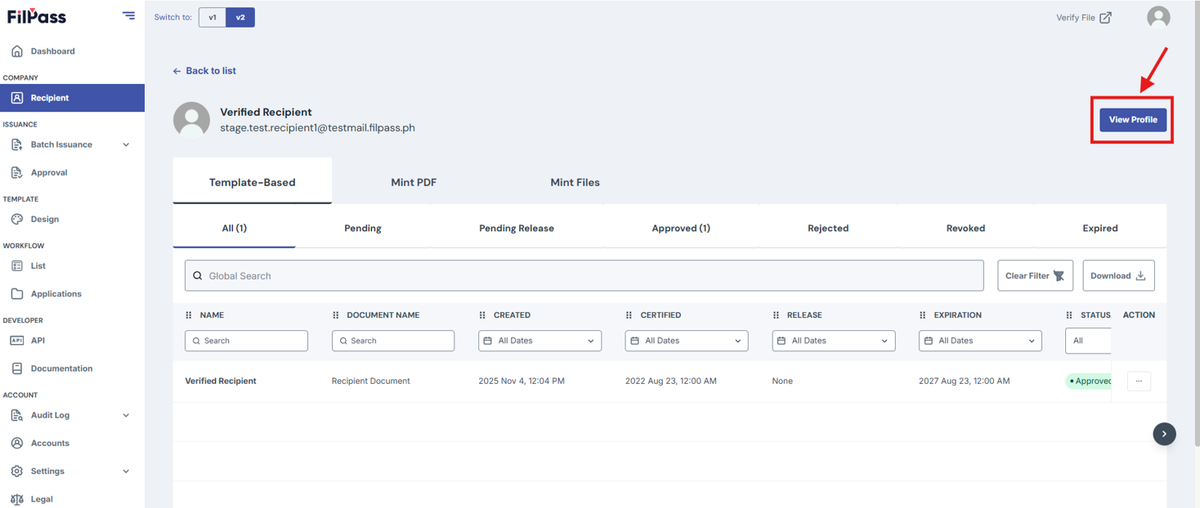
- Users who have recipient accounts are referred to as Verified Recipients.
- Only Verified Recipients have the View Profile Button available.
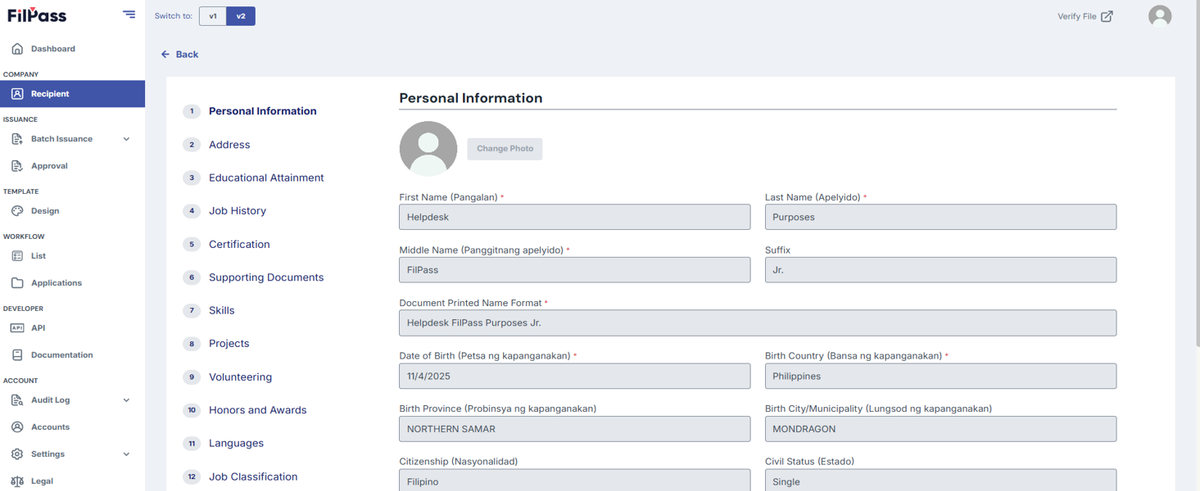
- You can now view the Profile of the Recipient Account.
Was this helpful?