

How to Update Your Public Card
Step 1: Make and save your edits
Edit a published card. Your changes save to the draft — the live card doesn't change yet. The card shows Unsaved changes.
Step 2: Update the public card
Click Update public card (dashboard or editor). Your latest draft becomes the live version.
Note: If you removed a required field (like email) from the draft, the update is blocked and dBizCard tells you which field to restore — so an incomplete card is never pushed live.
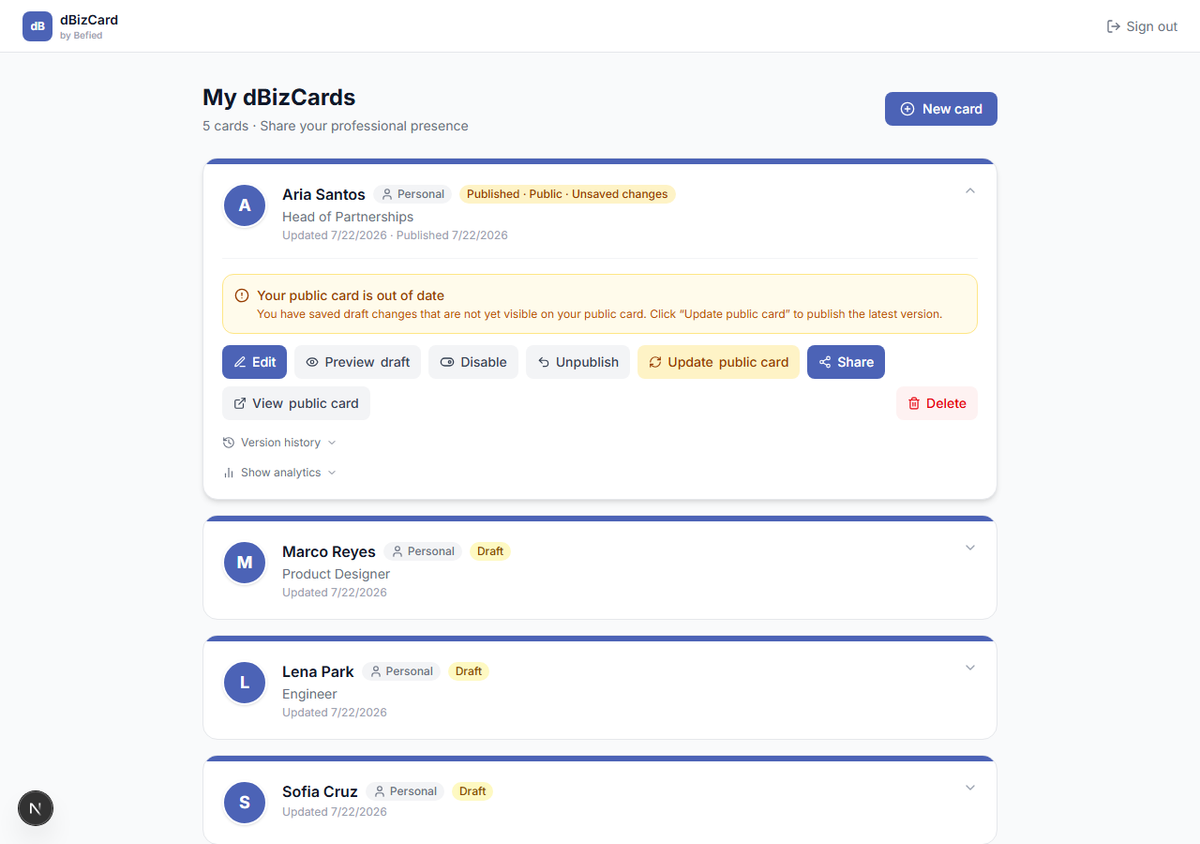
Result: Visitors now see your latest changes.
Was this helpful?