

How to Delete a Card
Step 1: Delete the card
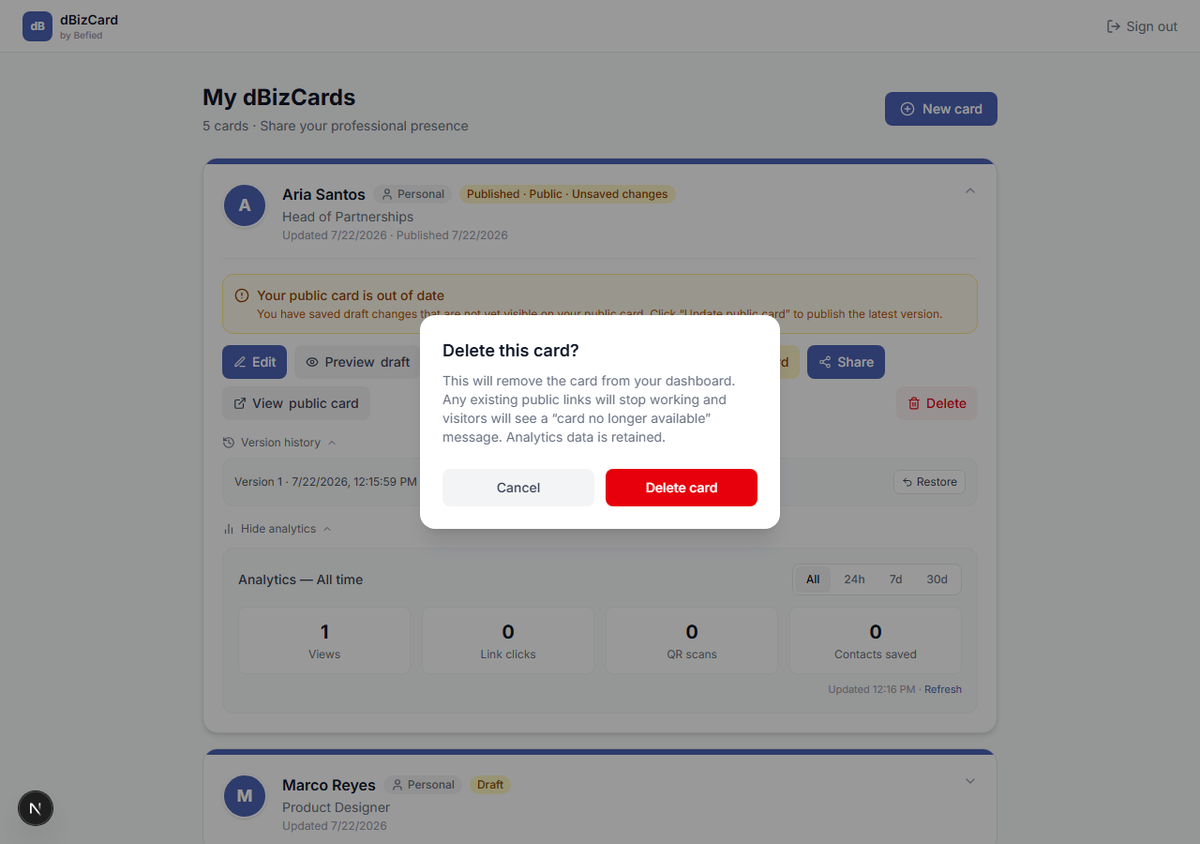
Expand the card on your dashboard and click Delete.
Step 2: Confirm
Read the warning and click Delete card.
Warning: Deleting removes the card from your dashboard and stops any existing public links from working — visitors see "card no longer available." Analytics data is retained. This can't be undone from the app.
Result: The card is removed from your dashboard.
Was this helpful?