

How to Preview Your Card
Step 1: Open Preview
From the editor's bottom bar or the card's actions on the dashboard, click Preview.
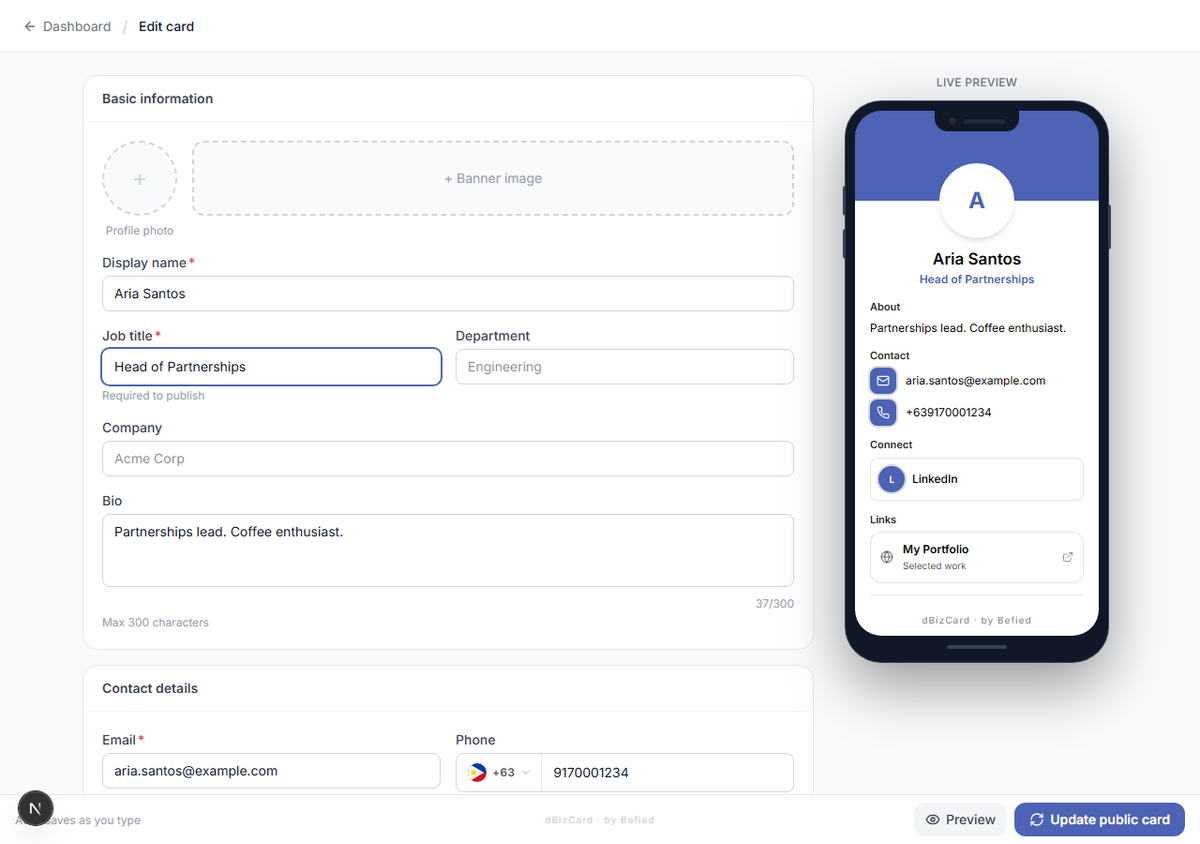
Step 2: Switch between mobile and desktop
Use the mobile / desktop toggle to see how visitors will experience your card on each device.
Note: Preview shows your latest draft — including changes you haven't published yet.
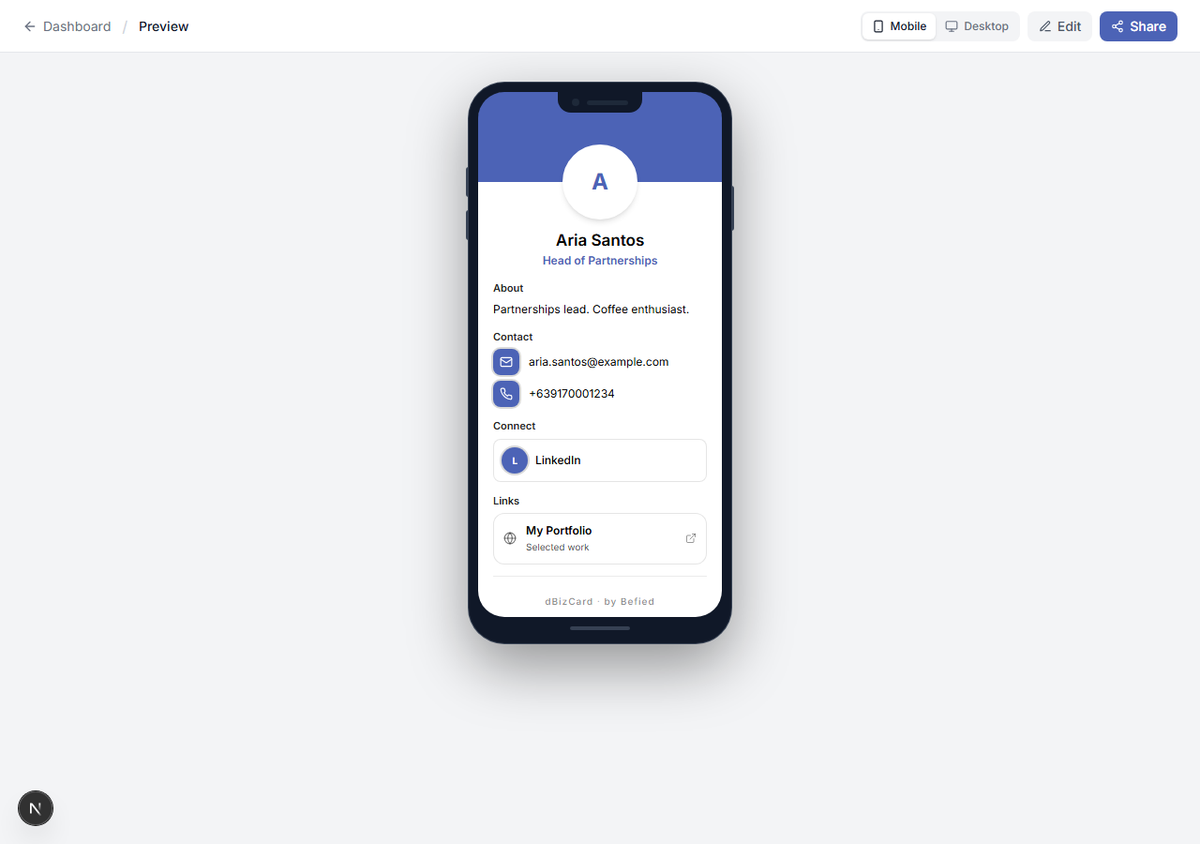
Result: You can confirm your card looks right before sharing it.
Was this helpful?