

How to Edit a Template
- Log in to the FilPass System using your Issuing Authority (IA) account.
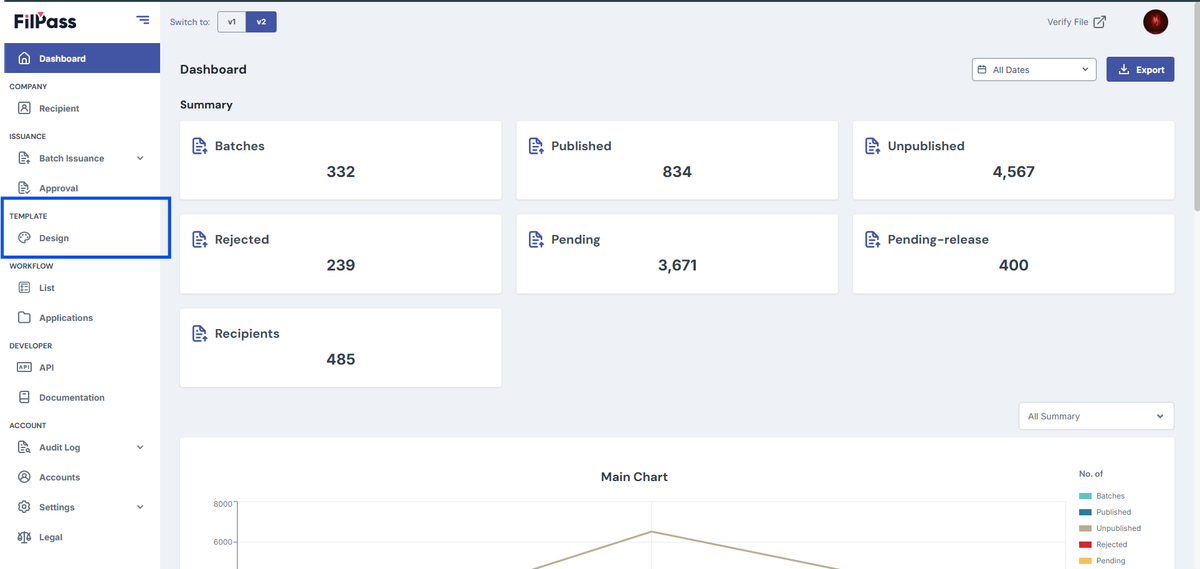
- From the left sidebar, click Design under the Template section.
- Note: The Template Design module will open in a new browser tab.
3. Locate the template you want to edit from the list.
4. Click the template to open its options.
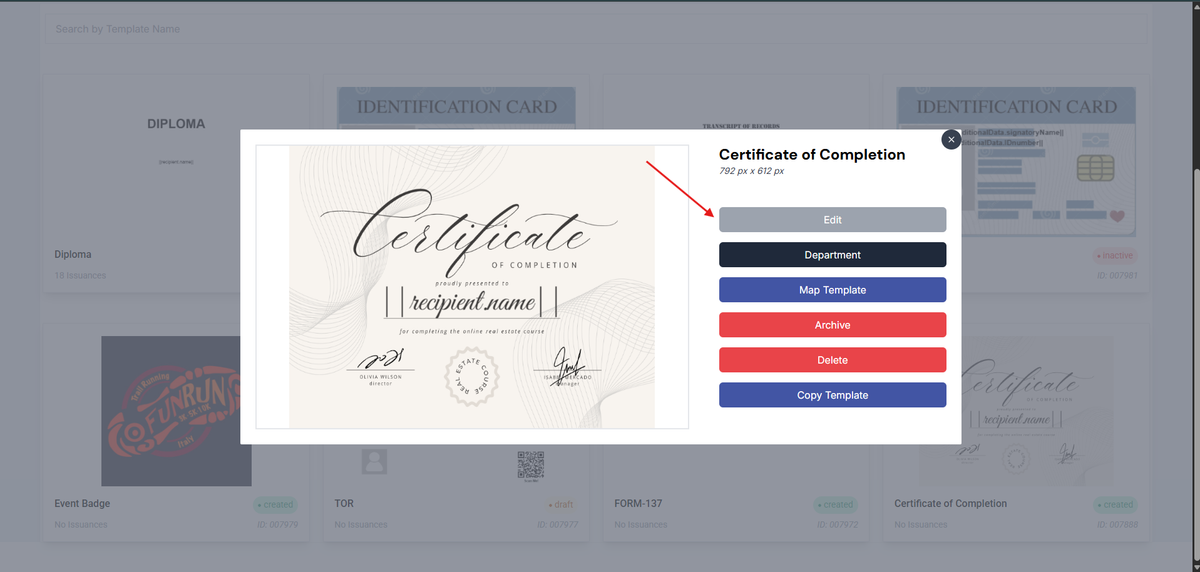
5. Select Edit.
6. Update the layout, fields, or content as needed.
7. Review all changes to ensure accuracy.
8. Click Save to apply the updates.
Notes:
- Only templates with a Draft status can be edited.
- Templates with Created or In-use status cannot be modified.
Was this helpful?