

How to Delete a Template
- Log in to the FilPass System using your Issuing Authority (IA) account.
- From the left sidebar, click Design under the Template section.
- Note: The Template Design module will open in a new browser tab.
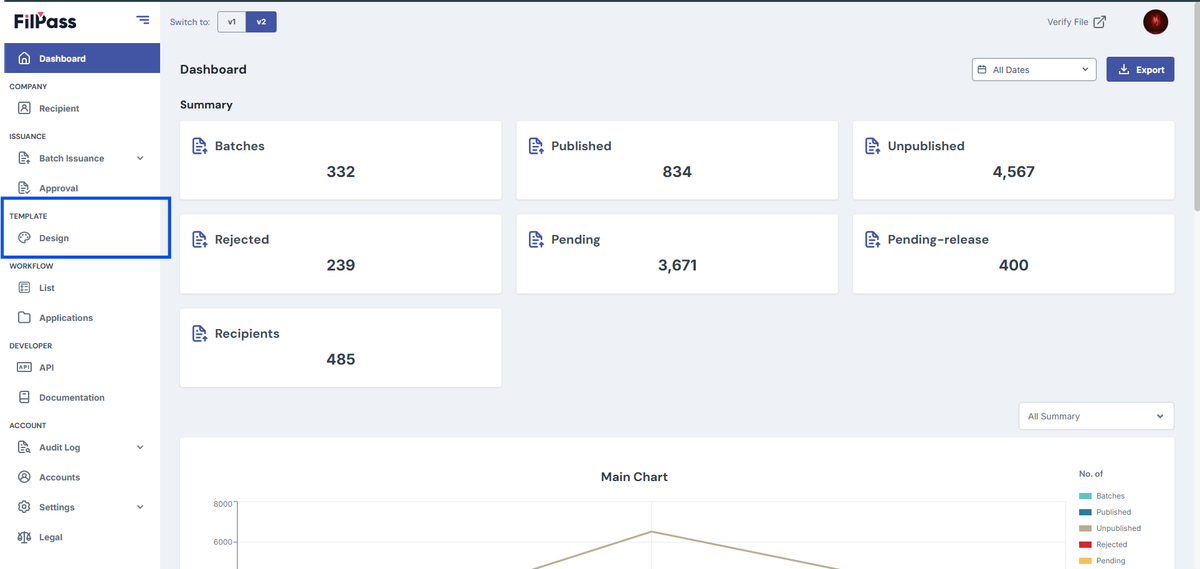
3. Locate the template you want to delete from the list.
4. Click the template to open its options.
5. Select Delete.
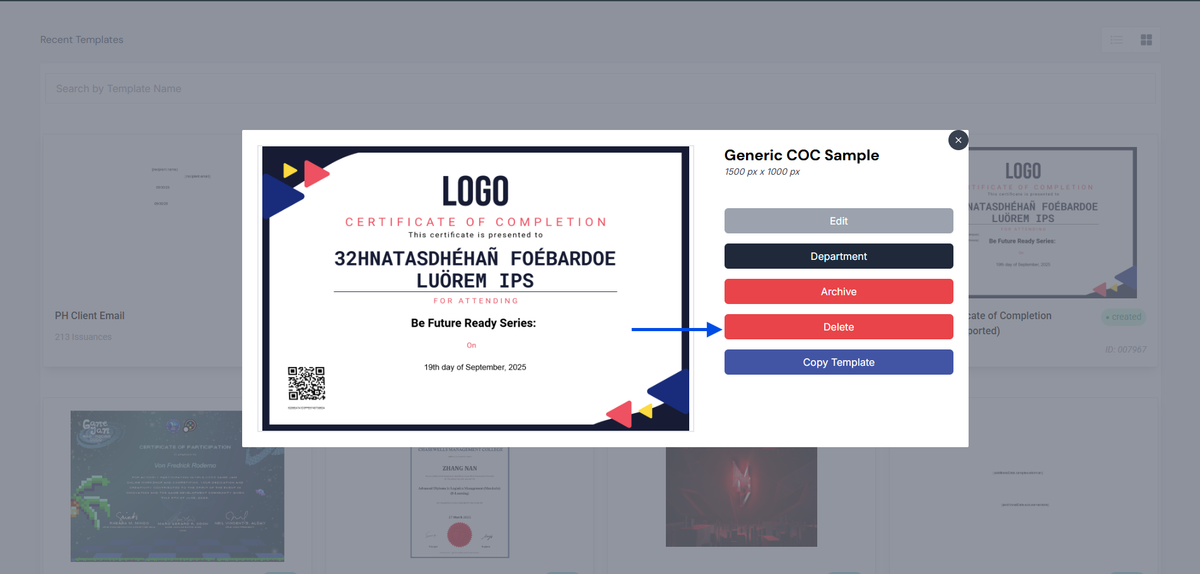
6. A notification will appear in the upper-right corner indicating whether the action was successful or not.
Notes:
- Only templates with a Draft status can be deleted.
- Templates with Created or In-use status cannot be deleted.
- Deleted templates cannot be recovered.
Was this helpful?