

How do I change my password?
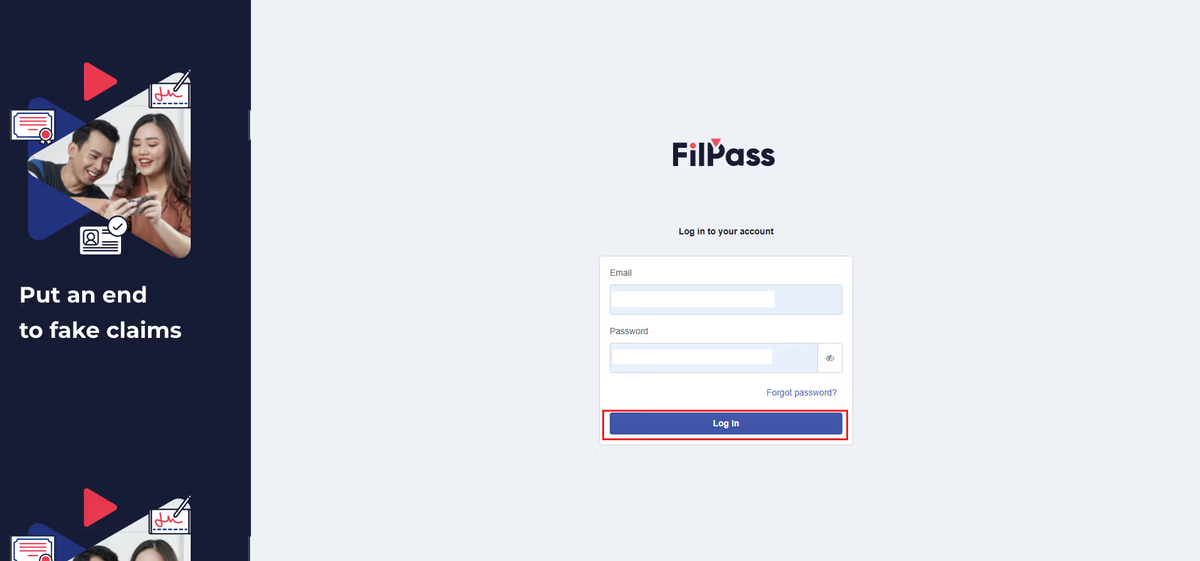
1. Log into your account
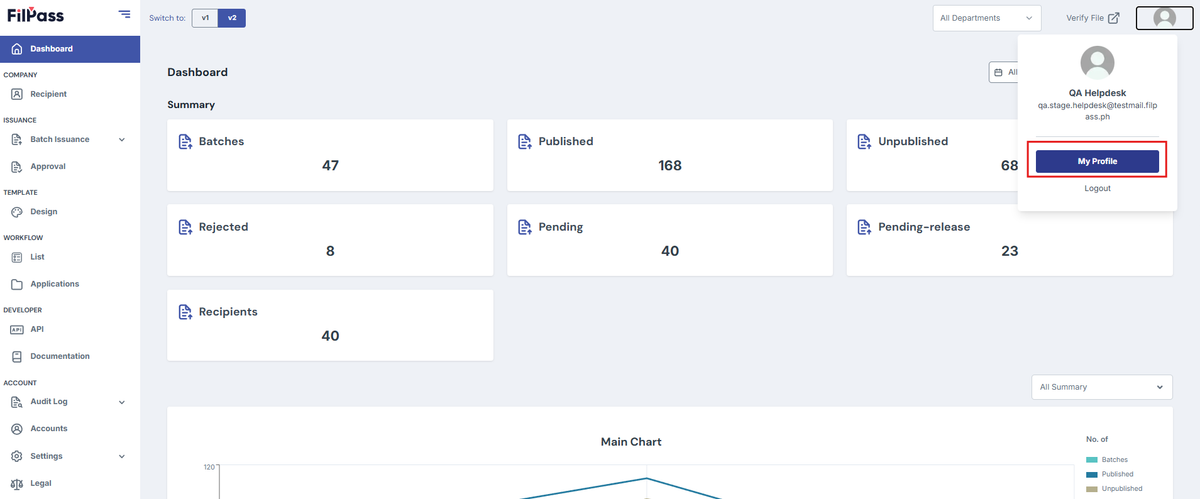
2. Click on your profile on the upper right then press "My Profile".
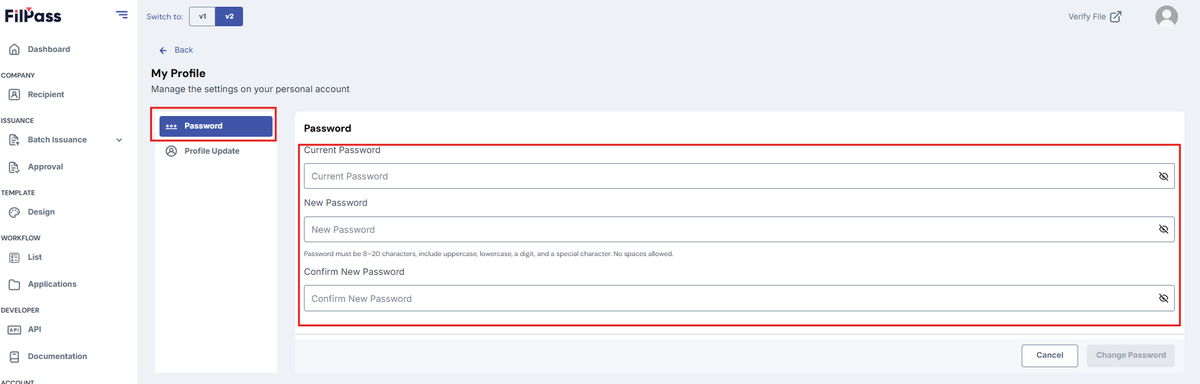
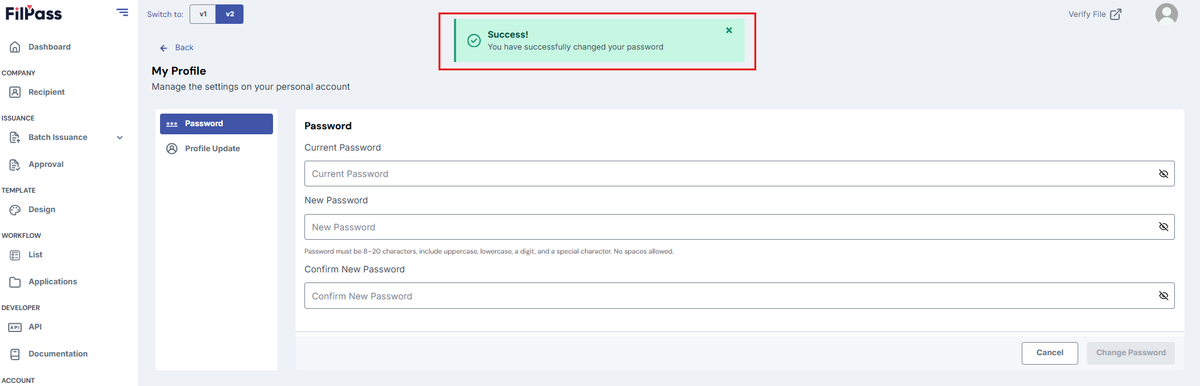
3. Under “Password”, input the new password. Input and confirm the new password
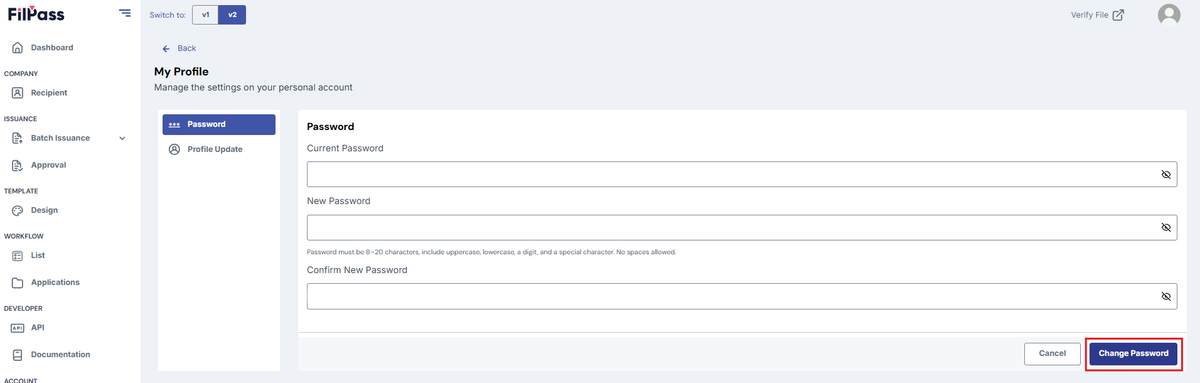
4. Click “Change Password” button
5. Pop up message will be displayed once the password is changed successfully.
Was this helpful?