

Event Invoice and Receipt Download
This section explains the Actions you can view and download invoices and receipts in the event module.
Download Event Invoice and Receipt:
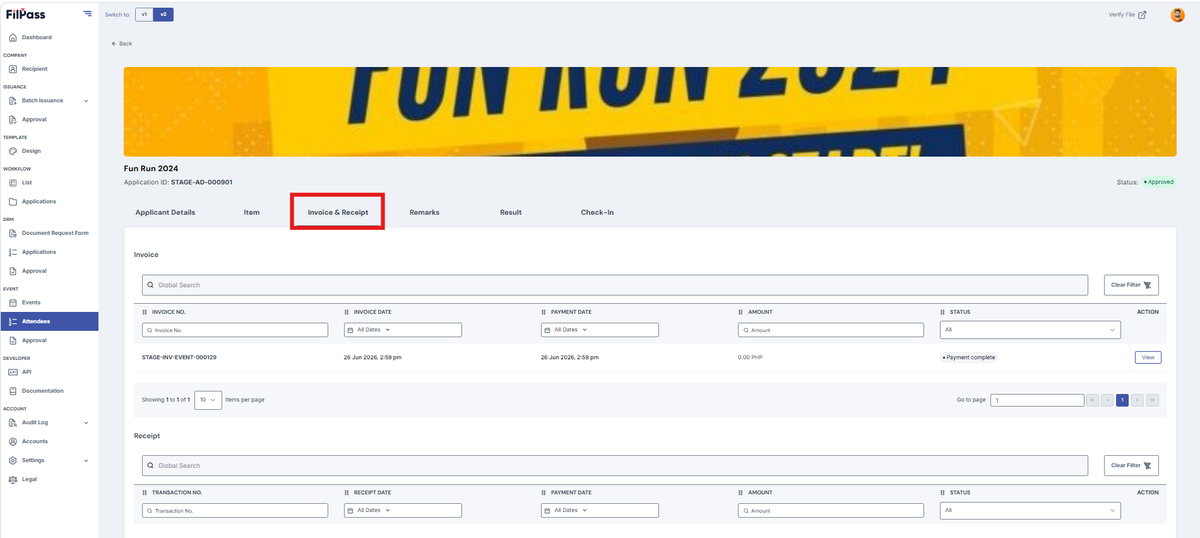
- Navigate to the “Invoice and Receipt”.
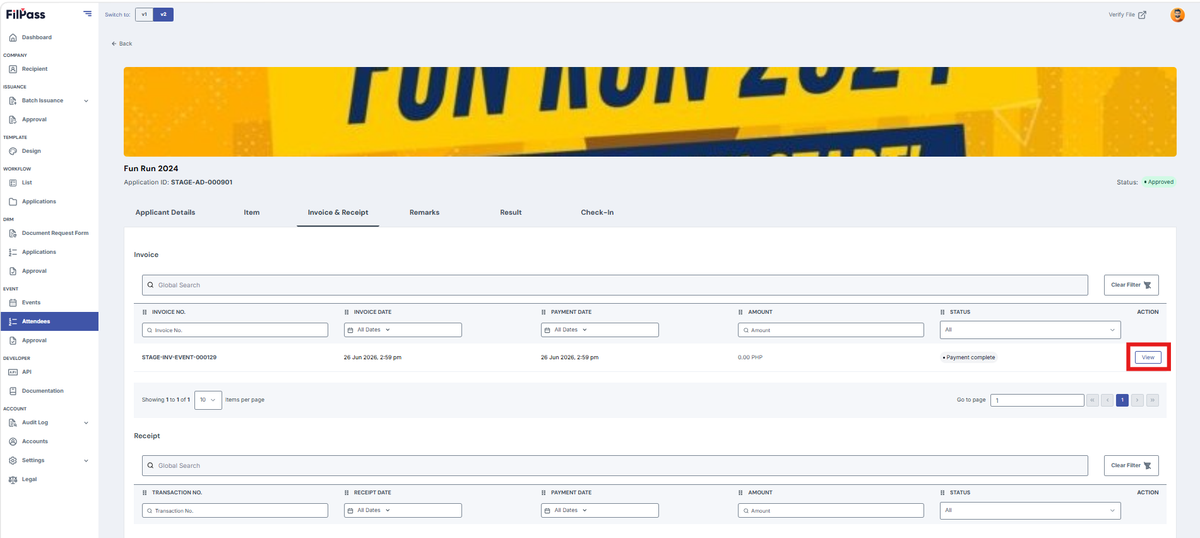
2. Open the invoice via the “View” button.
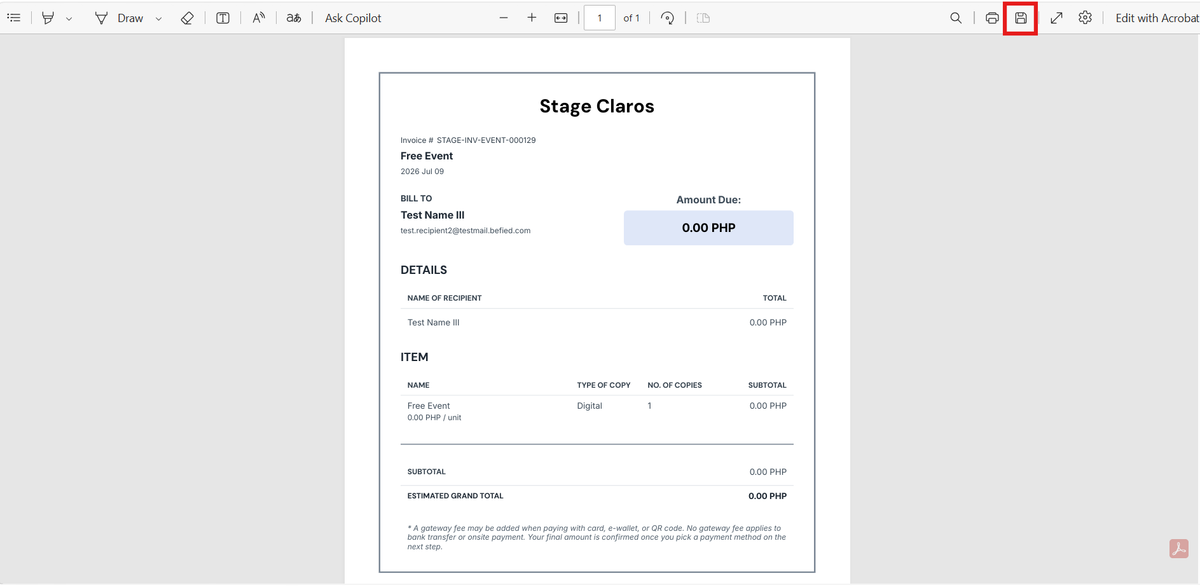
3. Click the “save” button or ‘CTRL +S ’ to download.
Was this helpful?