

How to Publish Workflow?
Once you’ve created your workflow, added the necessary fields, and saved it, you can publish the workflow. Publishing generates a shareable link and QR code that users can use to access and complete the form.
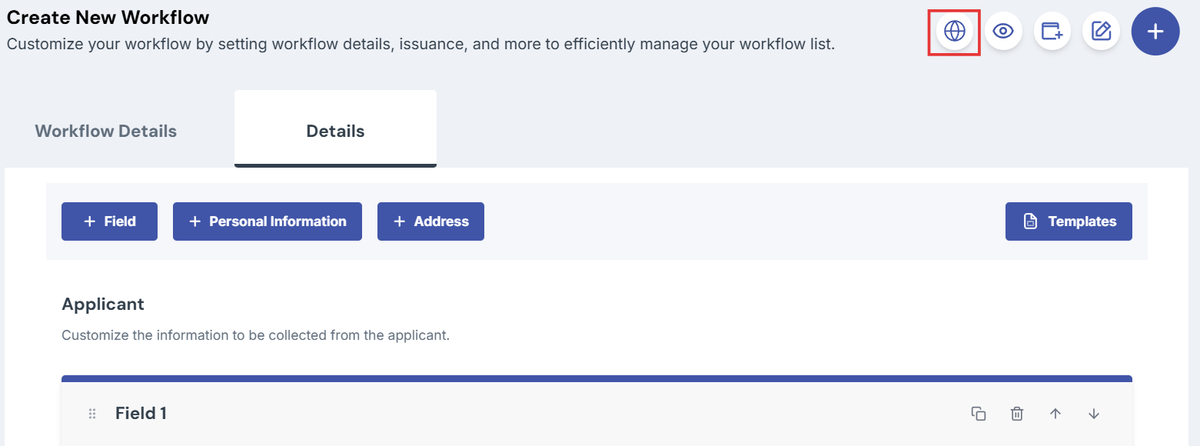
- Click the globe icon (tooltip: Make Public).
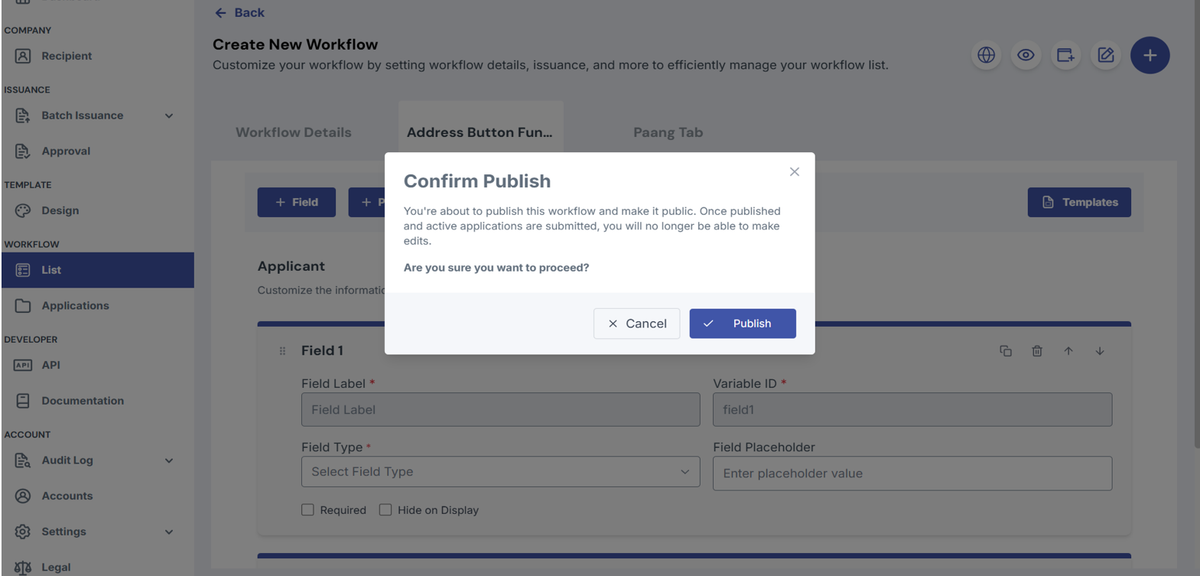
- Confirm the prompt to publish.
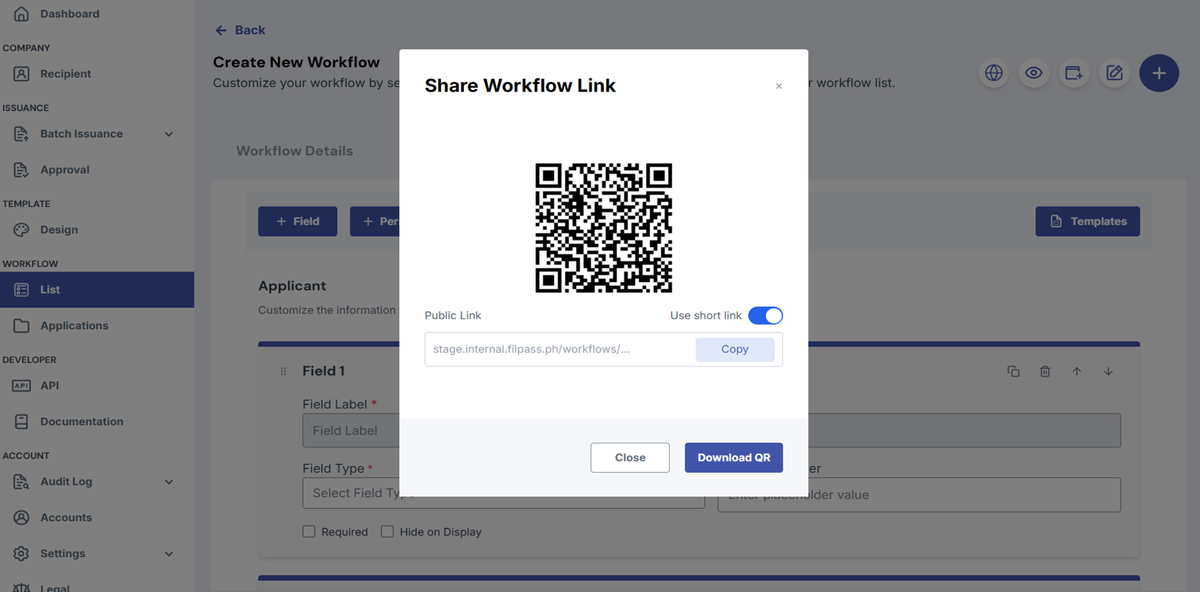
- You’ll receive a shareable link and a QR code.
- Copy the link or download/scan the QR to share with users.
Was this helpful?