

How to Rename a Custom Tab
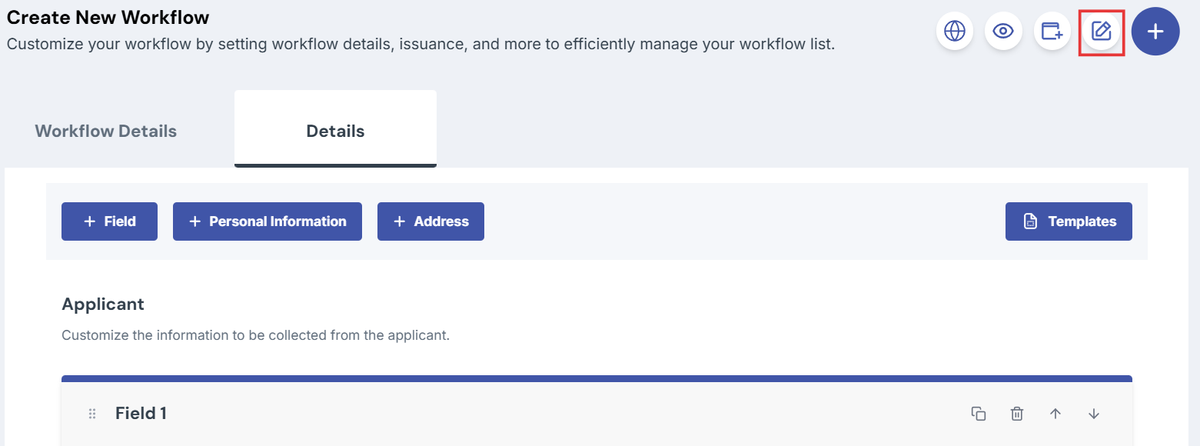
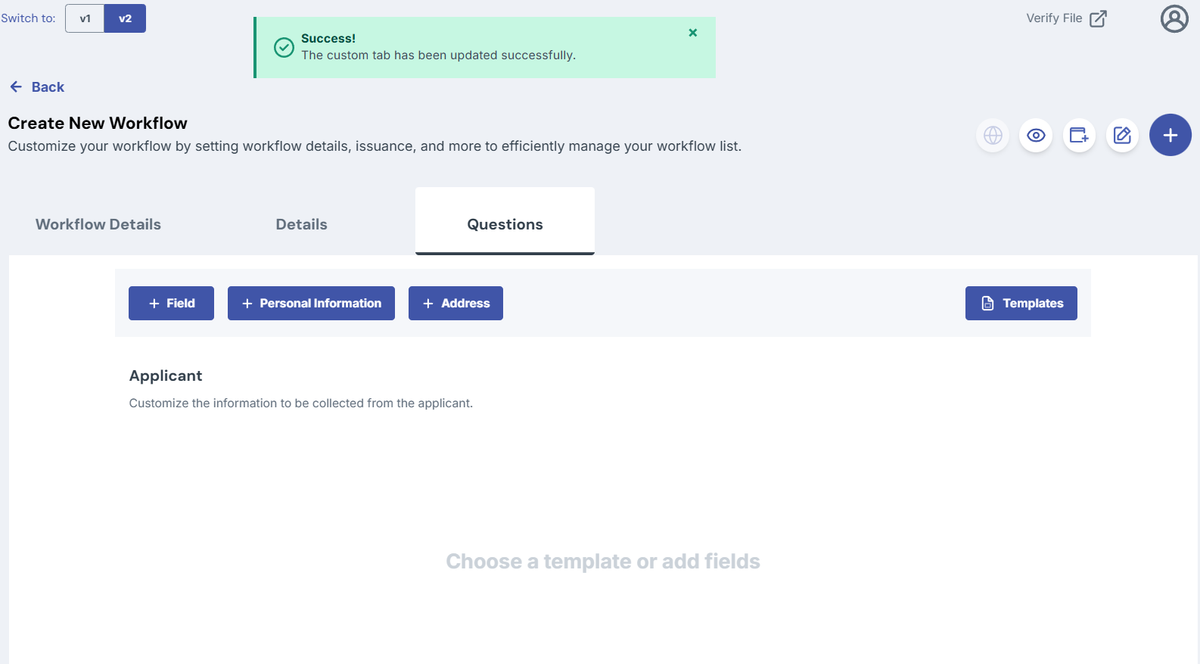
- In the upper right corner, click the Edit Tab icon
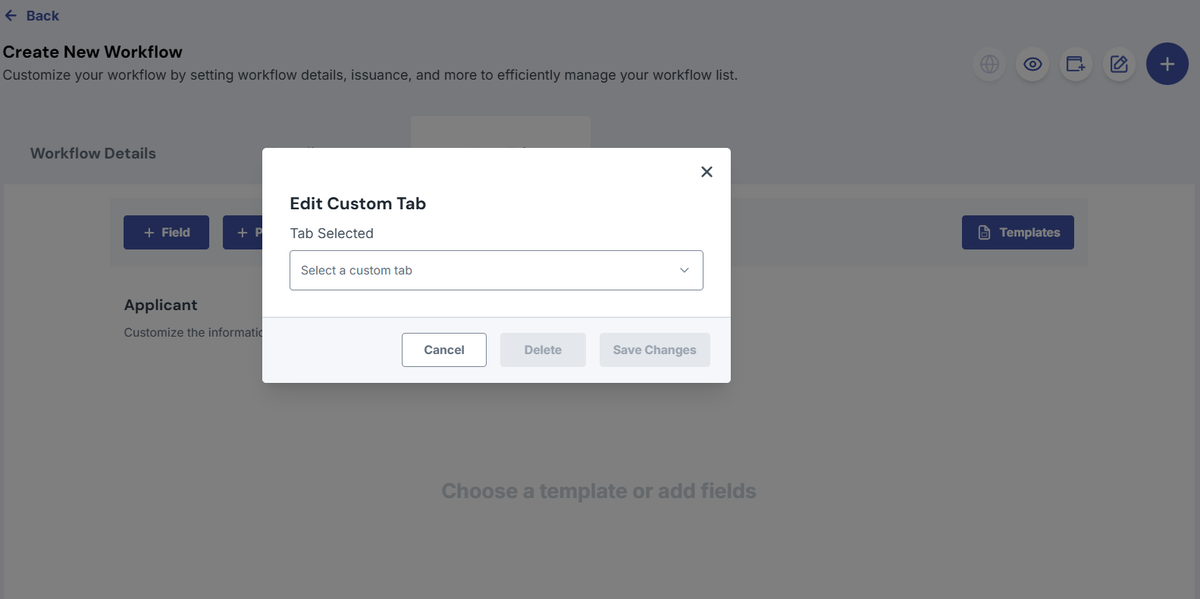
- The Edit Custom Tab modal will appear
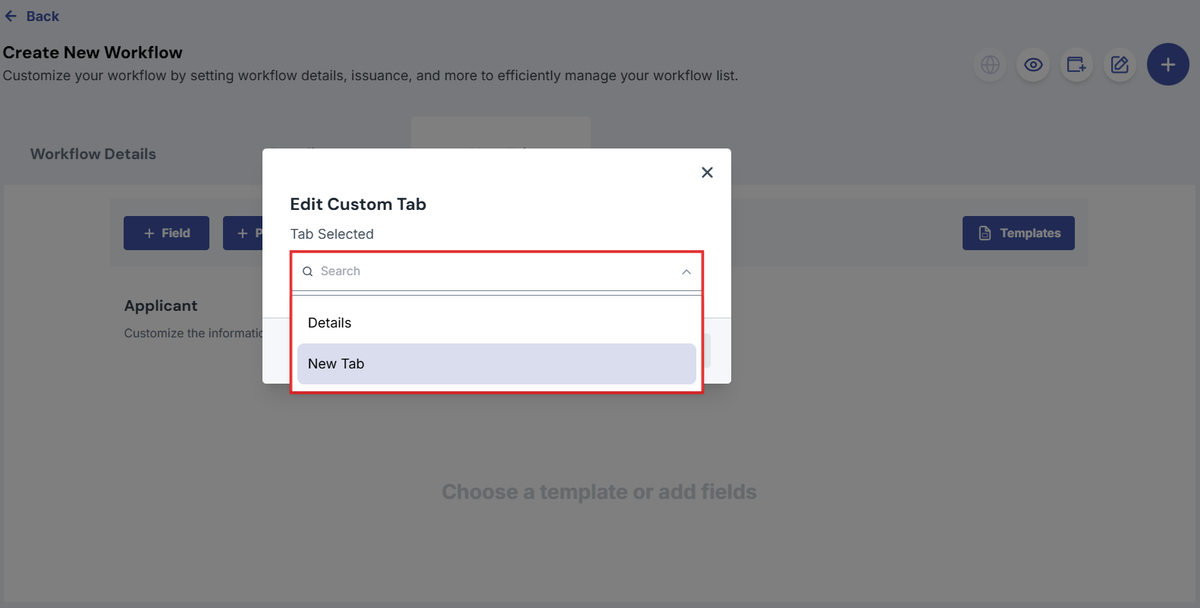
- From the dropdown, select the Custom Tab that you want to rename.
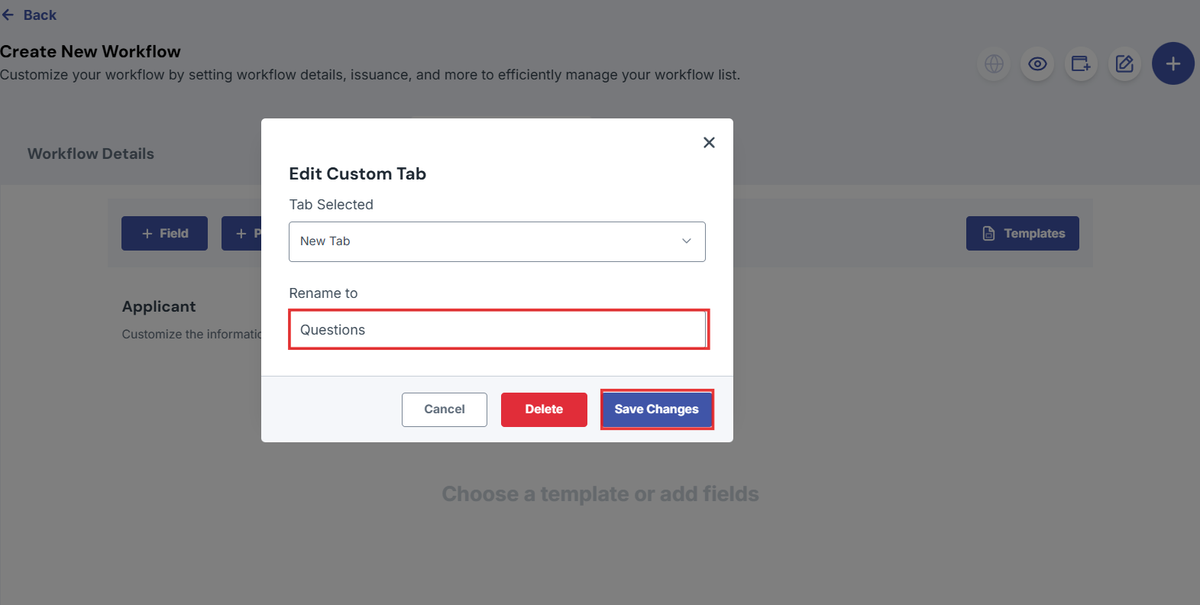
- In the Rename To field, enter the new name of the custom tab.
- Click Save Changes.
- You have now successfully renamed your custom tab.
Was this helpful?