

Overview of Attendees Table
This is where the Issuing Authority can see who registered at the events.
Attendees refer to the answers submitted by the recipients / users to your event form.
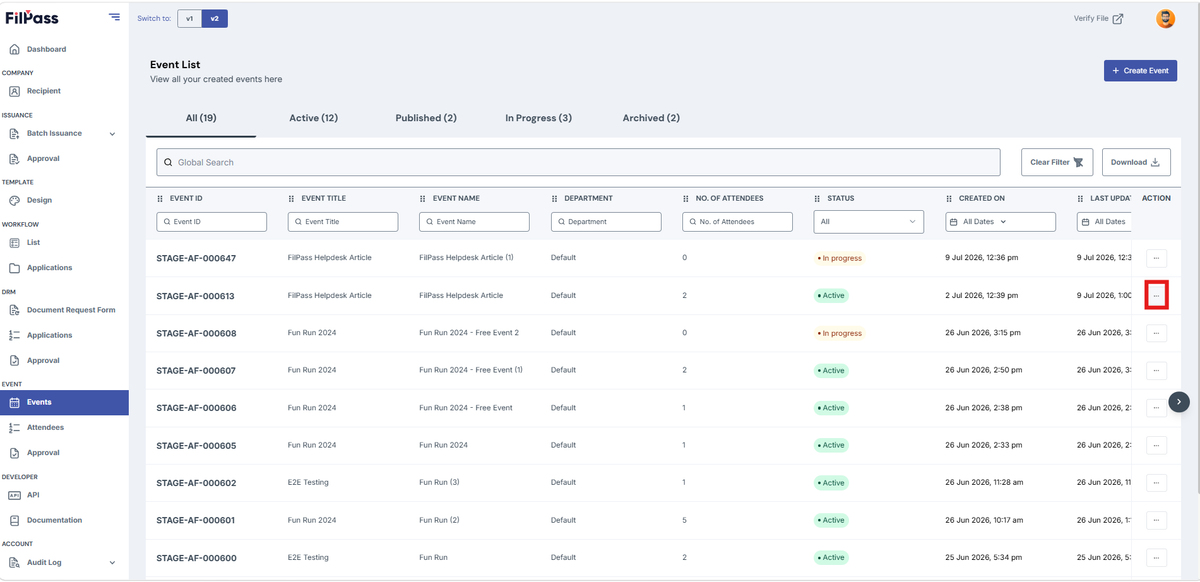
- To navigate to the attendee's page from a specific event, click the triple dot action button.
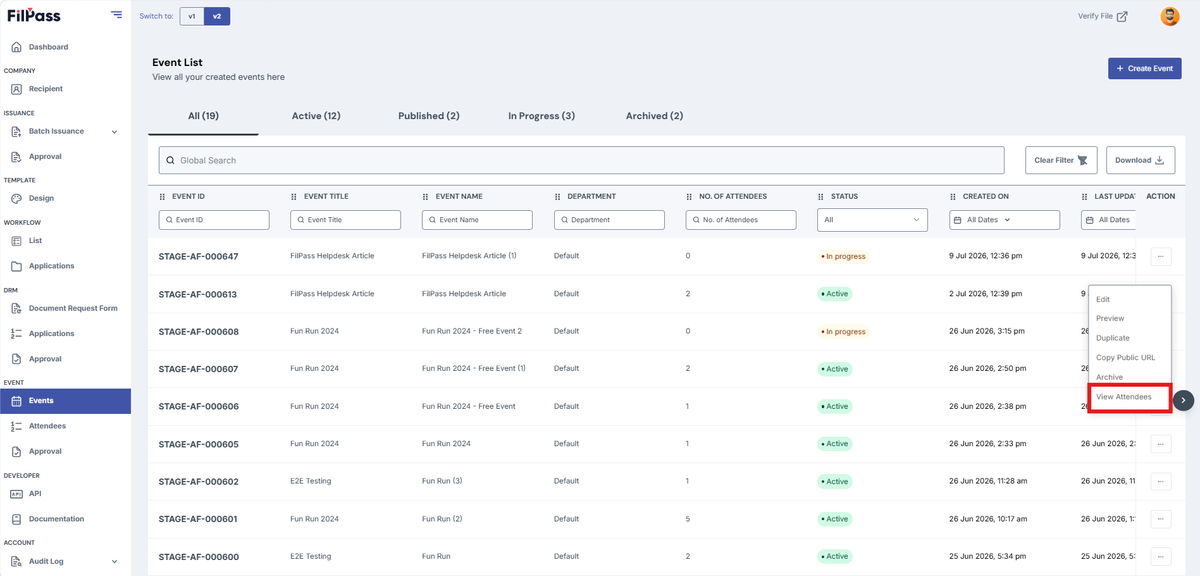
2. Click the “View Attendees” button.
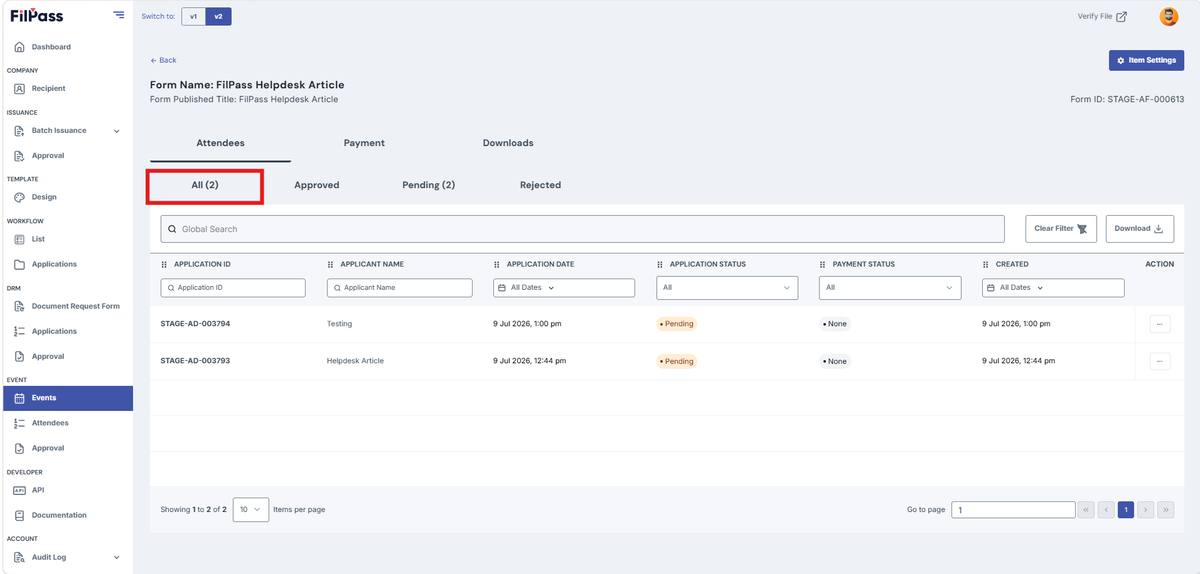
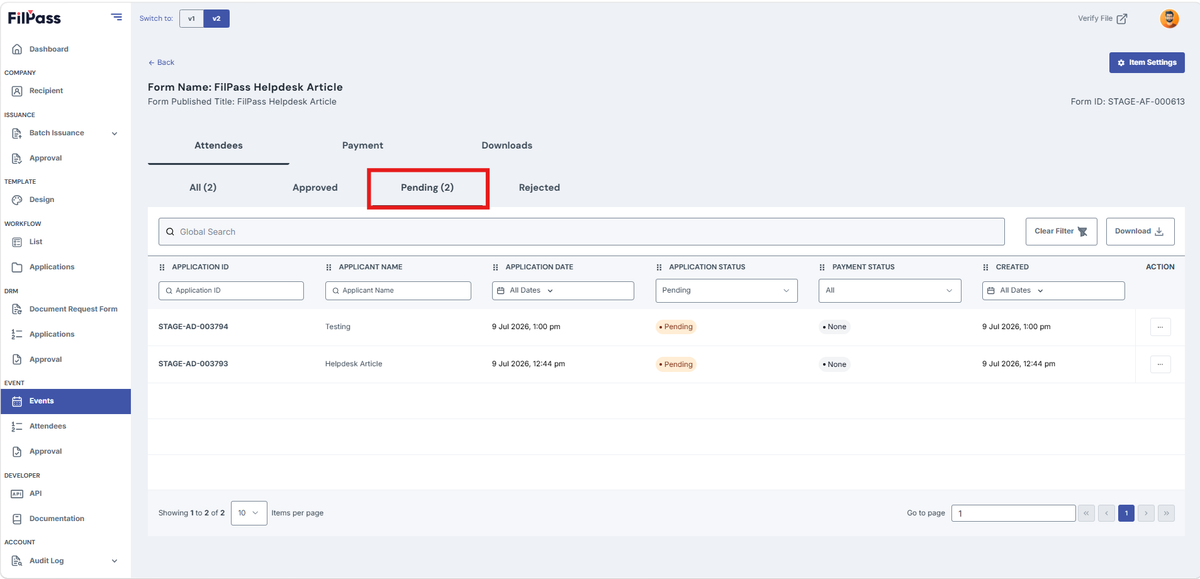
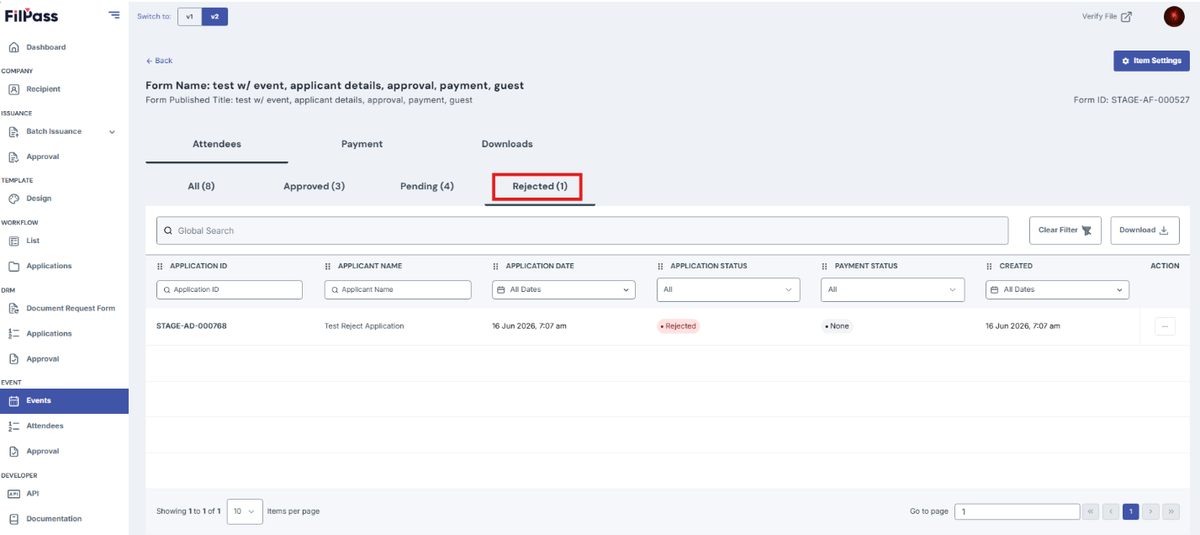
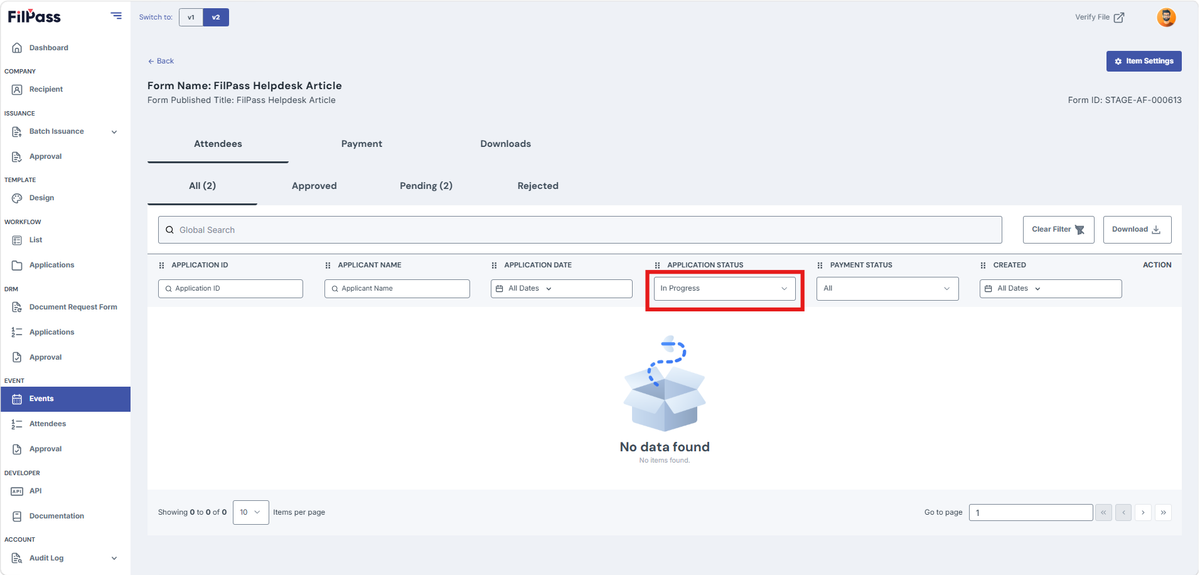
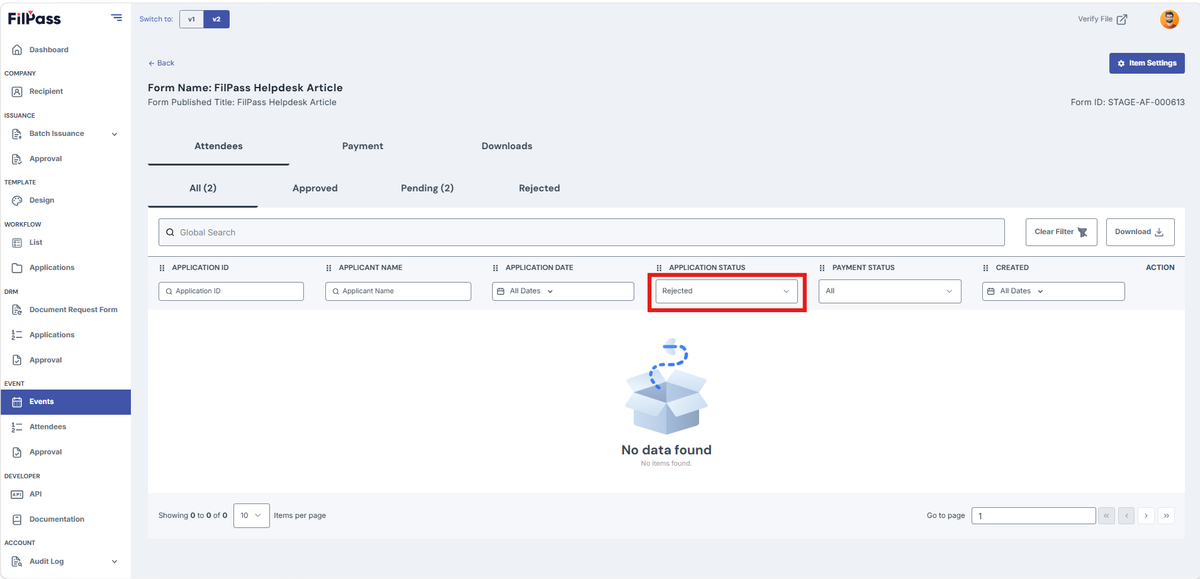
Filters/Tabs in Attendees:
- All: Shows all the attendees' applications
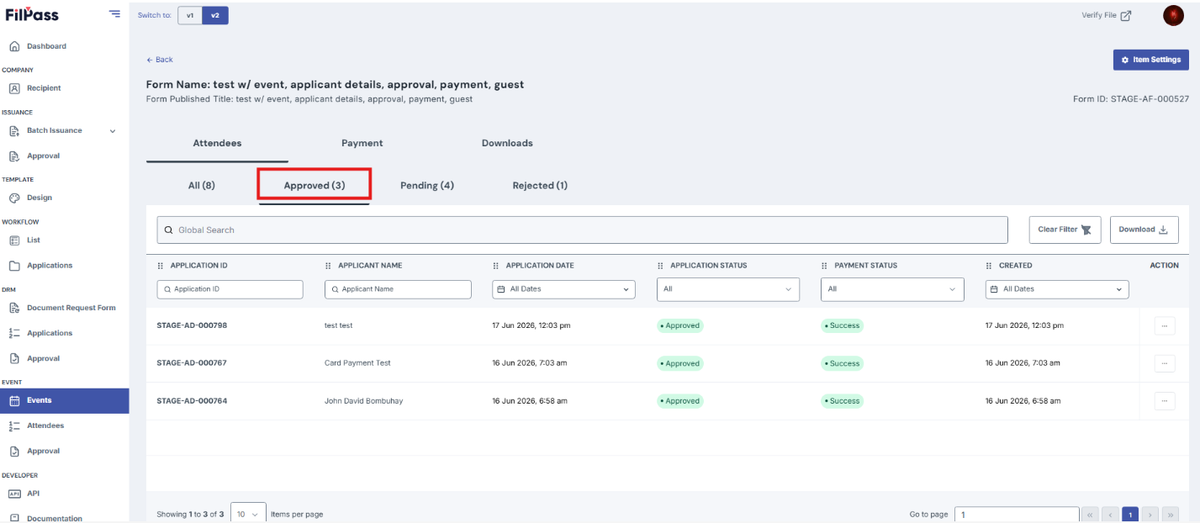
- Approved: Only shows Approved attendees’ applications
- Pending: Only shows Pending attendees’ applications
- Rejected: Only shows Rejected attendee’s applications
- In Progress: Only shows In Progress attendee’s applications
- Rejected: Only shows Rejected attendee’s applications
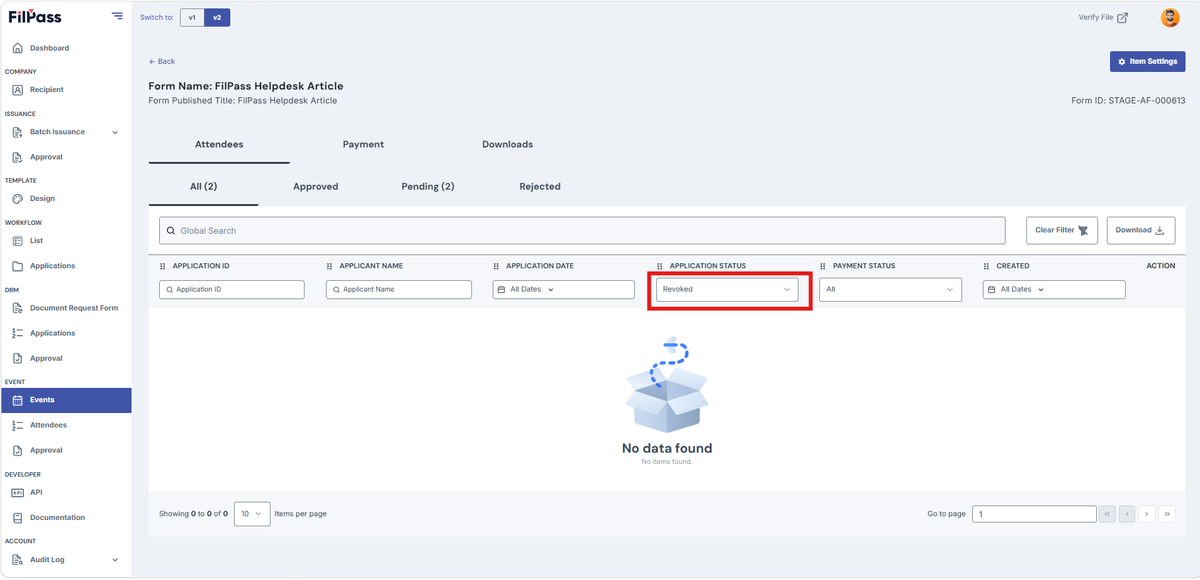
- Revoked: Only shows Revoked attendee’s applications
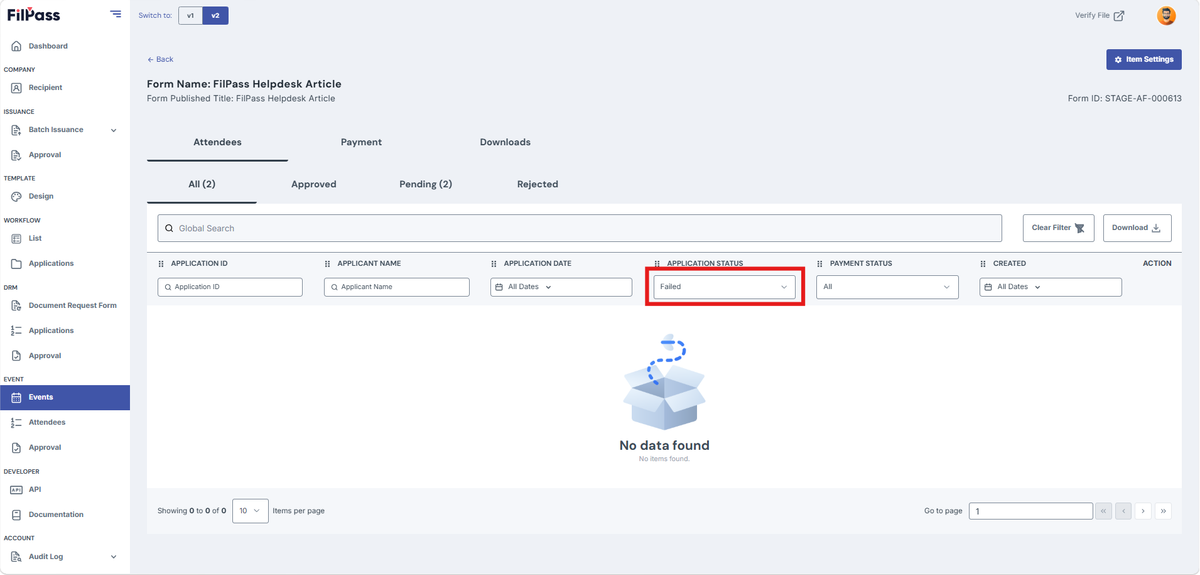
- Failed: Only shows Failed attendee’s applications
Was this helpful?