

How to Validate Email for Registration
1. During registration, enter your email and display name, then click Continue.
2. If there are no errors with your registration, a message will appear, asking you to verify your email address.
3. Check your email inbox. You should receive a message from FilPass with the subject “Verify your FilPass Account.”
- If you cannot find the email in your inbox, please check your Spam, Junk, or Archive folders.
4. Click Validate Account in the email. This will redirect you back to the FilPass site.
5. If validation is successful, you will see a pop-up message from the FilPass site stating that email was successfully verified.
6. You may now proceed to the next stages of your account registration.
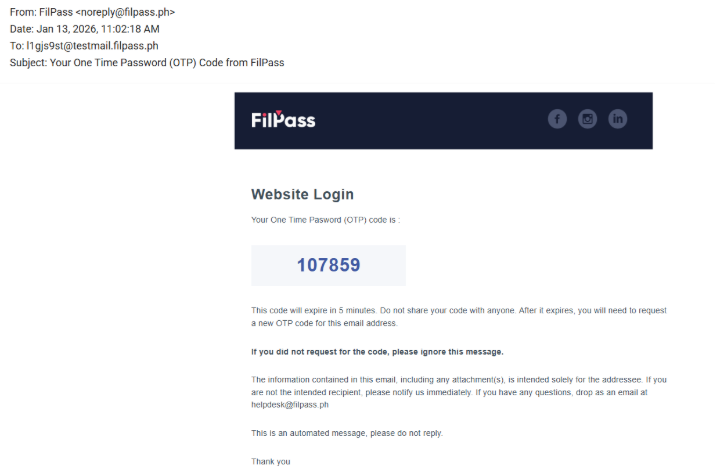
- You will receive an OTP code in your registered email address.
- Please enter the OTP code to complete the submission.
Was this helpful?