

How to Share Documents with Recipients via Email
This section explains how to shared of your Email to add Share Verifiable Credentials (VC).
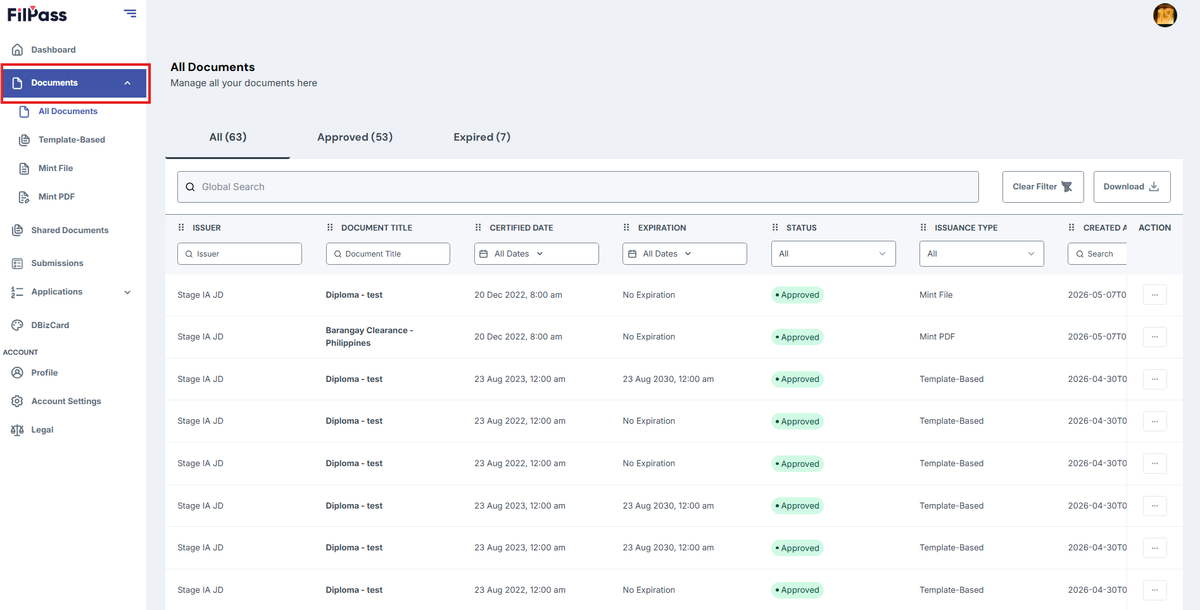
1. Go to “Documents” tab.
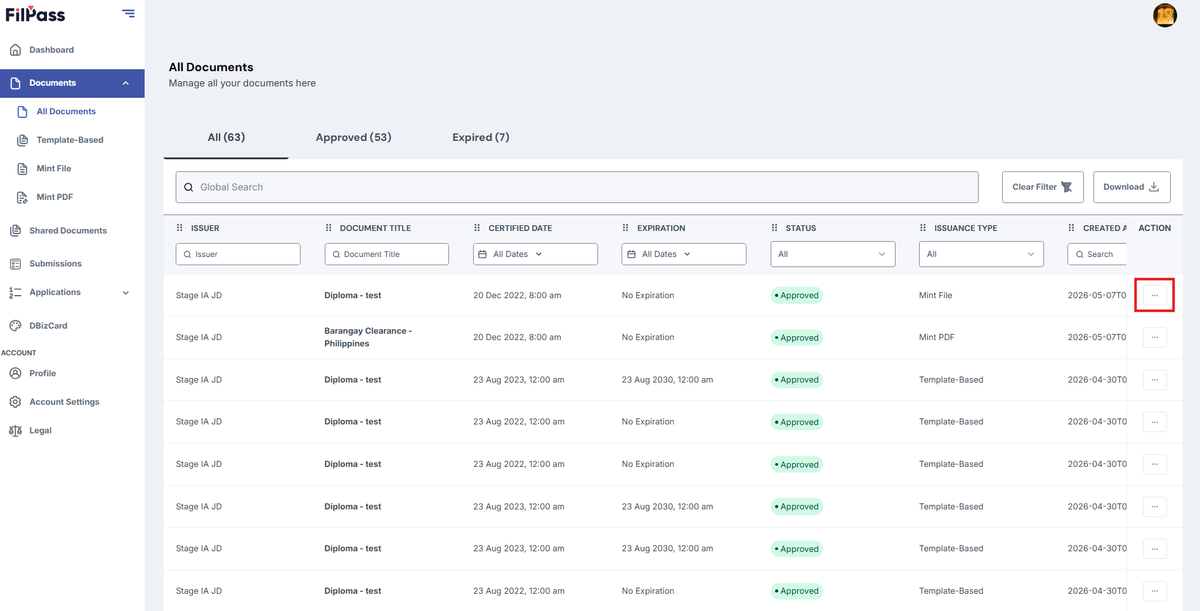
2. Click the “(:)” three dots to open the Action button options.
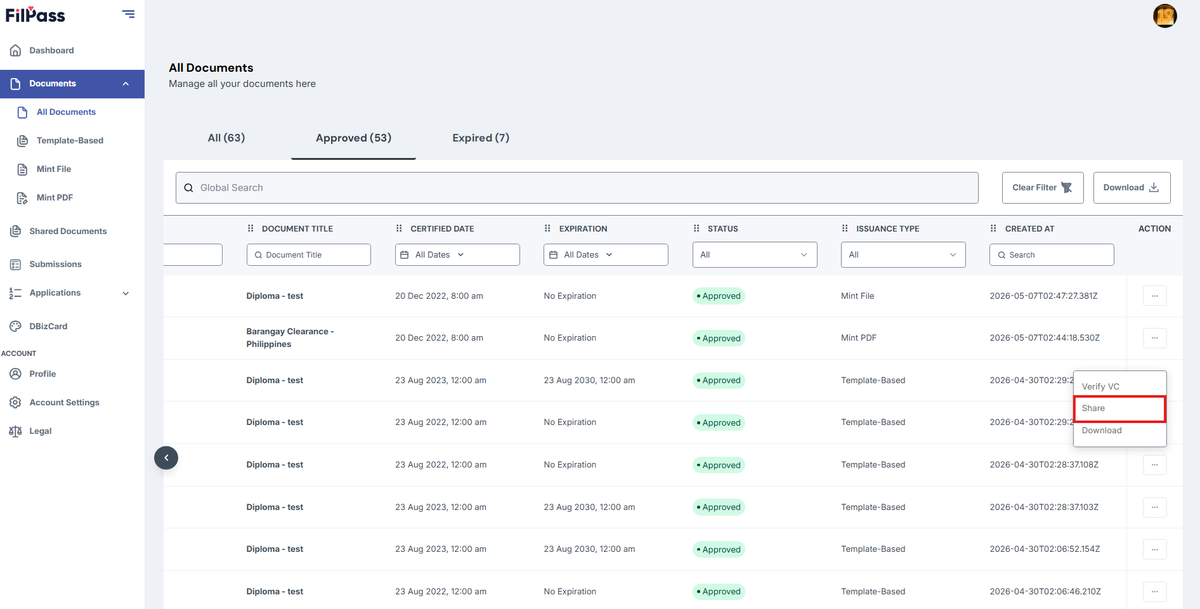
3. Click the “Share” button.
4. Click on the Email tab. This feature allows you to share a Verifiable Credential (VC) directly via Email.
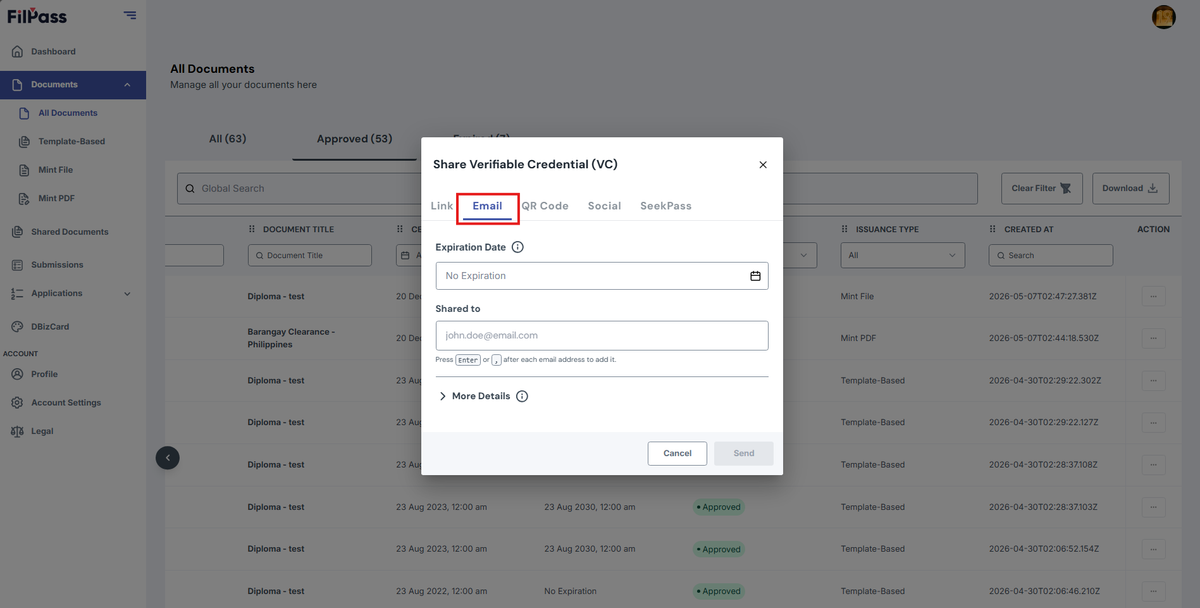
5. Optionally, Expiration Date can be filled to identify when the shared link will expire.
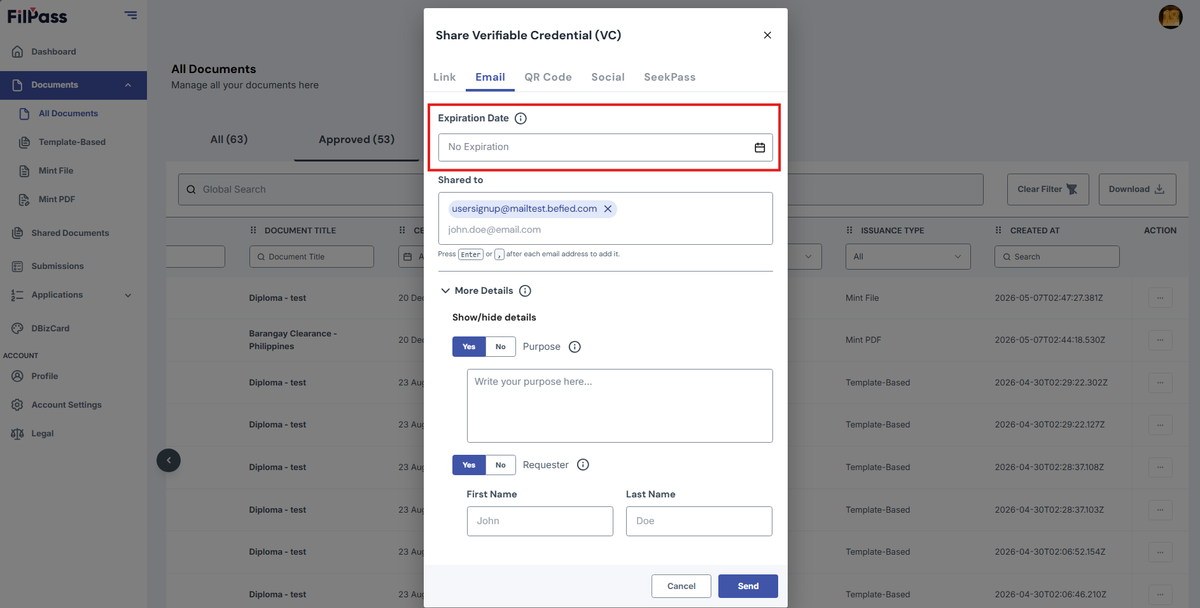
6. Enter the Email Address on the Share to Field with the email/s of who you want to share the document with and press the Enter key. You can enter multiple email addresses as well.
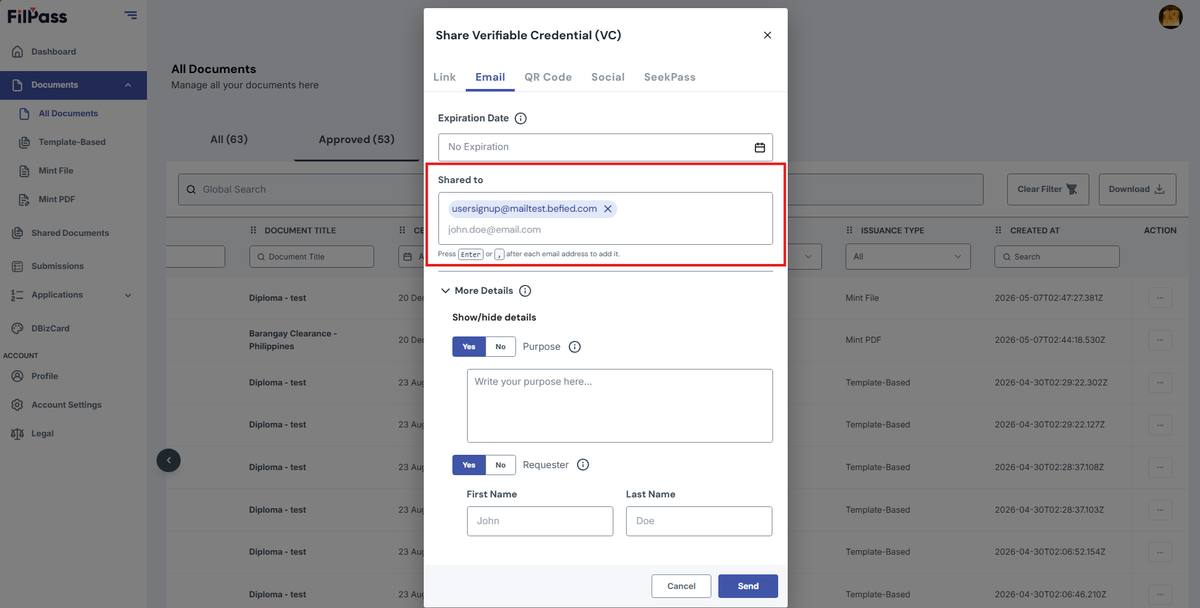
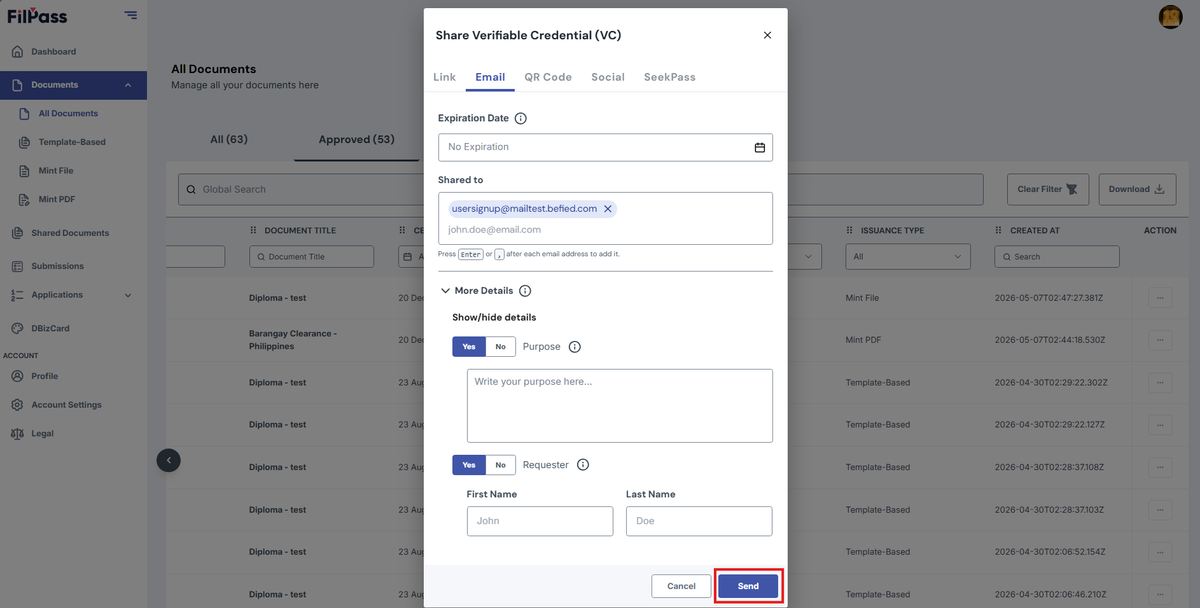
. Click on Send.
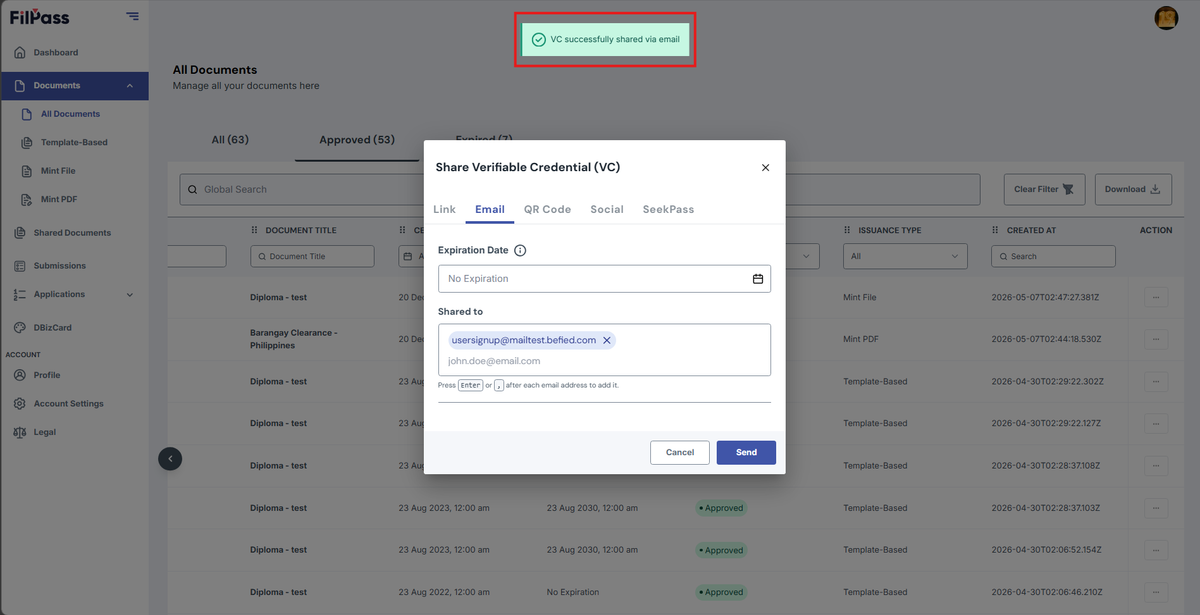
7. A pop up message will show that the email is successfully sent once done.
Was this helpful?