

How to Preview Document Request Form
When creating your document request form, you can use the preview feature to view what the document request form would look like before publishing it.
To preview your document request form:
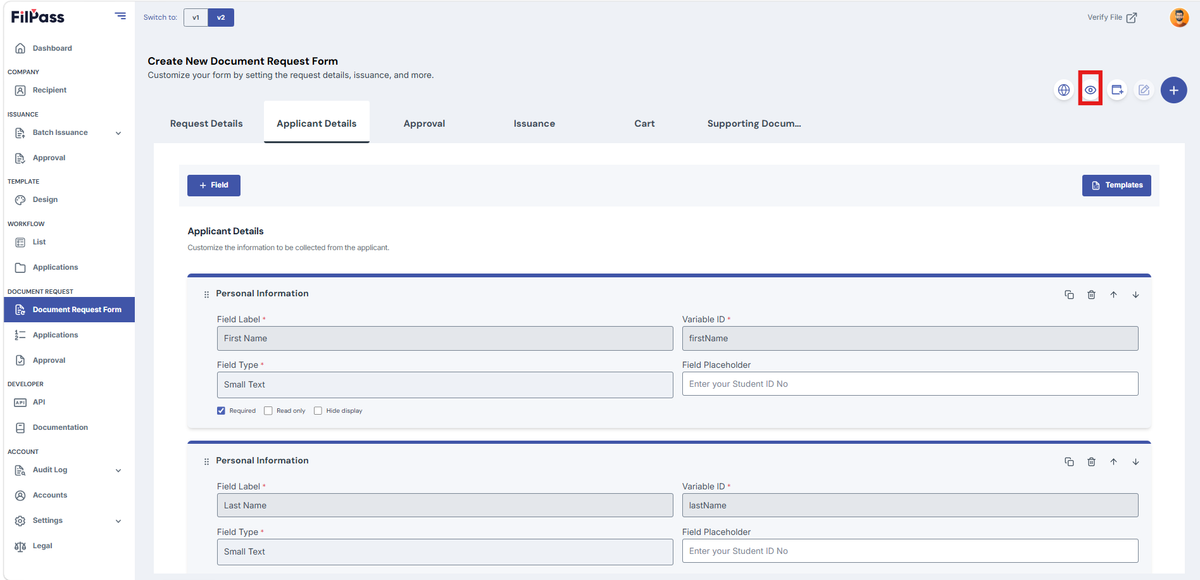
- Click the eye icon (Tooltip: Preview)
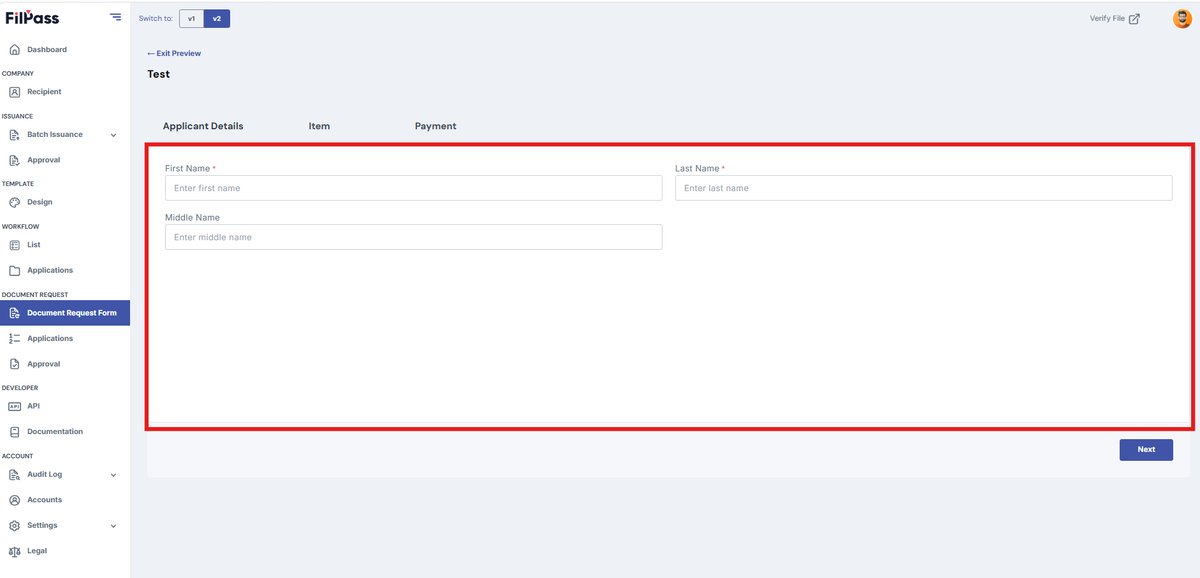
2. You can now see what your workflow will look like:
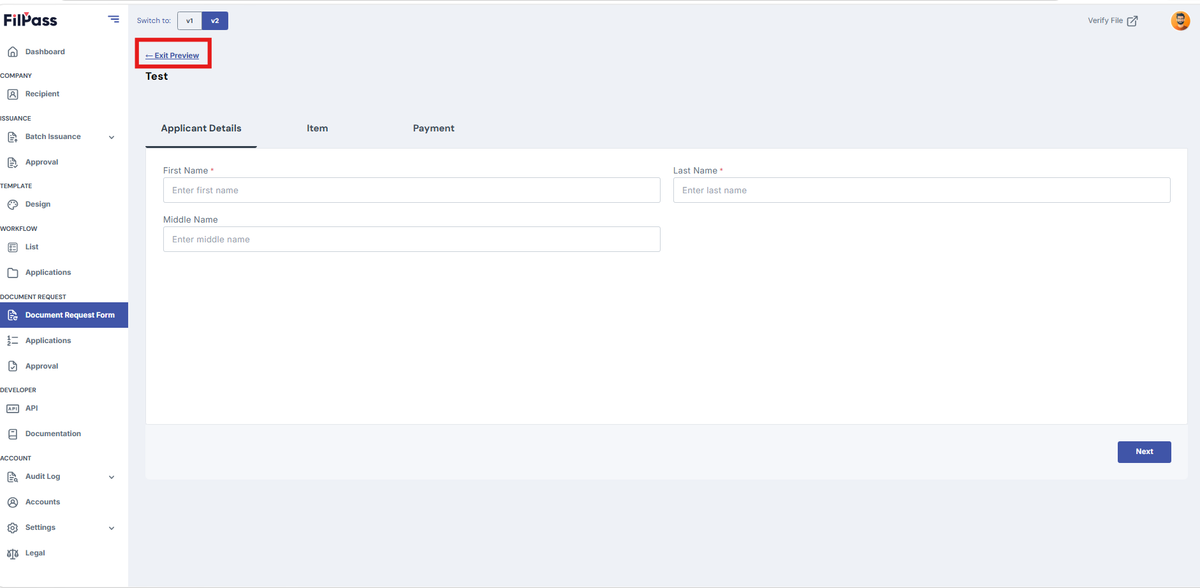
3. Click “Exit Preview” to go back in creating/editing the document request form
Was this helpful?