

Document Request Form Applicant Details
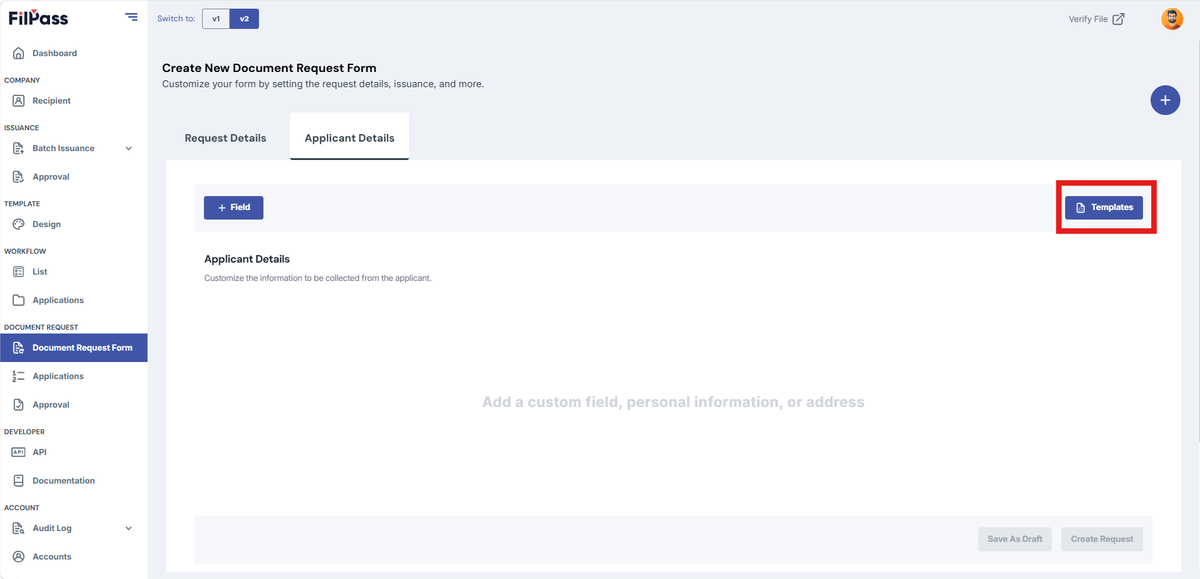
- Click “Templates” on the top right corner to add premade fields.
- Fields are used to collect information from recipients (e.g., Name, Age, Address).
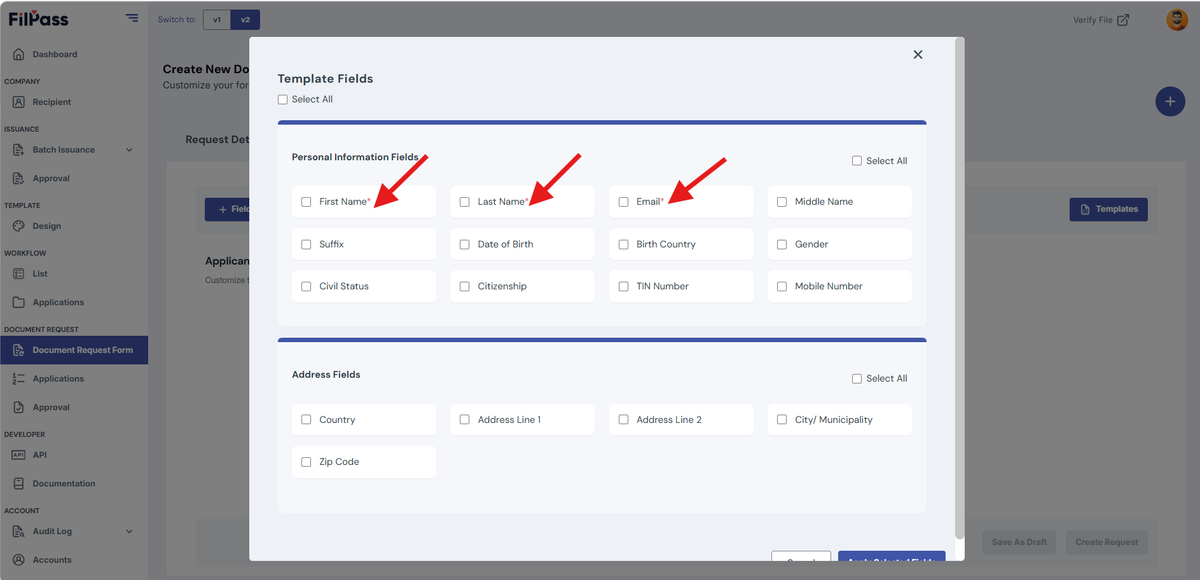
2. Check the checkboxes within the Templates modal to select the required fields.
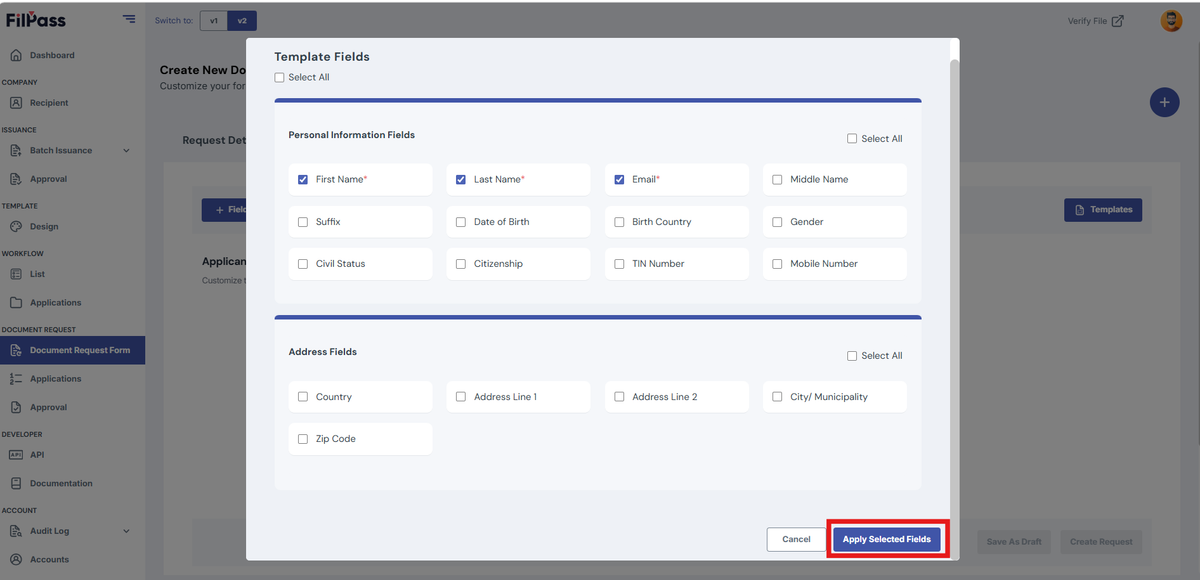
3. Click “Apply Selected Fields” after adding all necessary fields
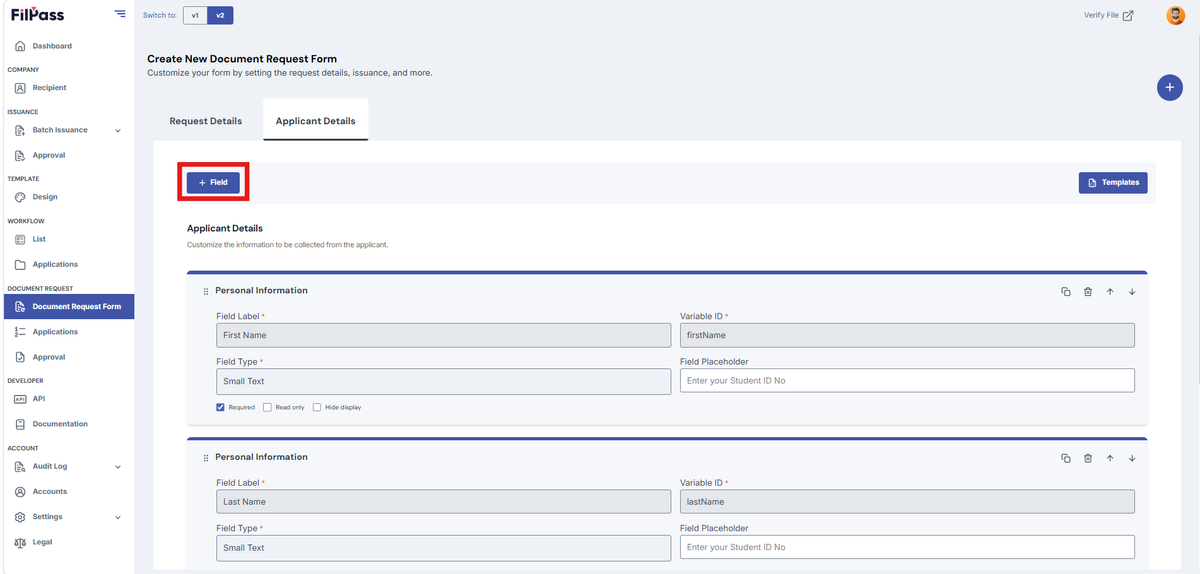
4. You may also use the field option to add custom field
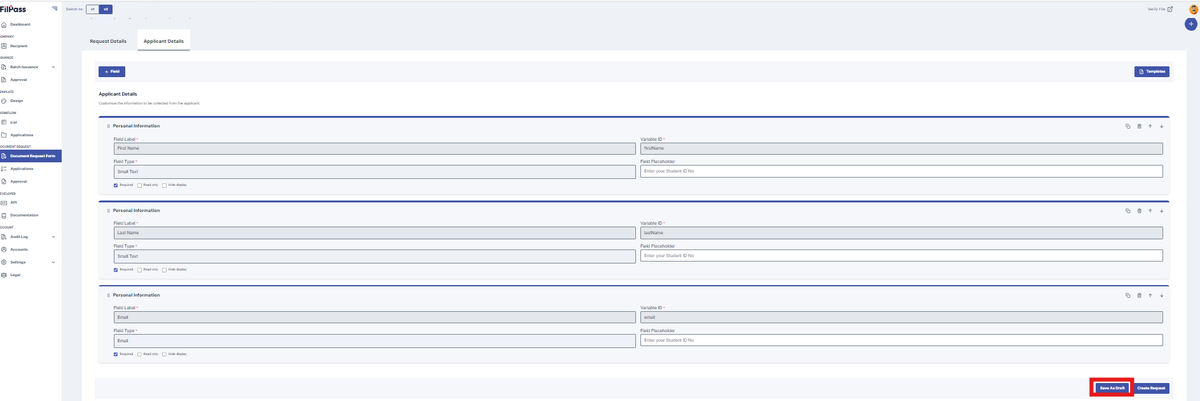
5. Click “Save as Draft” if you don’t want to publish the request and want to make changes later.
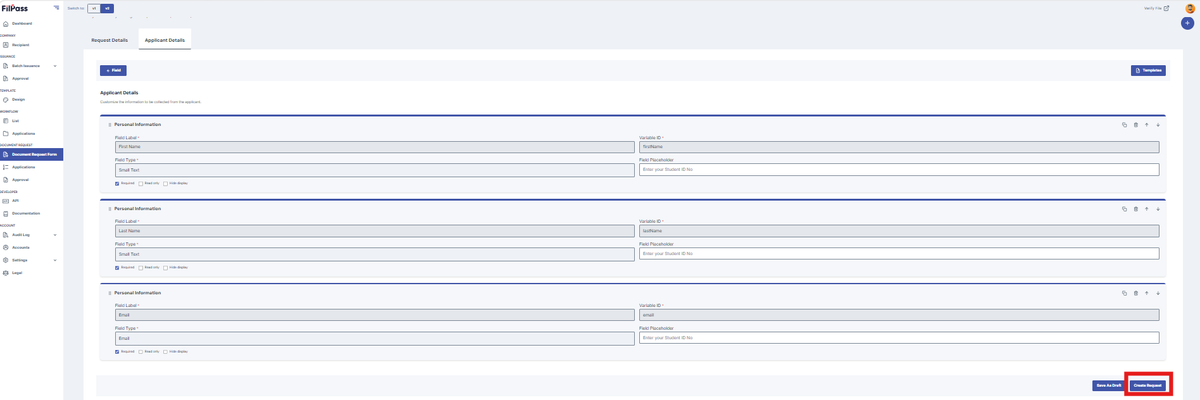
6. Click “Create Request” if there are no other tab that needs to fill or you are done checking the other tabs
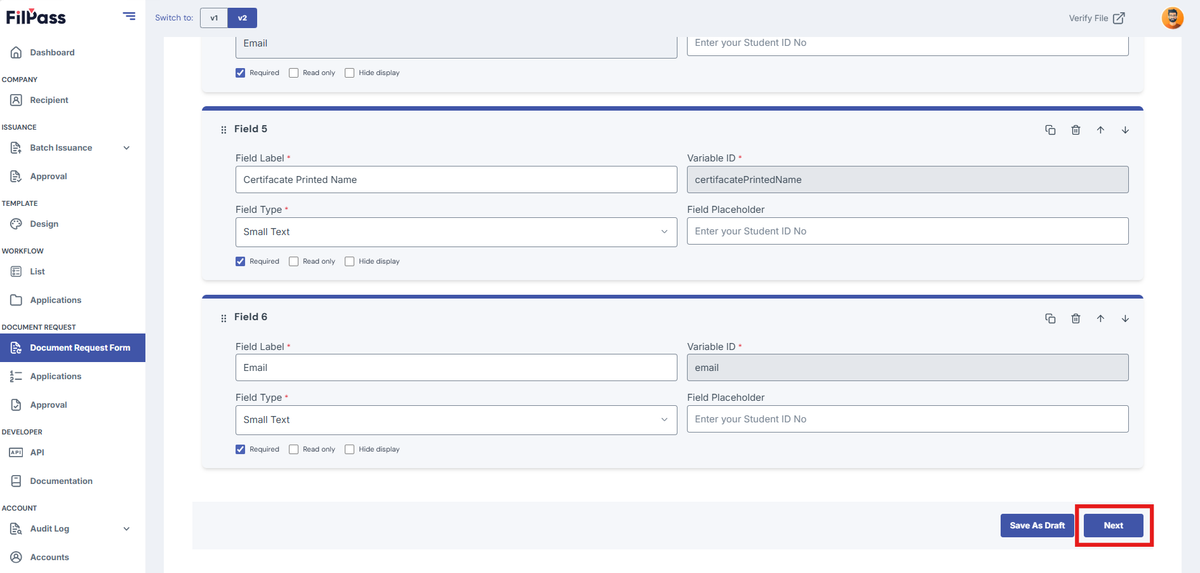
7. Click “Next” if there are other tab that needs to be filled or checked
Was this helpful?