

How to Download Invoice & Receipt Document Request Form
To download the Invoice and Receipt:
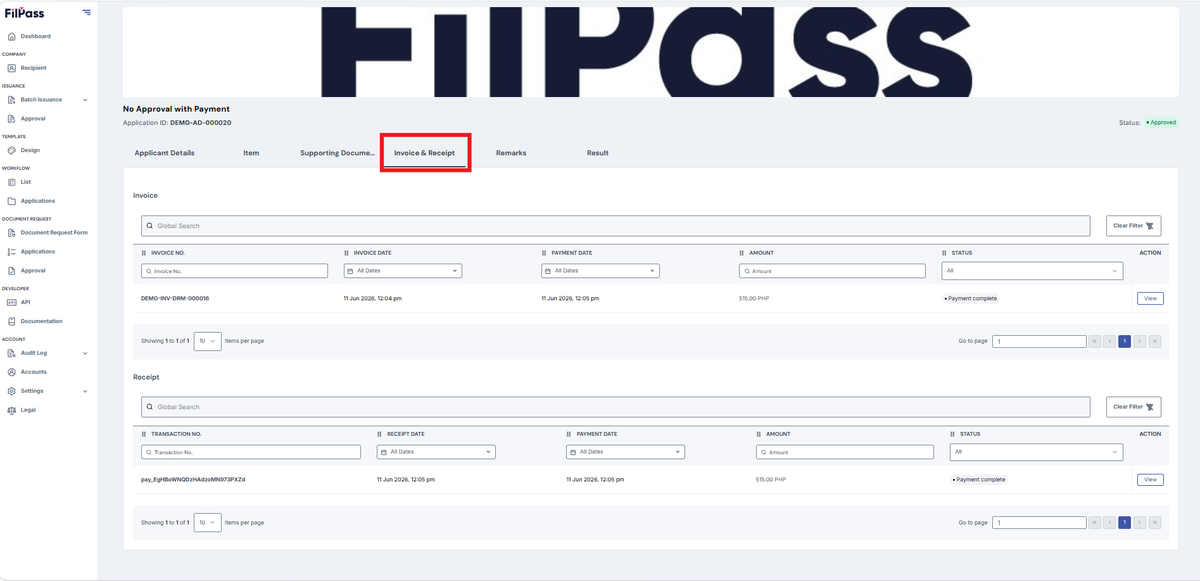
- In the open response, go to Invoice & Receipt Tab
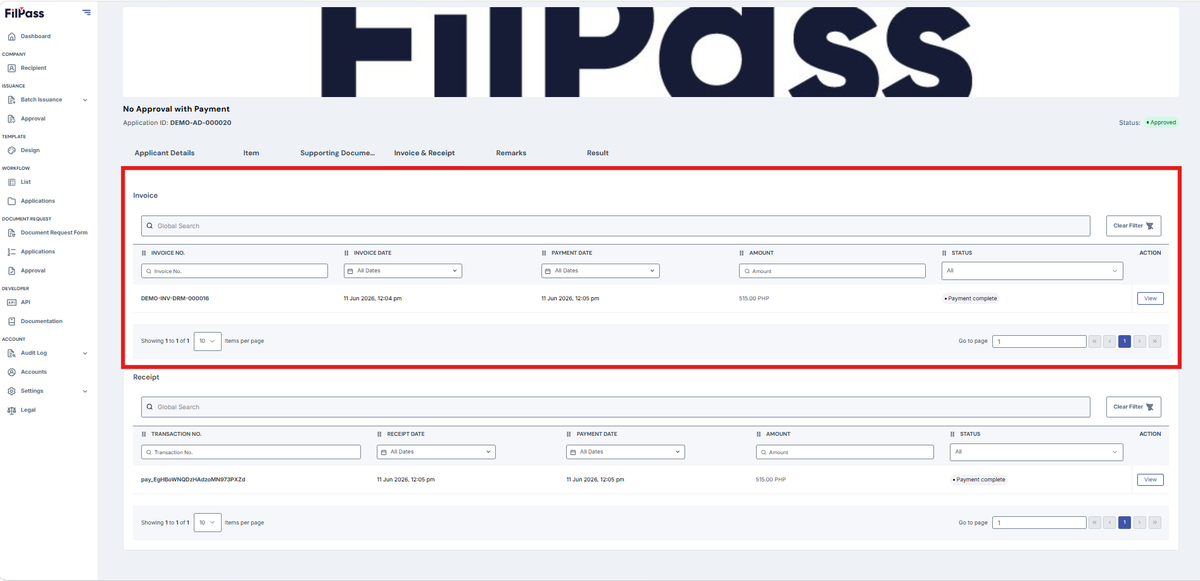
- Download Invoice: Provides a PDF of the Invoice for that application and an option to download it.
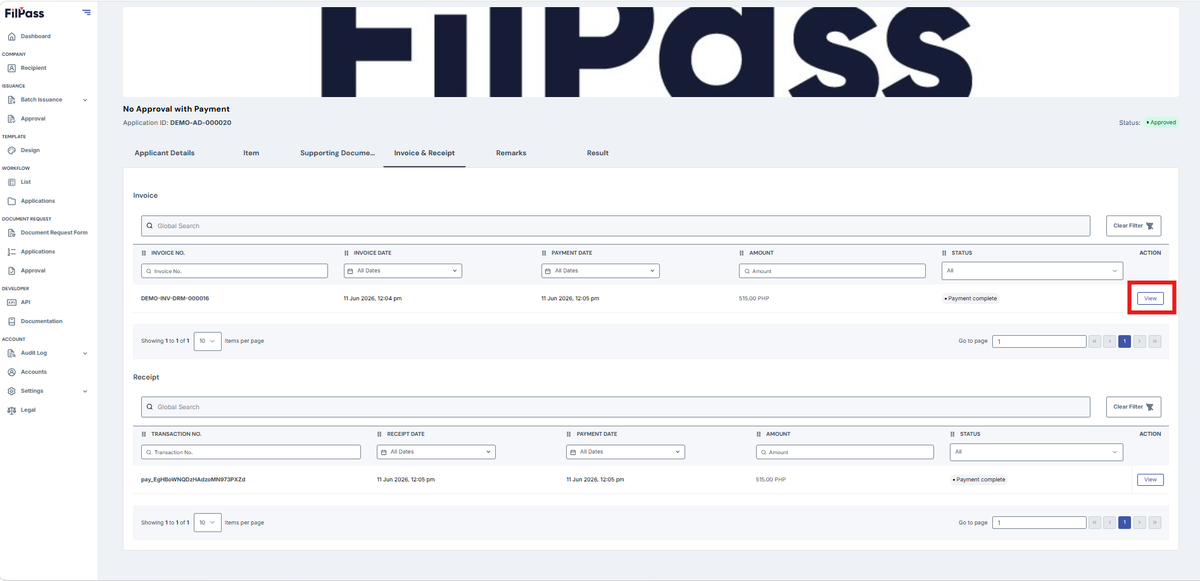
- Click View
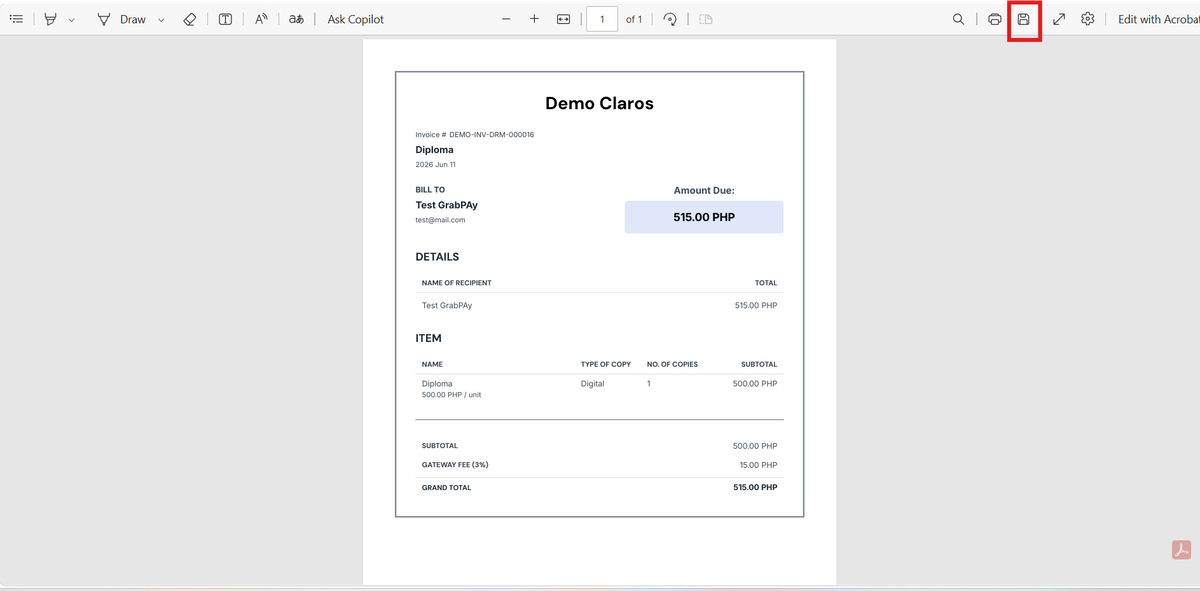
- You will be redirected to the Invoice, and can click the save button or press ‘Ctrl + S’ on your keyboard
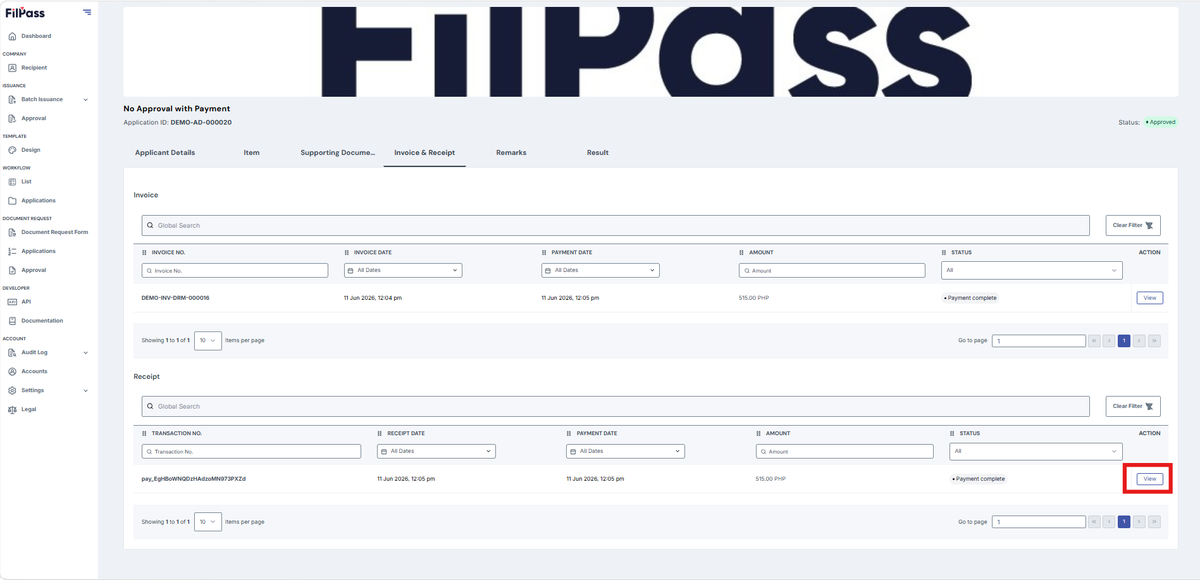
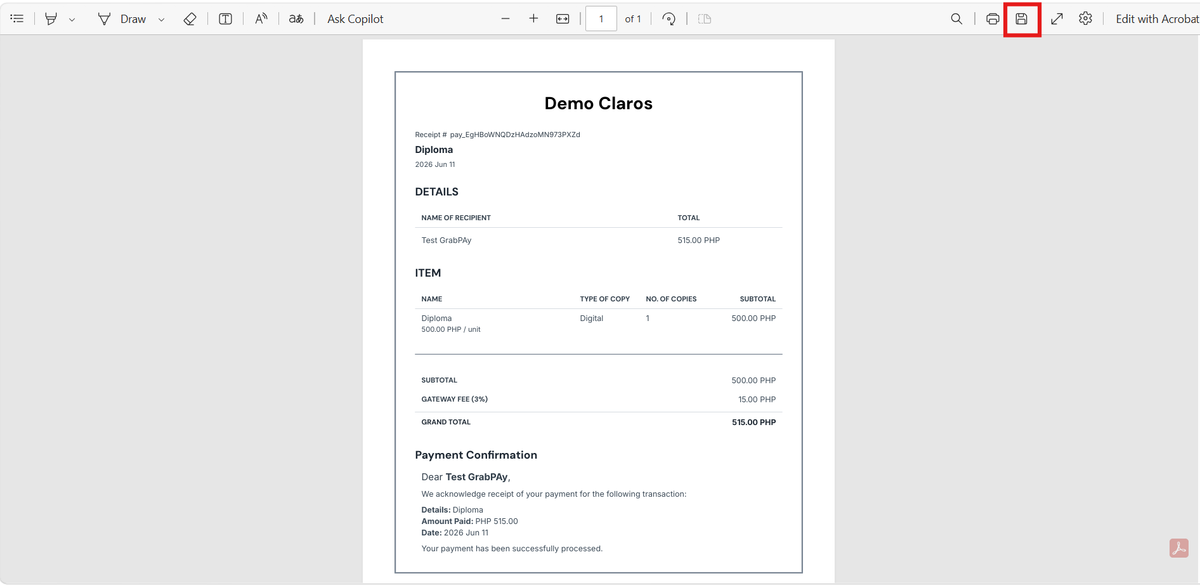
- Download Proof of Payment: Provides a PDF of the Proof of Payment for that application and an option to download it.
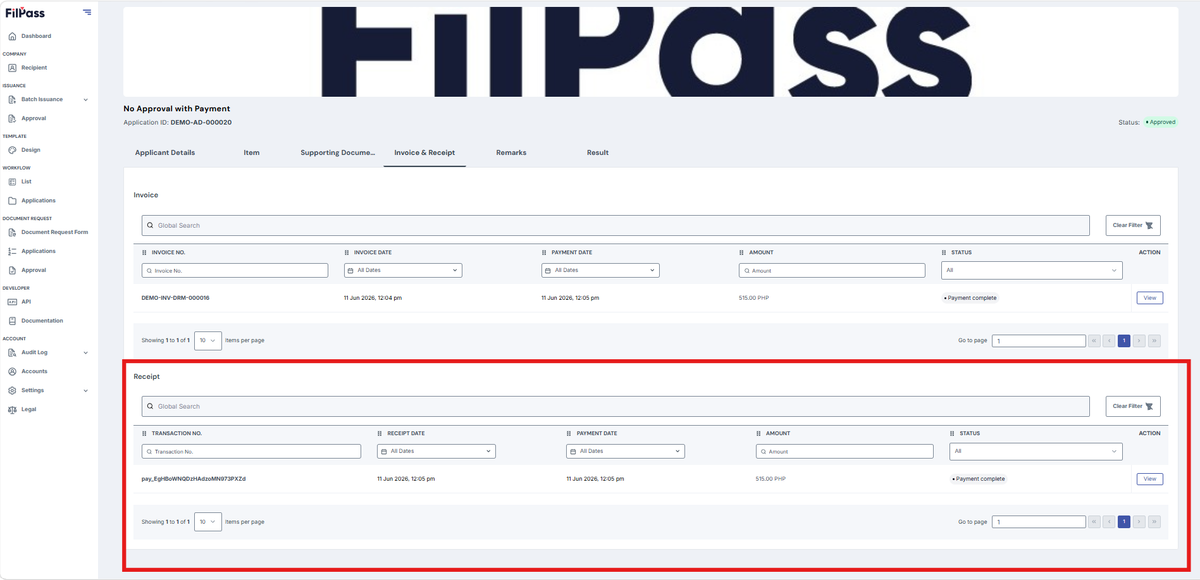
- Click View
- You will be redirected to the Receipt, and can click the save button or press ‘Ctrl + S’ on your keyboard
Was this helpful?