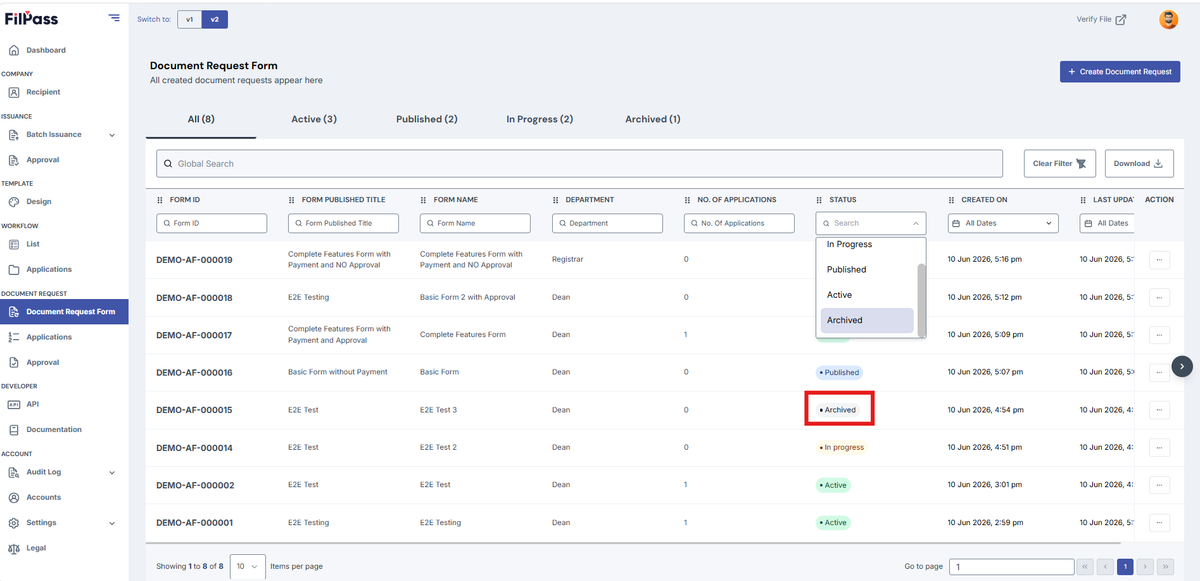
Document Request Form Status
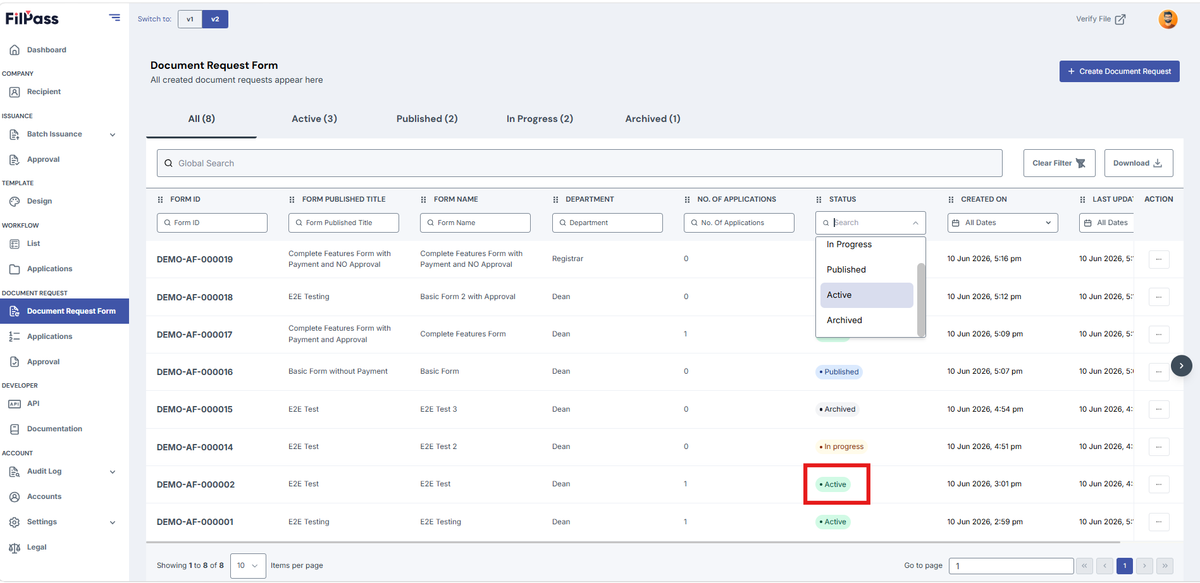
- Active
A Document Request Form will only become Active if a published document request form has applications. In other words, it should be a published request first, and once a recipient submits an answer / application, it will become active.
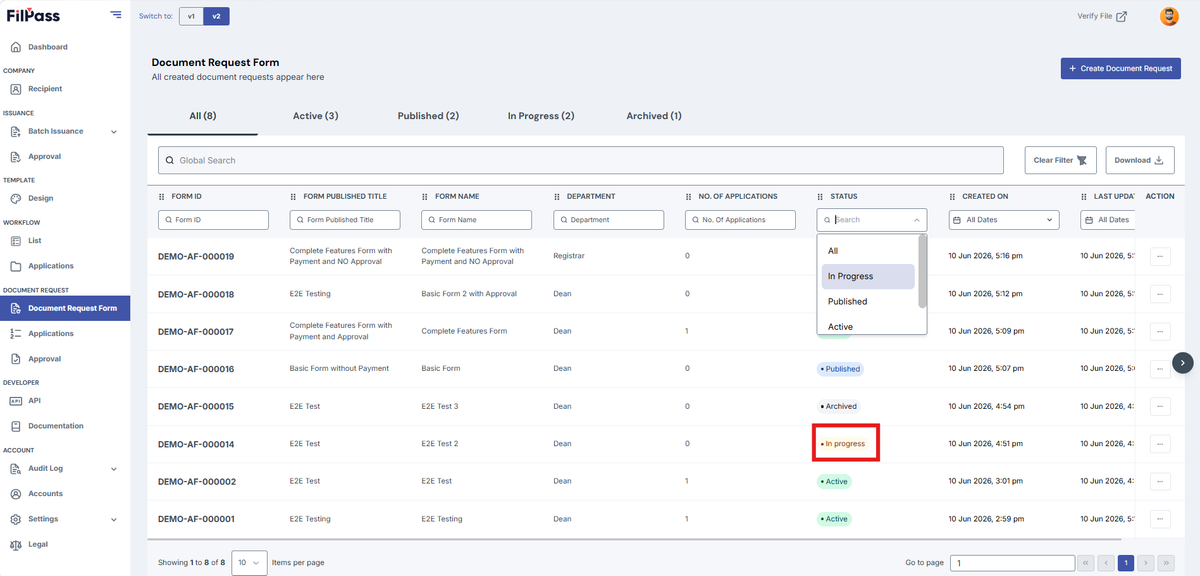
2. In Progress
A Document Request Form will only become In Progress if you make progress in creating a document request form but save it as draft or stop before completing it.
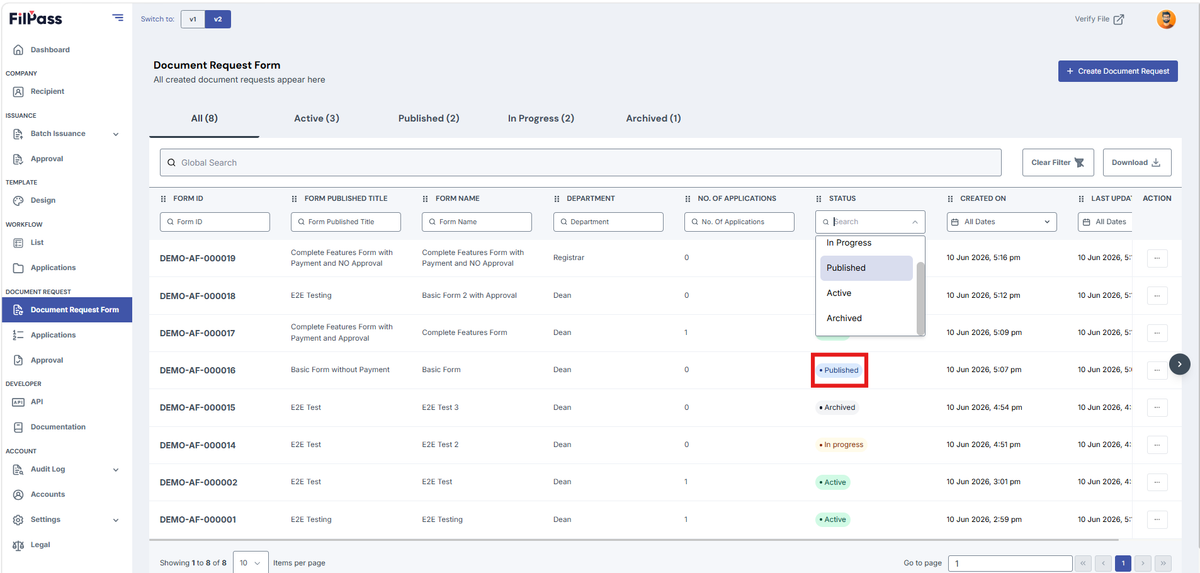
3. Published
A Document Request Form will only become Published if you finish creating / editing a workflow and publish it for recipients to answer.
4. Archived
A Document Request Form will only become Archived if the Issuing Authority wants to archive the request after it has been created, published, or active. In other words, this status is used when a form is no longer needed for new applications, effectively removing it from the list of available requests for recipients.