

Why Can’t I Make Actions in Archived Batch Issuance?
The following actions are unavailable in an Archived Batch Issuance:
Batch Details Tab:
- Archiving a Batch Issuance automatically sets its status to Inactive. As a result, editing is disabled and no information under the Batch Details tab can be modified.
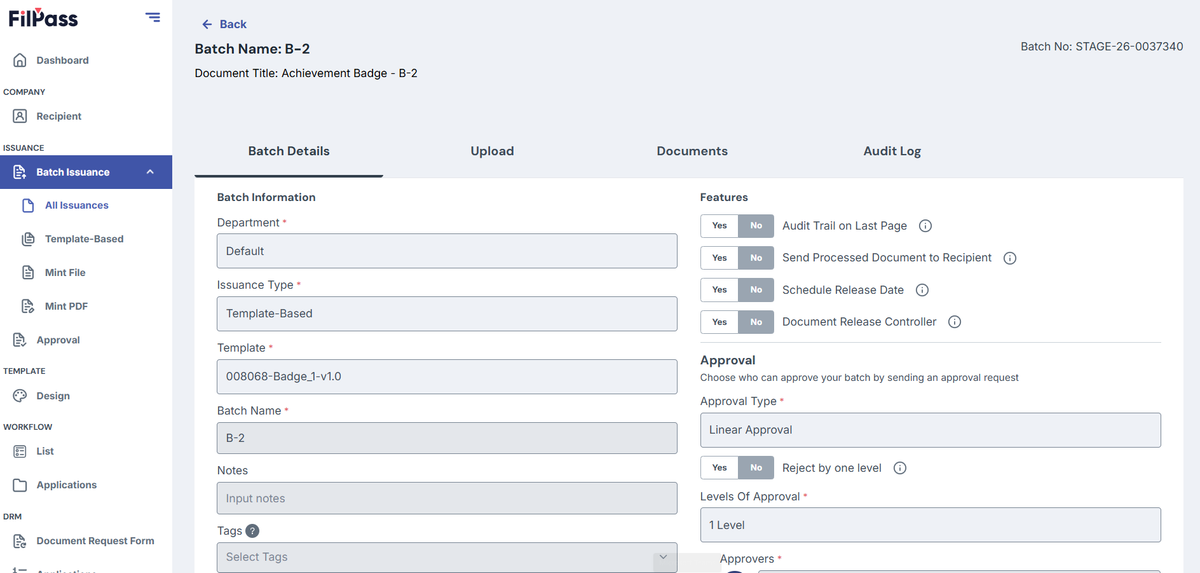
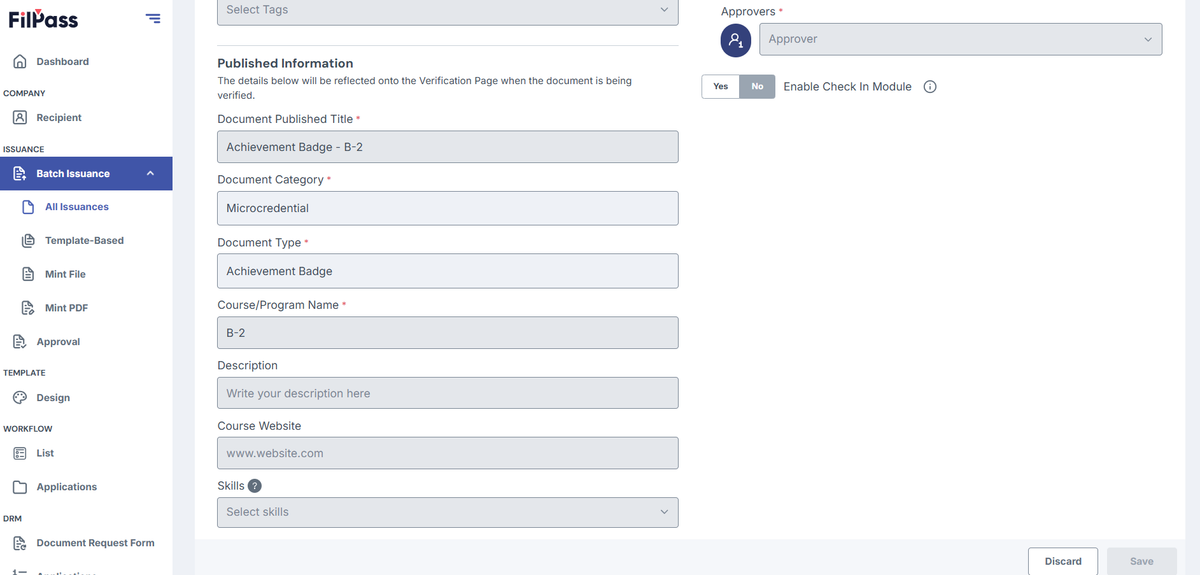
All input fields, dropdowns, and buttons are disabled.
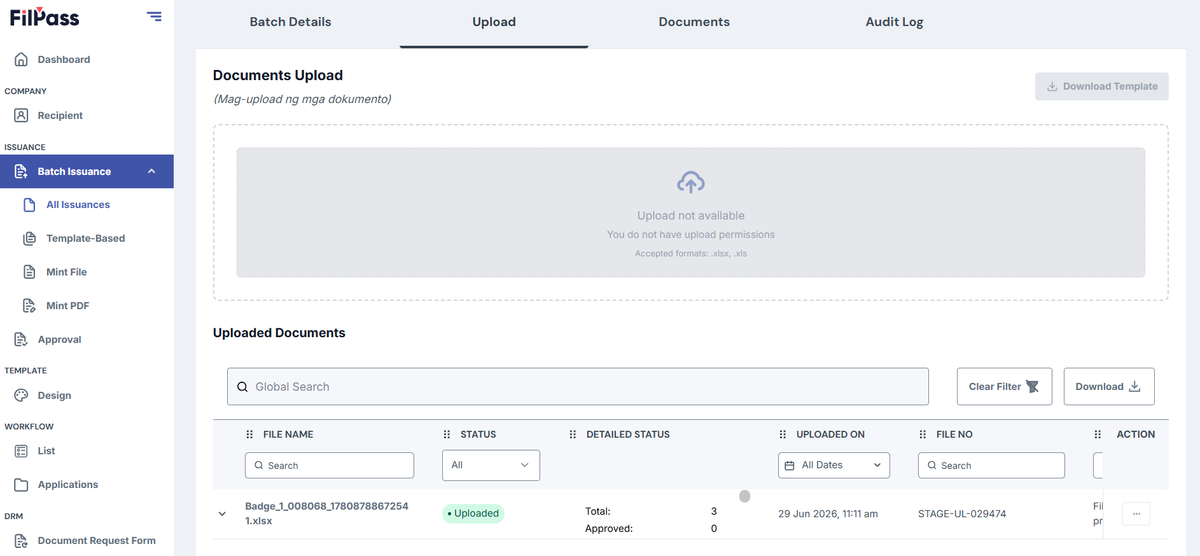
Upload Tab:
- Document upload is disabled.
- Template download is disabled.
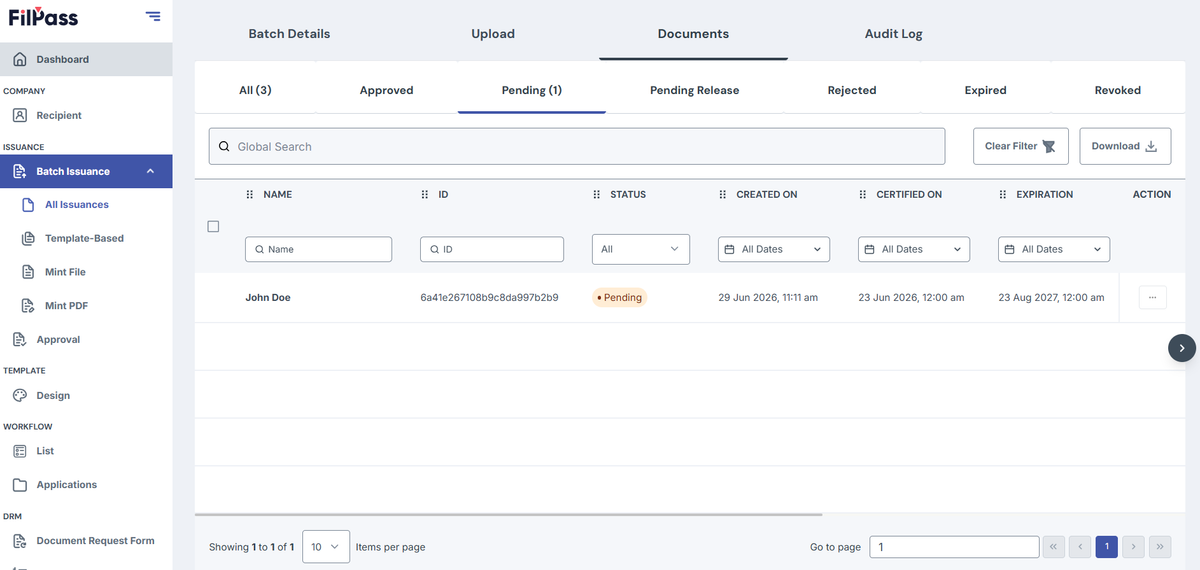
Documents Tab:
- Approving a document is disabled.
- Rejecting a document is disabled.
- Releasing a document is disabled.
- Revoking a document is disabled.
Was this helpful?