

View Profile
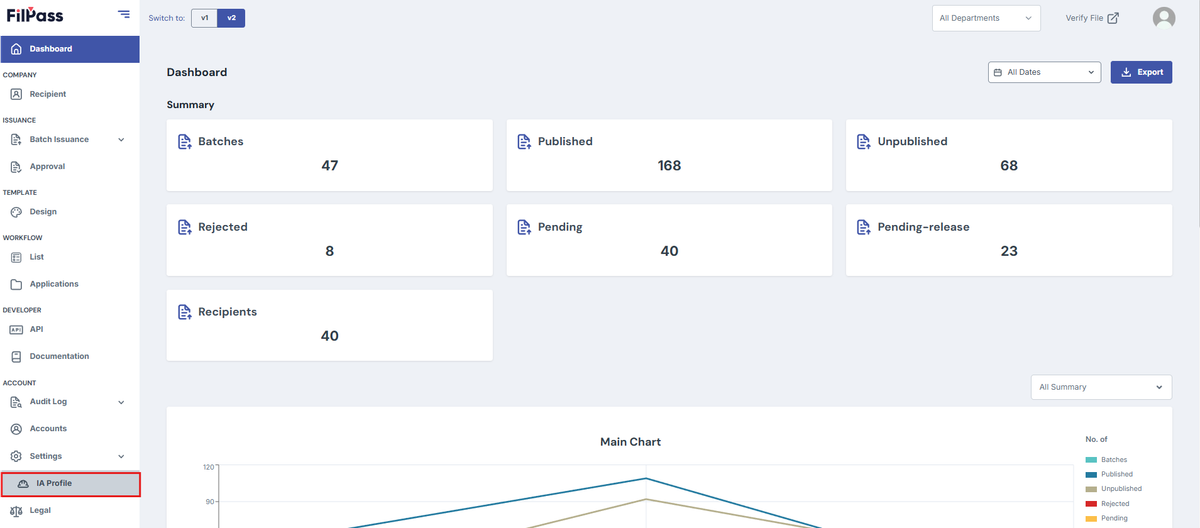
Your IA Information is located through:
- Click on the Settings on the Navbar then click on “IA Profile”
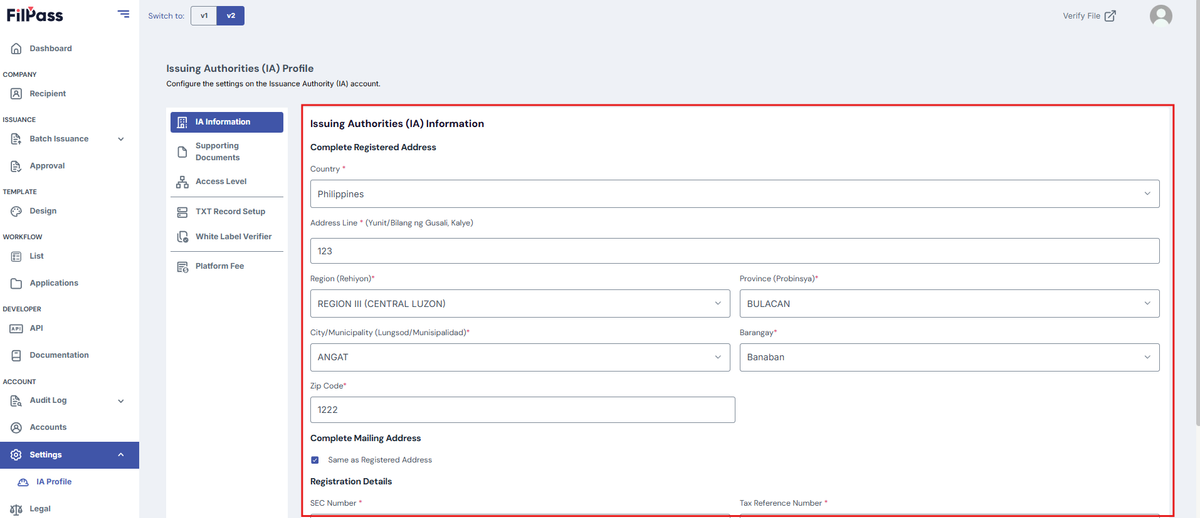
2. The landing page is the IA information.
To check your profile picture:
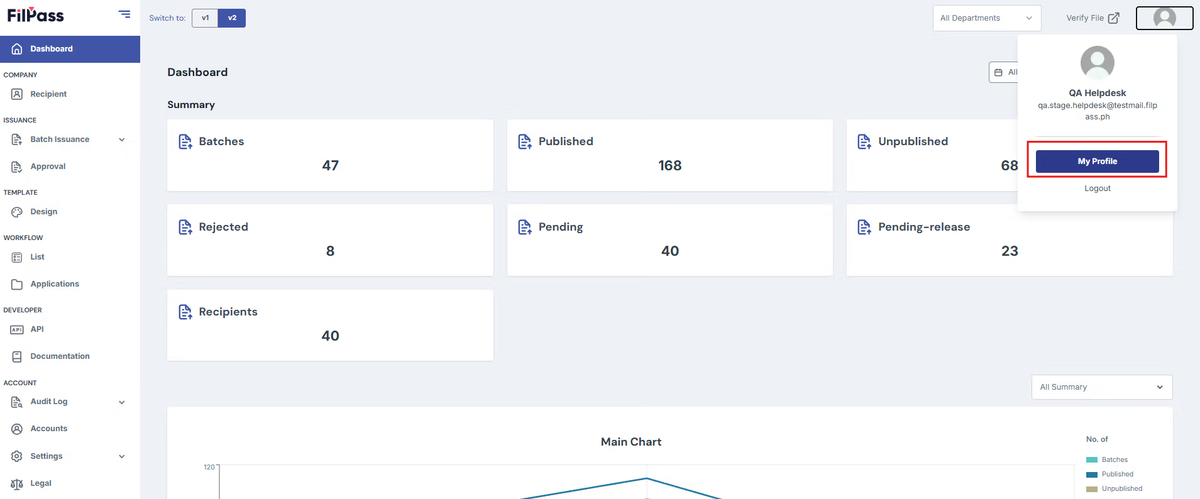
1. Click on your profile on the upper right then press "My Profile".
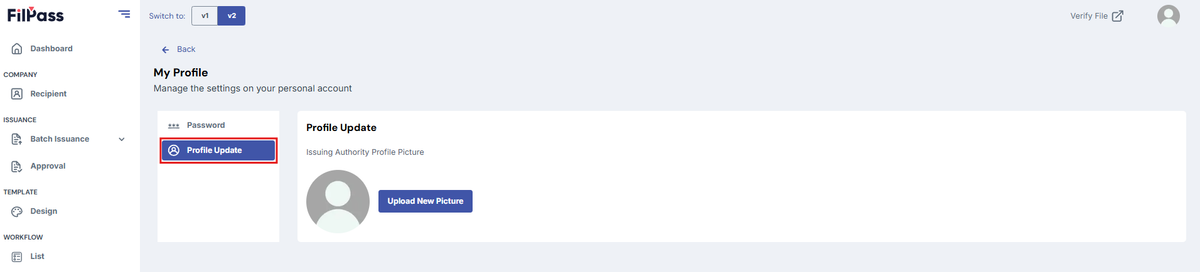
2. Click “Profile Picture”
Was this helpful?