

How to View Document Request Form Details
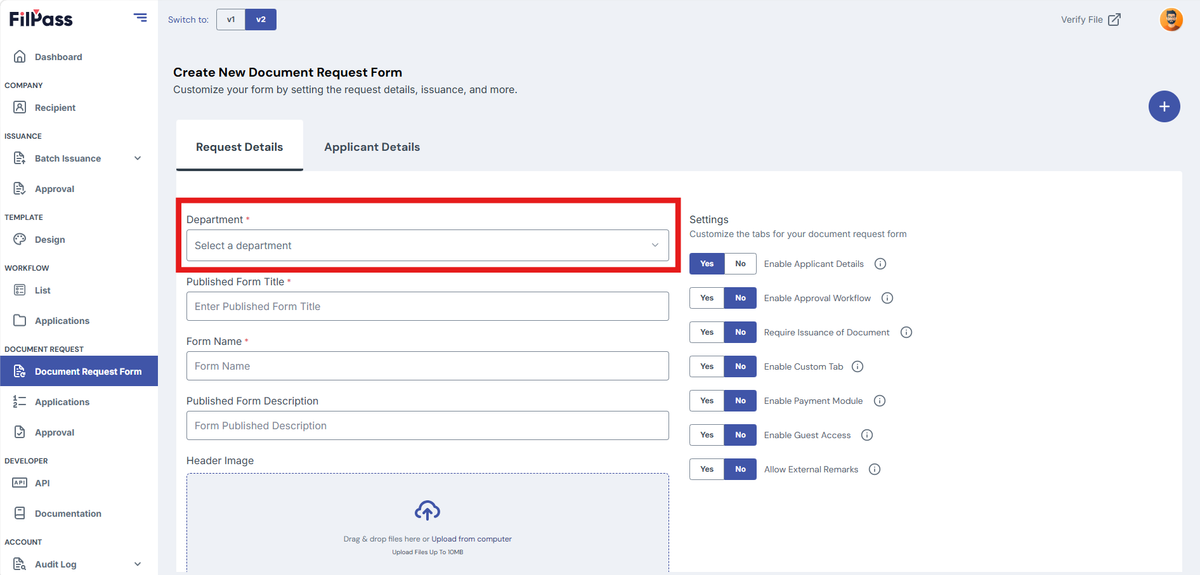
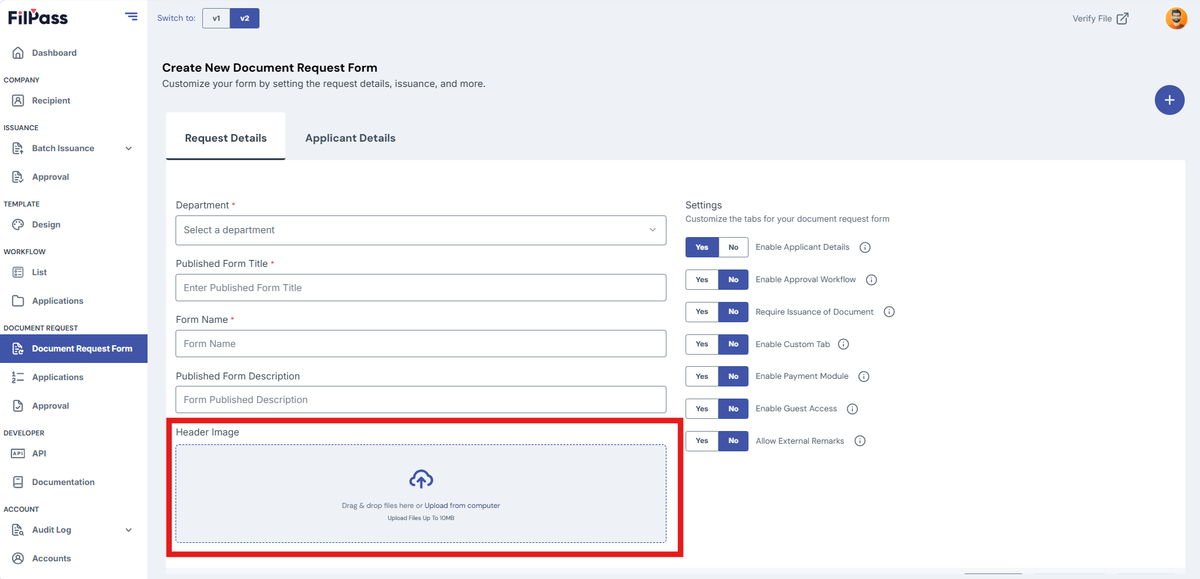
Select/Fill in the following details:
- Department (Required)
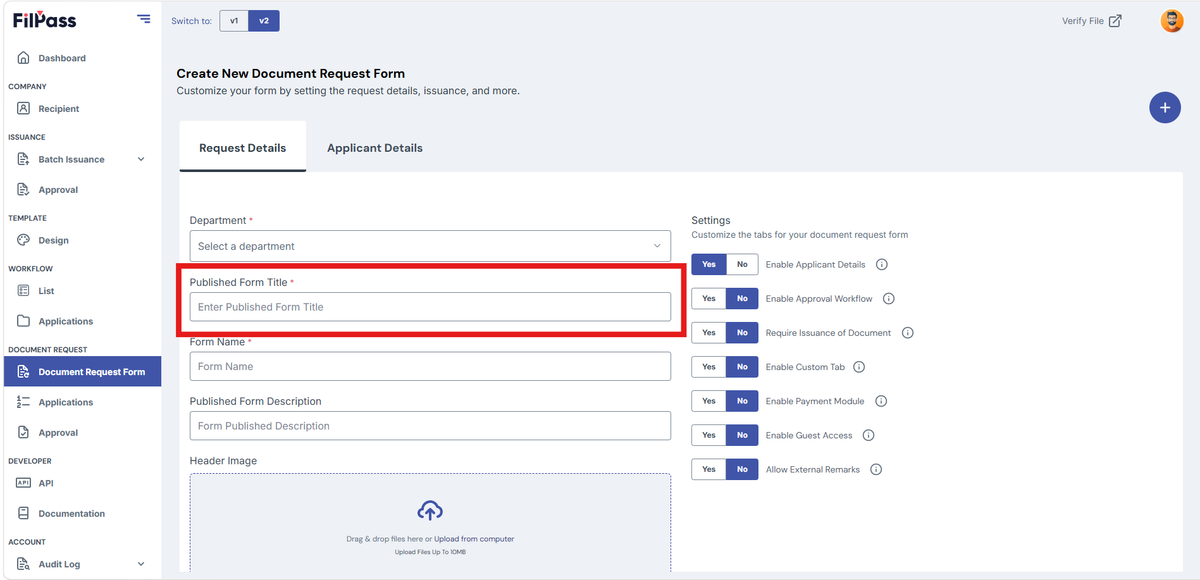
2. Published Form Title (Required)
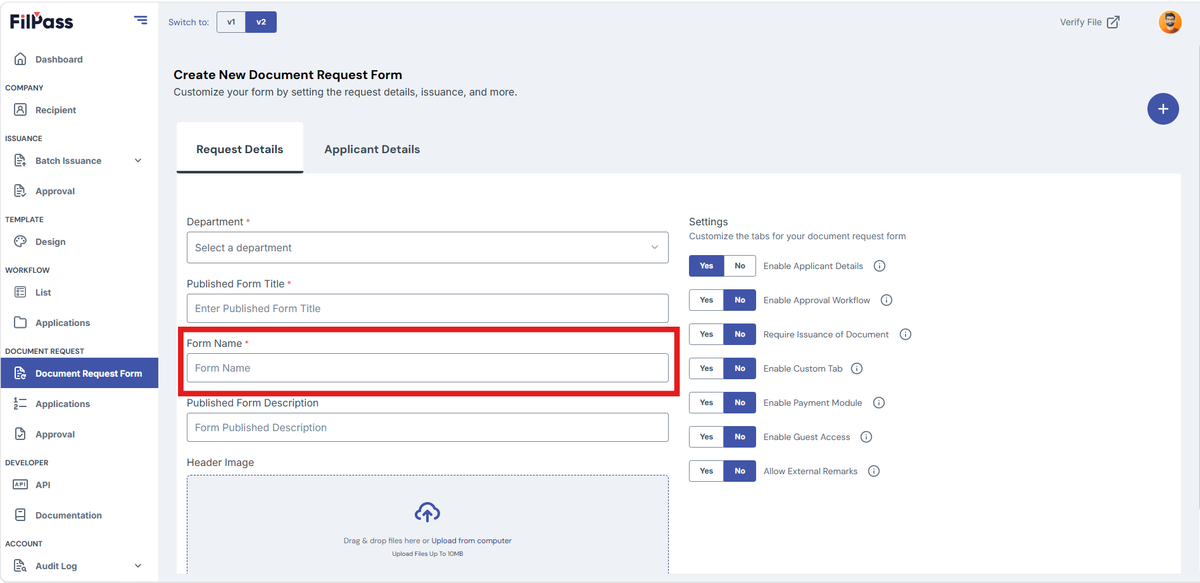
3. Form Name (Required)
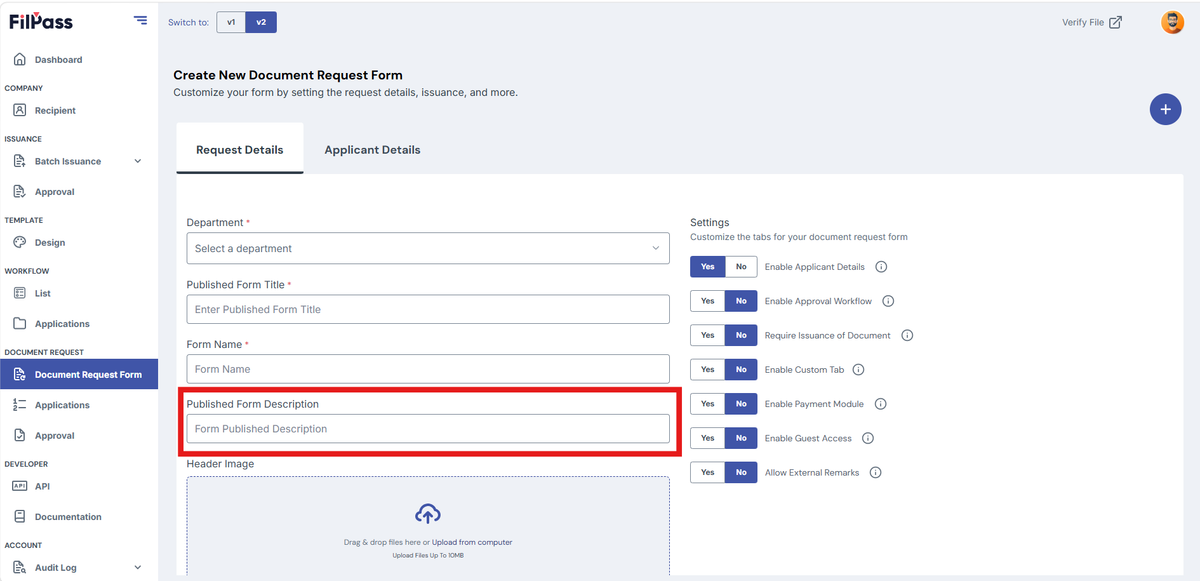
4. Published Form Description (Optional)
5. Upload Header Image (Optional)
Workflow Settings
Under “Settings” there are seven (7) toggles to customize the document request form
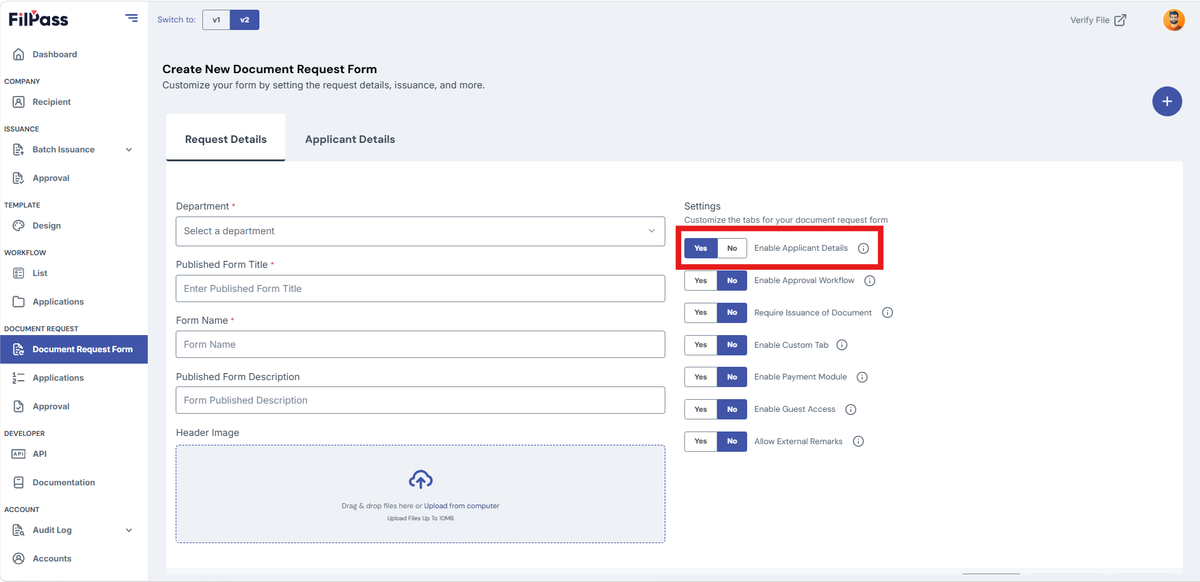
A. Enable Applicant Details
- YES – enables applicant details inside the document request
- YES in default
- NO – disables the document request form features inside the document request
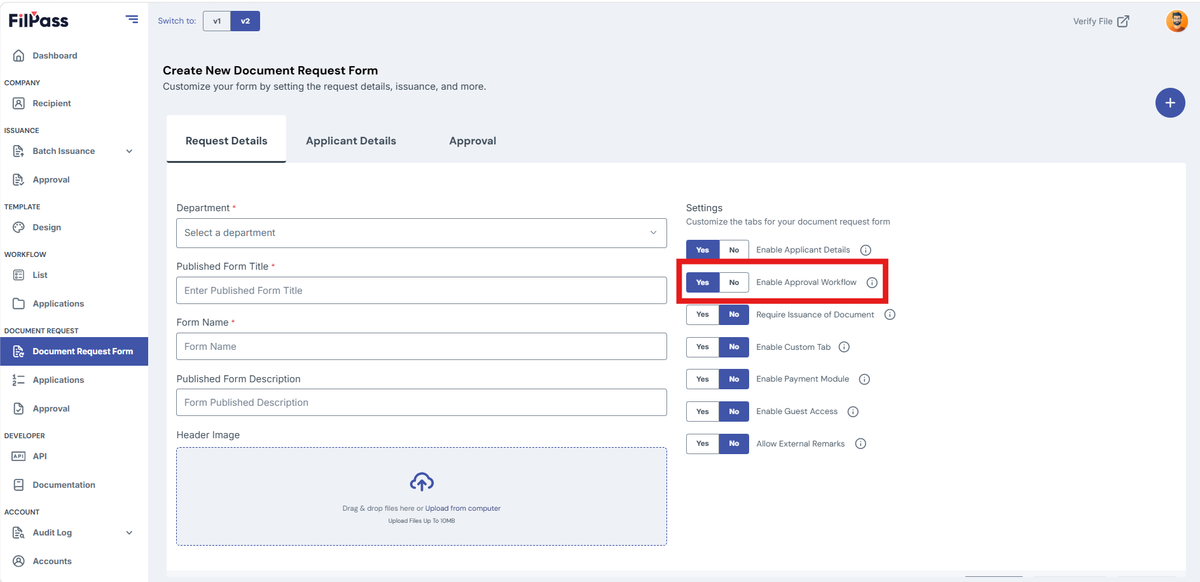
B. Enable Approval Workflow
- YES – can assign a person(s) to approve documents
- Approval workflow tab will be visible
- NO – documents will not need approval
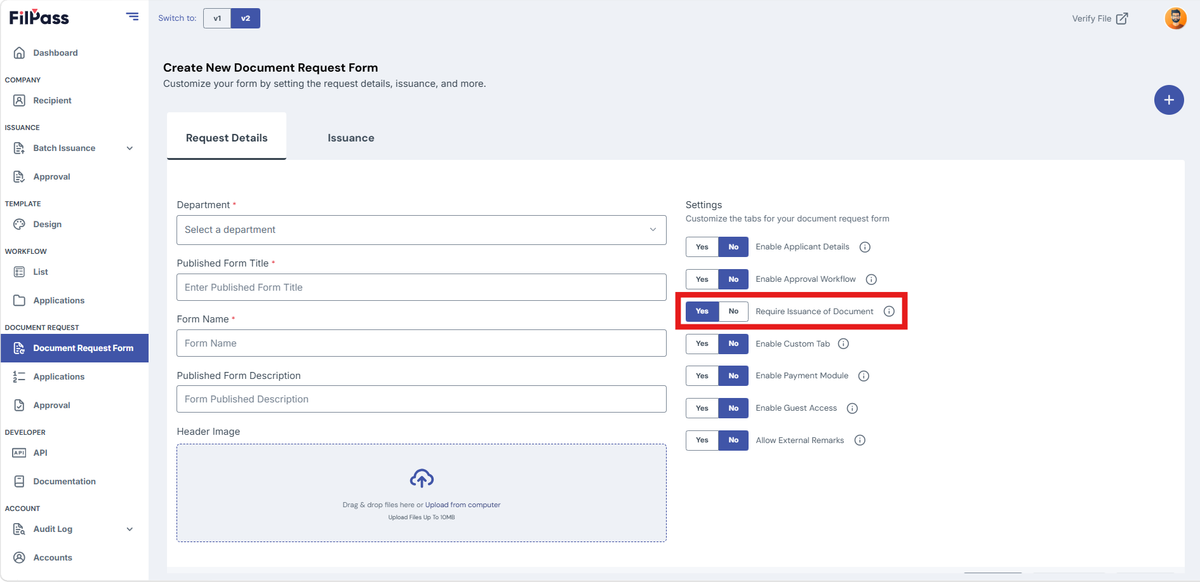
C. Enable Issuance Document
- YES – enables the Issue Document Feature inside the document request
- Approval workflow tab will be visible
- NO – disables the Issue Document Feature inside the document request
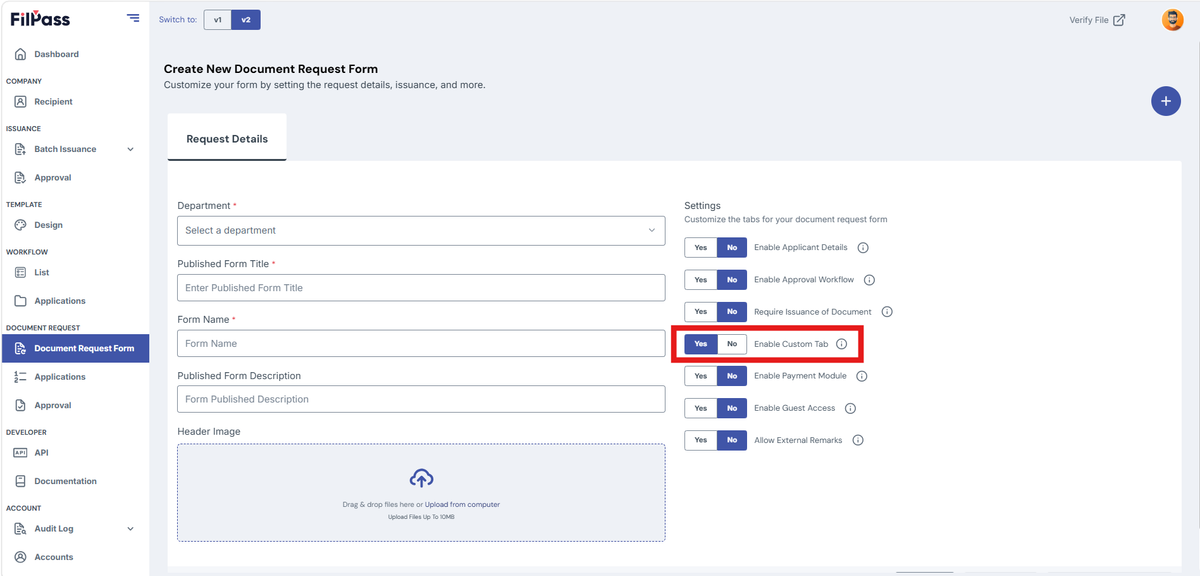
D. Enable Custom Tab
- YES – can add additional information using template fields
- NO – remove the additional information fields
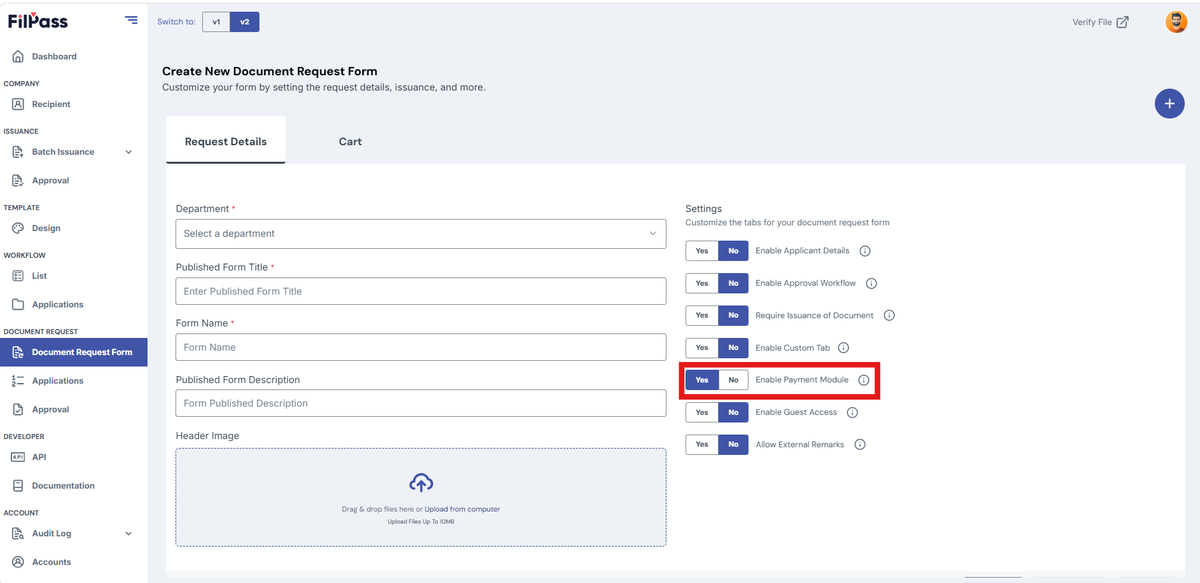
E. Enable Payment Module
- YES – will have payment gateway for document request
- NO – remove the payment gateway for documents
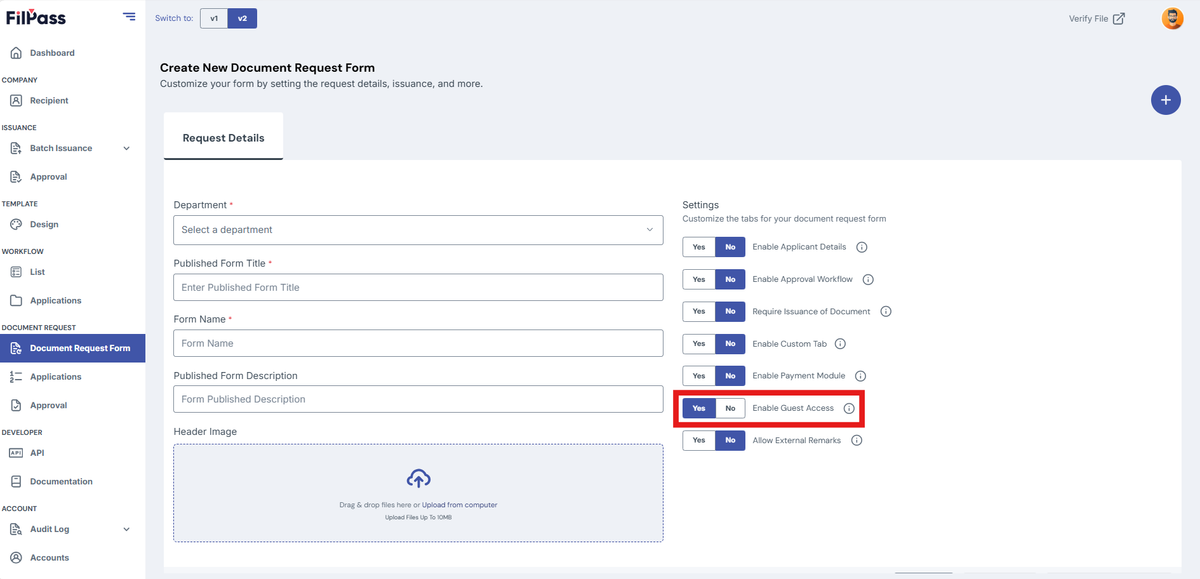
F. Enable Guest Access
- YES – Guest can access the document request
- NO – Guest cannot access the document request
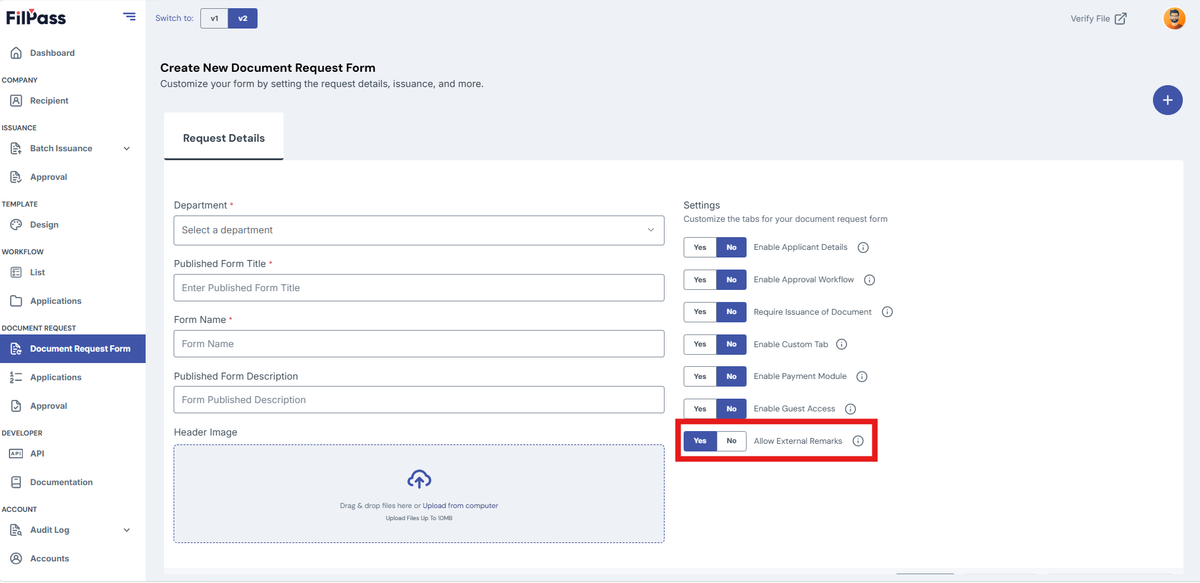
G. Enable External Remarks
- YES – IA can add external remarks for the recipient
- NO – IA cannot add external remarks for the recipient
Was this helpful?