

Document Request Form Payment Tab
This section explains the Payment Tab of a Document Request.
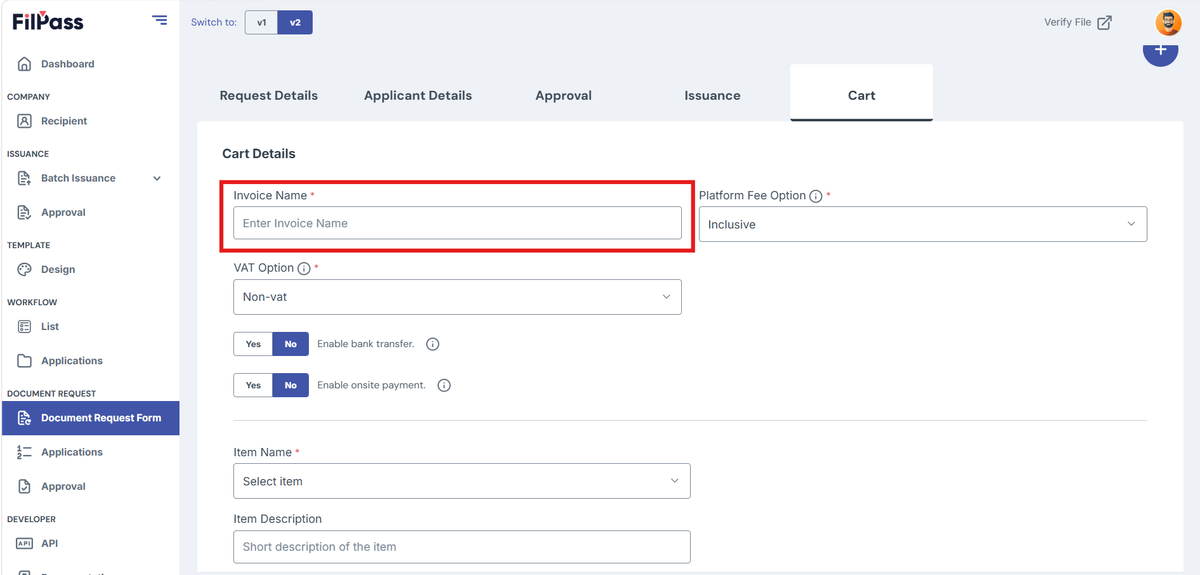
1. Under “Payment Details”, add “Invoice Name”
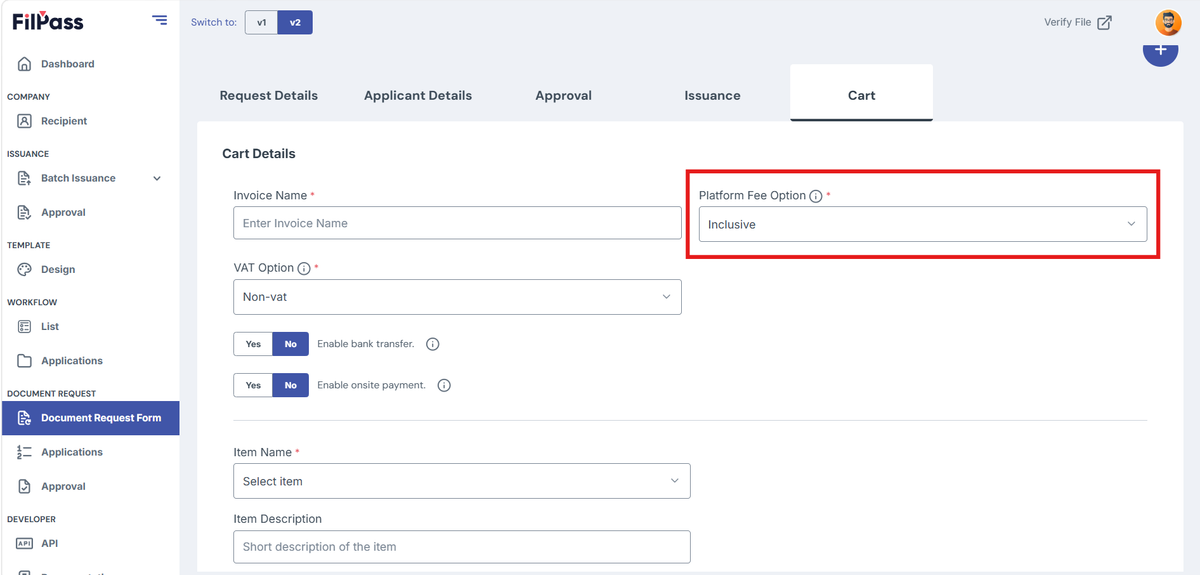
2. Select your Platform Fee Option.
- Platform Fee Option:
- Inclusive: The platform fee is included in the transaction
- Exclusive: The platform fee is charged separately from the initial transaction.
- Platform Fee VAT:
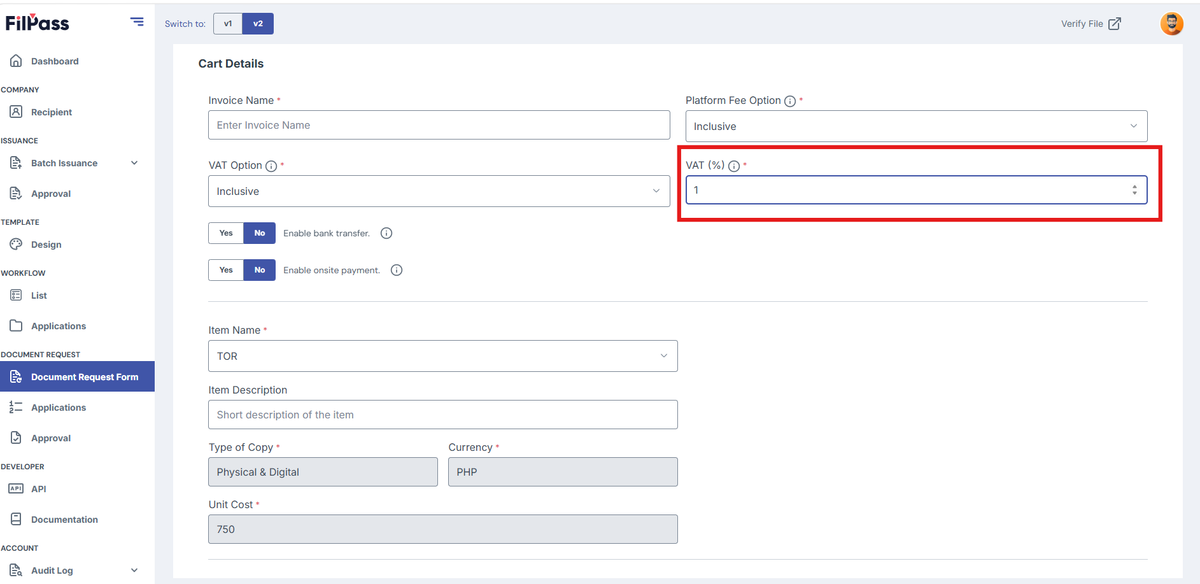
Note: Will only appear if Vat Option is set to either Inclusive or Exclusive
3. Select Item Name of the item to be issued.
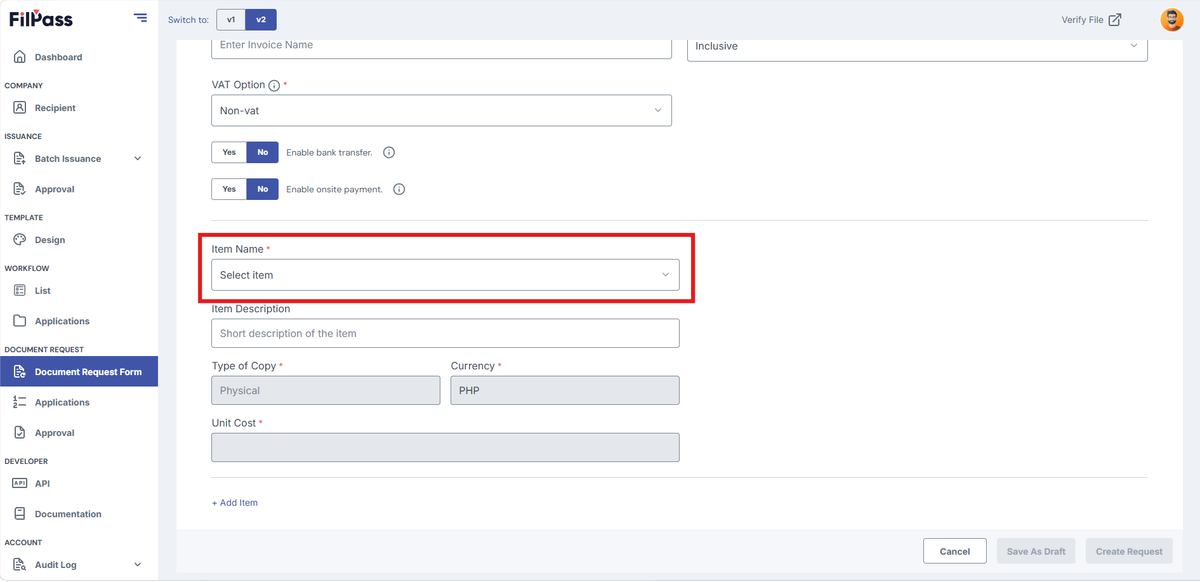
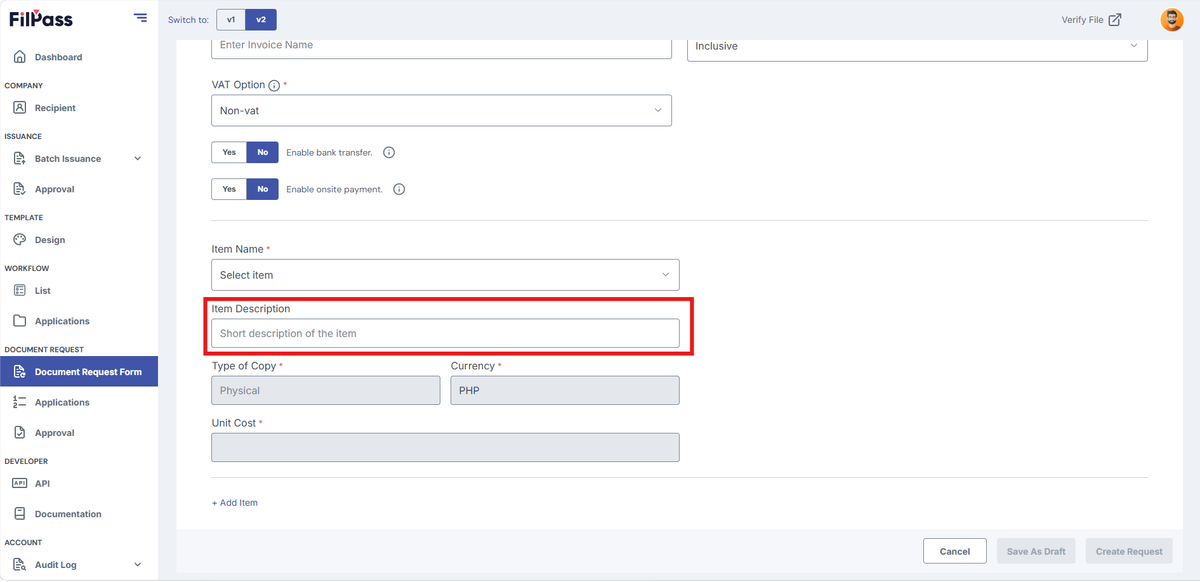
4. Type the Item Description of the item to be issued.
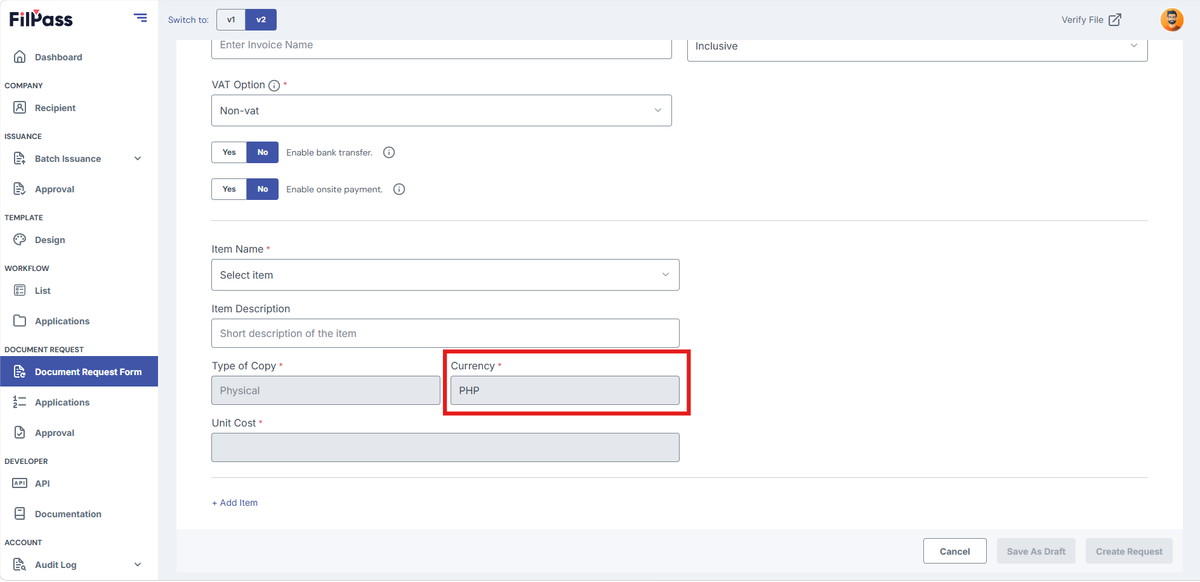
5. Under "Currency" the currency is set to default.
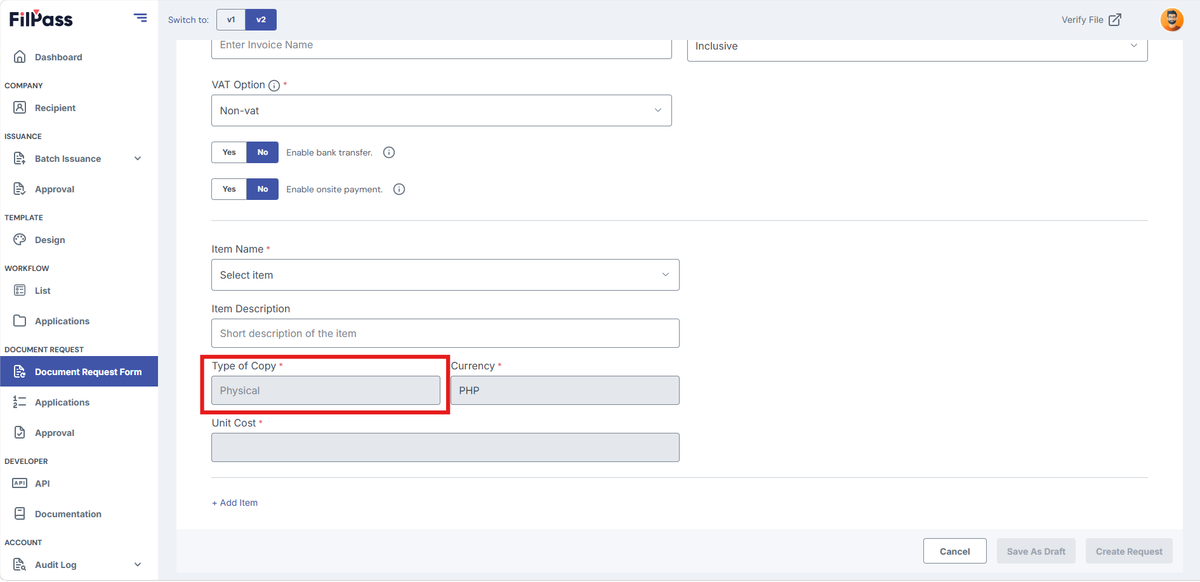
6. Under “Type of Copy” it will be set automatically based on the Selected Item
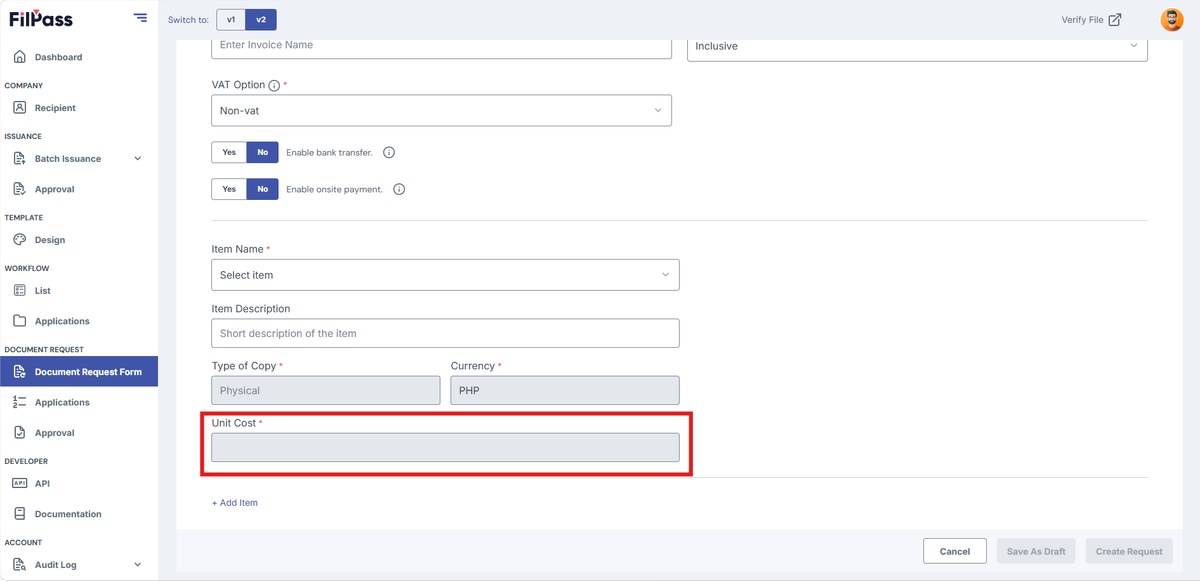
7. Type in the Unit Cost for each unit will be set automatically based on the selected item.
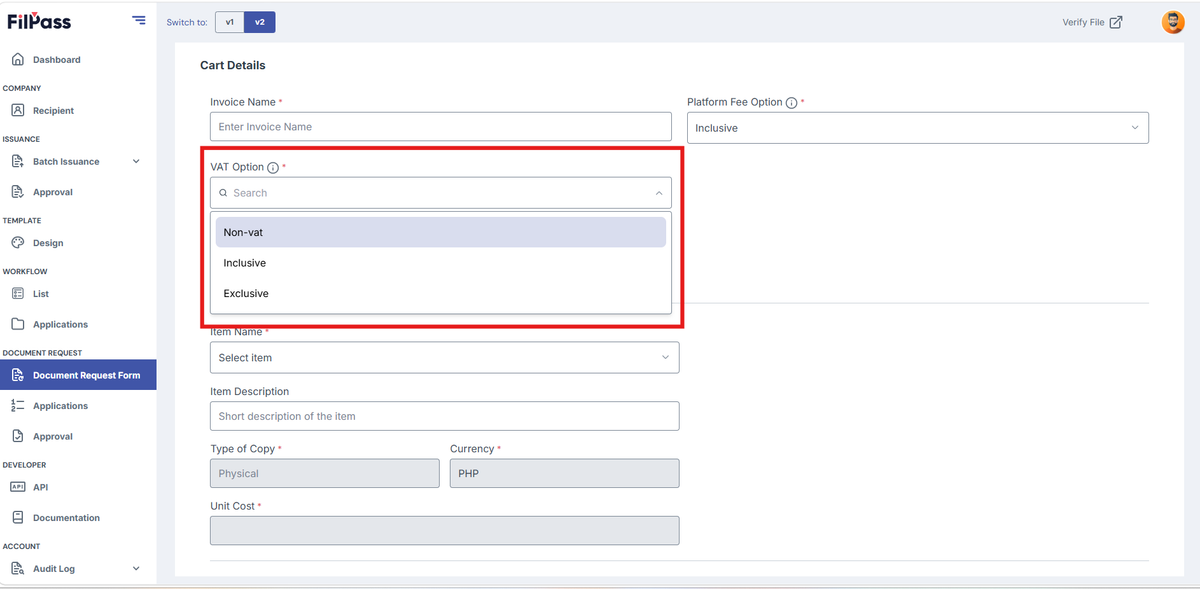
8. Select a VAT Option.
- VAT Option:
- Inclusive: VAT is included
- Exclusive: VAT is not included
- Non-VAT: VAT is not included
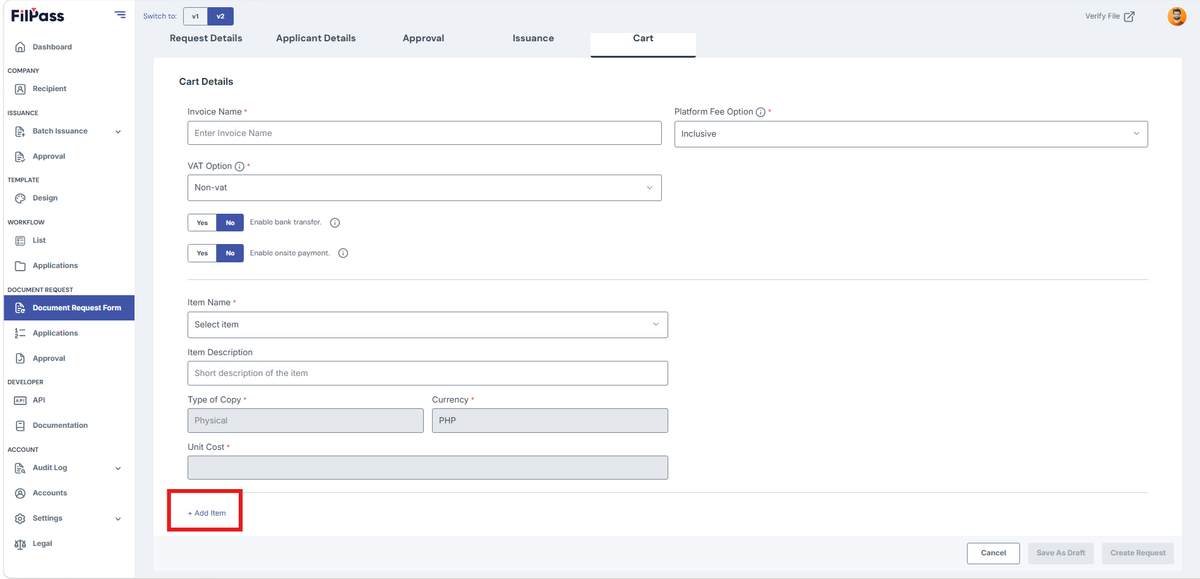
9. If more items are needed, click Add Item.
Was this helpful?