

Document Request Form Document Settings
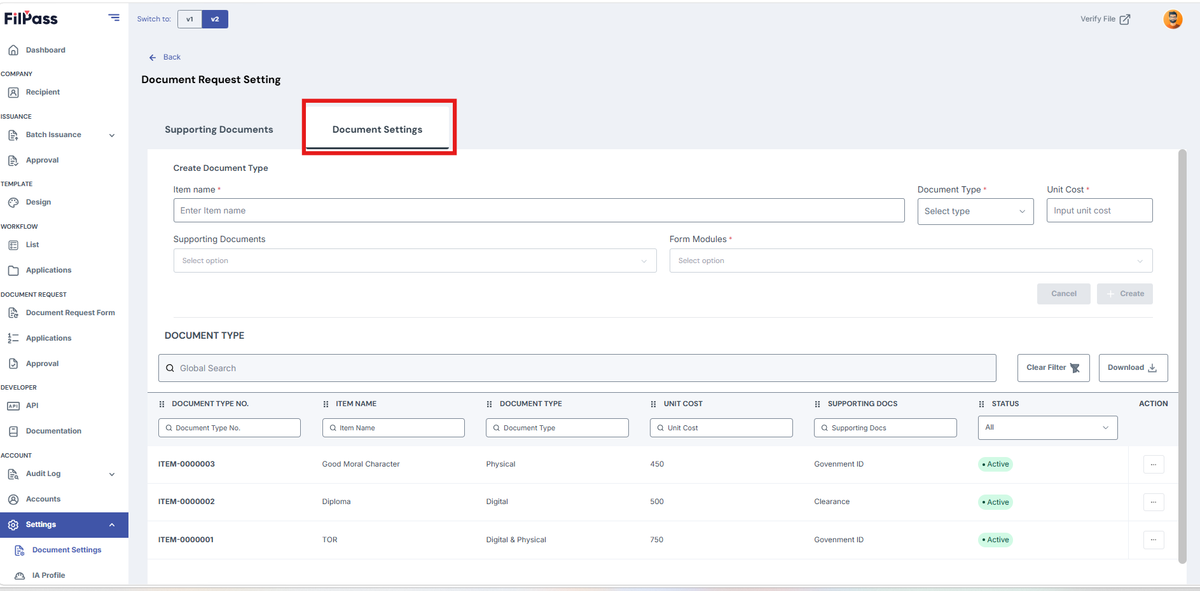
- Document Settings
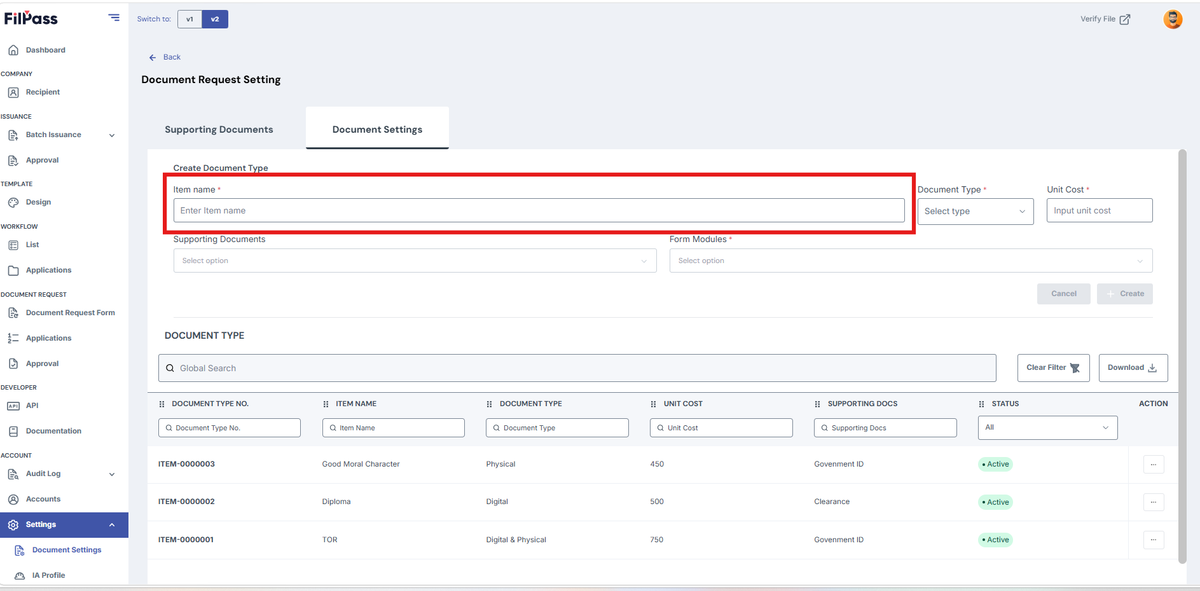
- Enter the Item Name
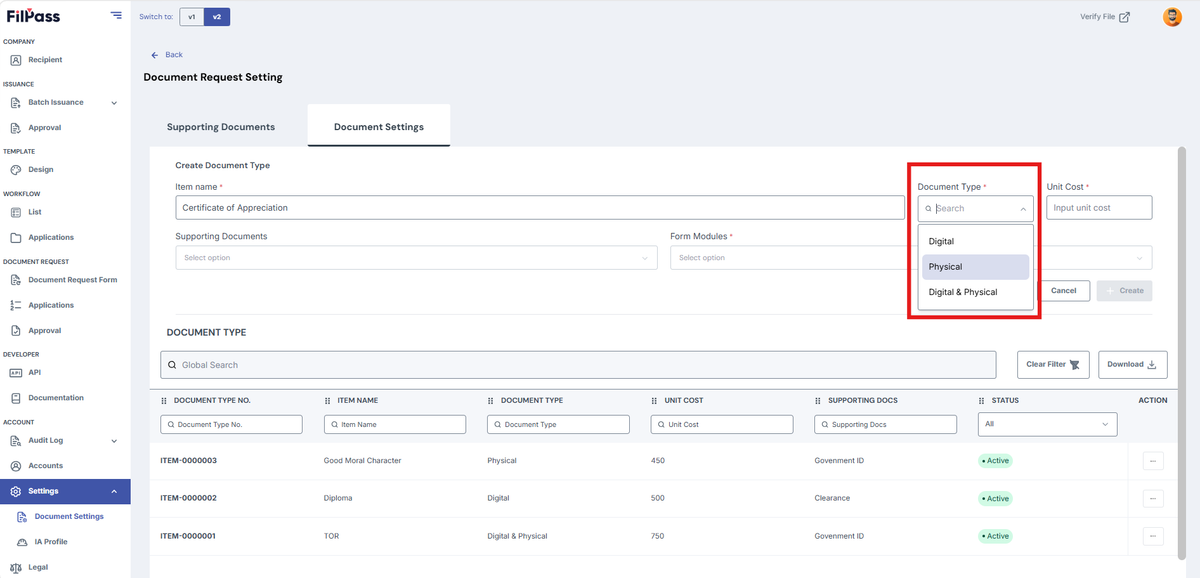
- Select the document type (Digital, Physical, Digital & Physical)
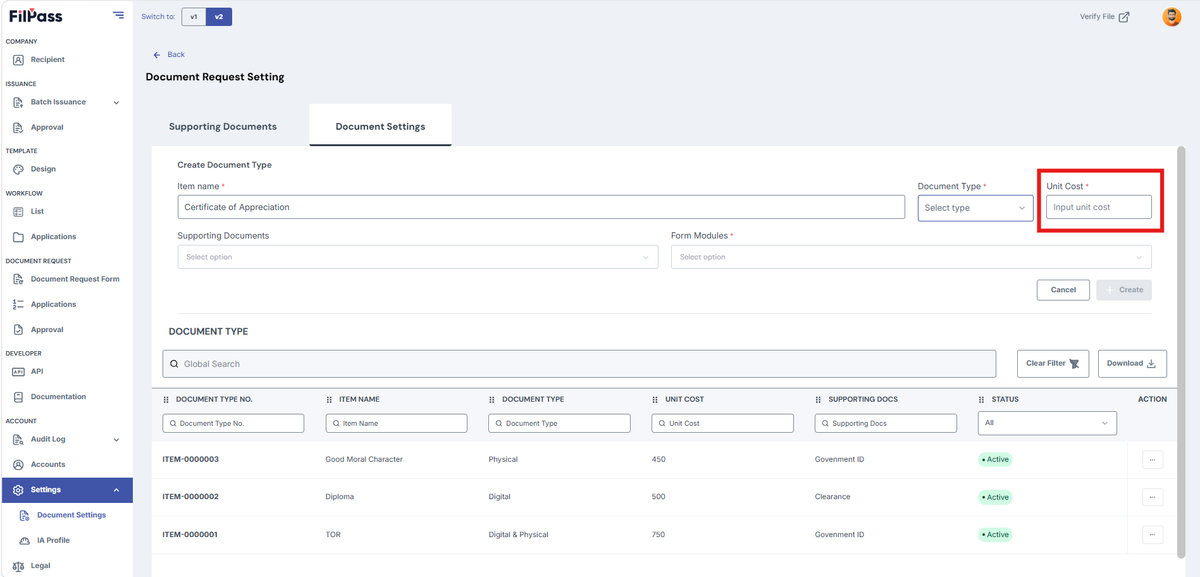
- Enter Unit Cost (e.g, 500)
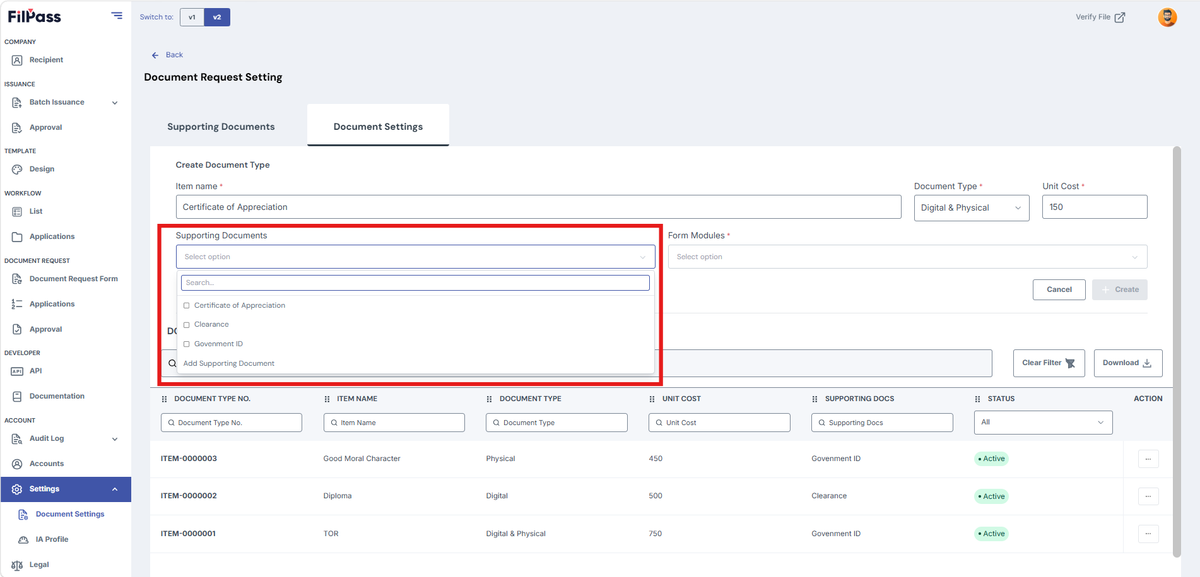
- Select Supporting Documents
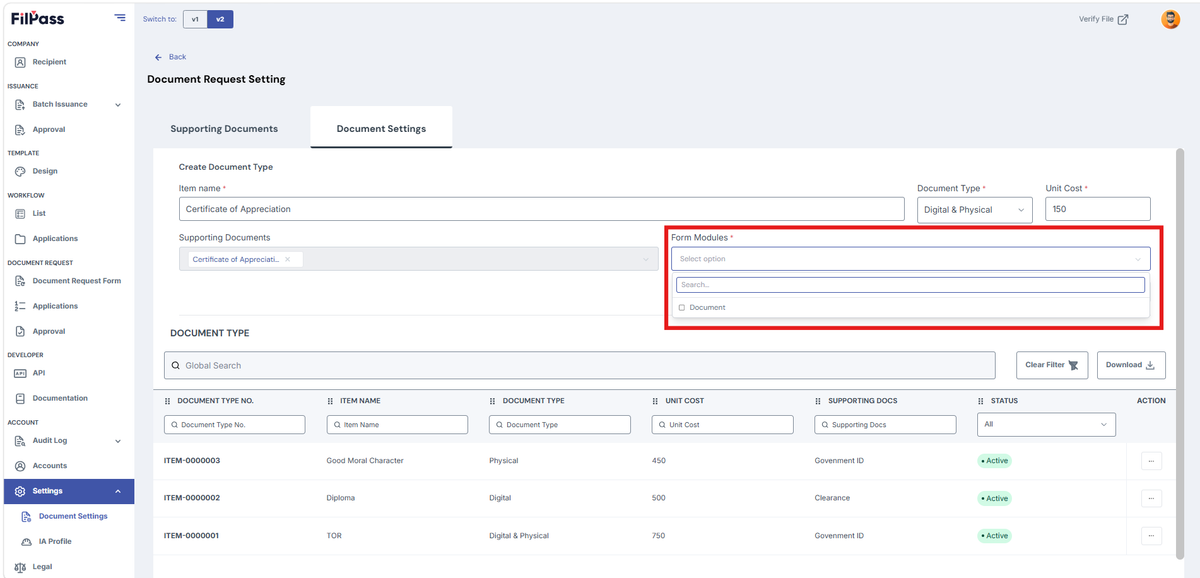
- Select Form Modules
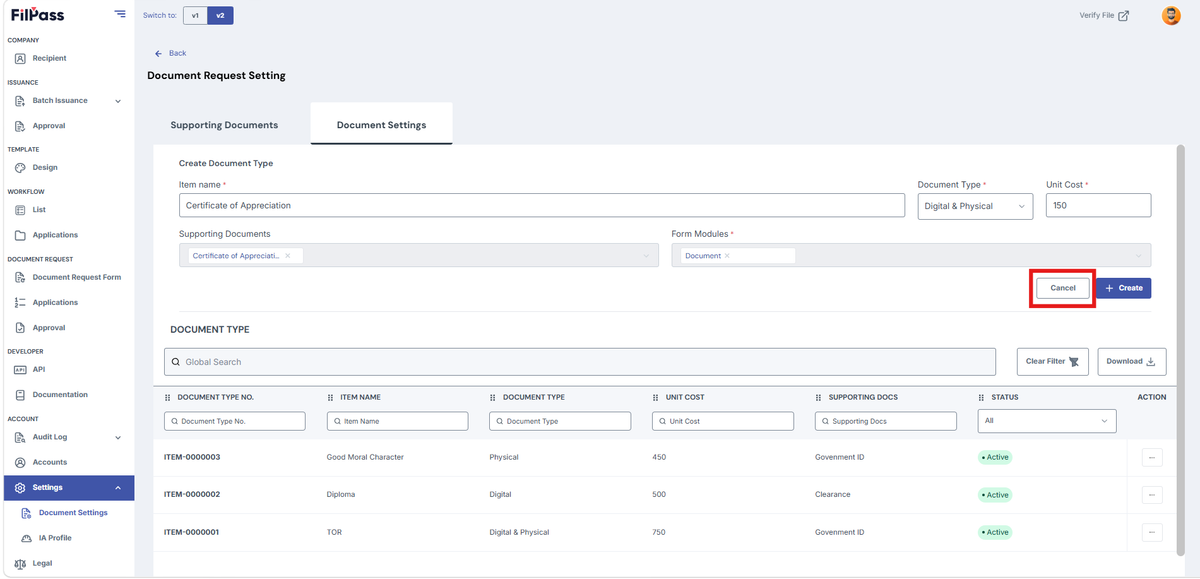
- Click Cancel if you don’t want to proceed creating the Document
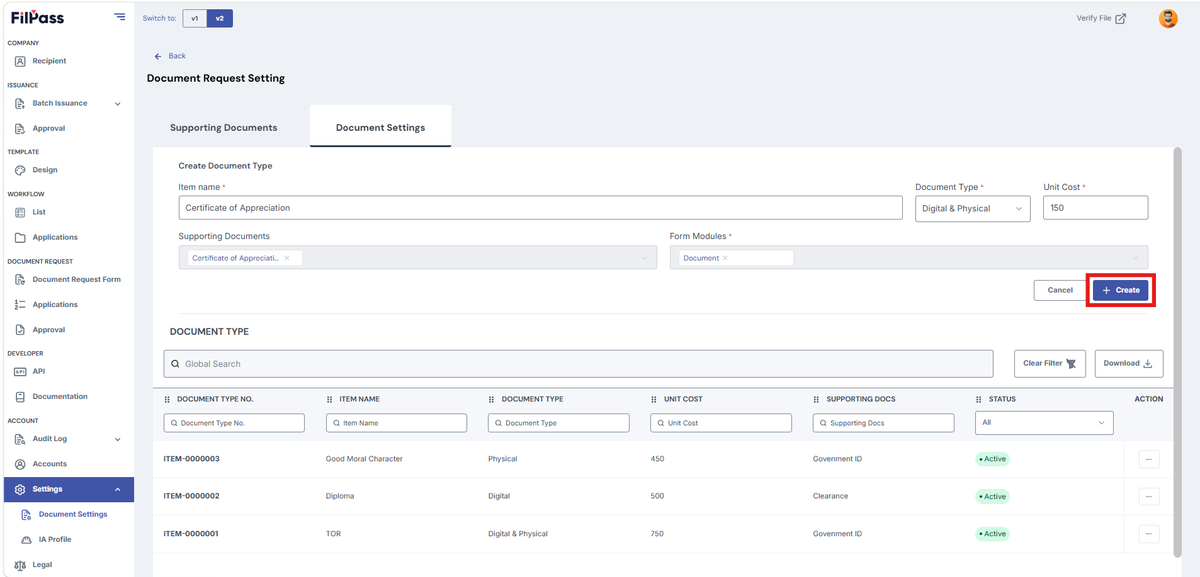
- Click Create if you are done filling up with the required fields
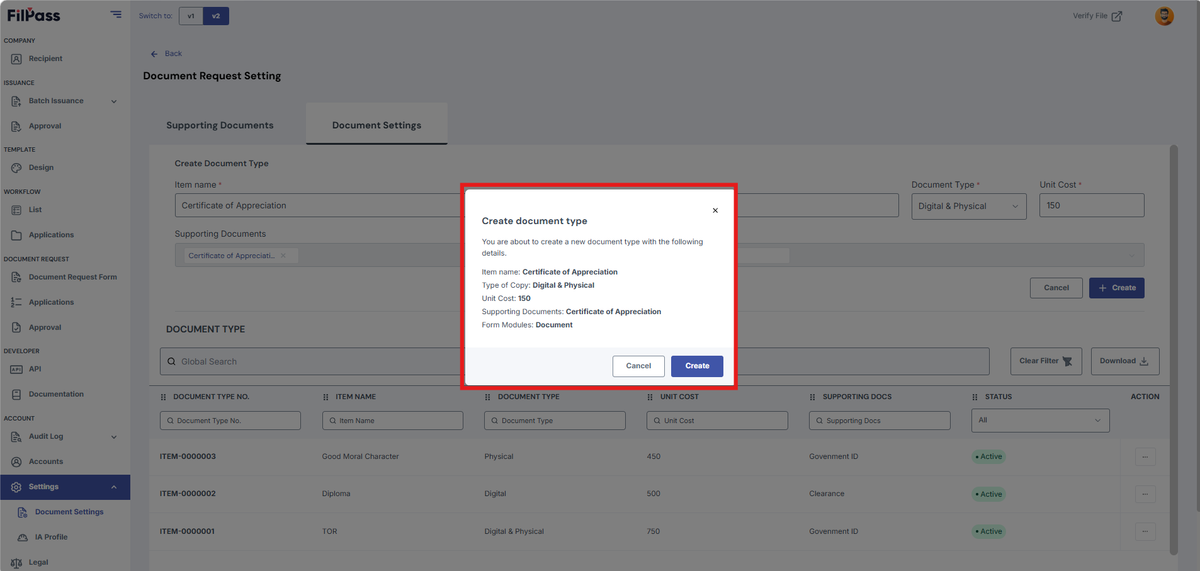
- After clicking create, a confirmation modal will appear
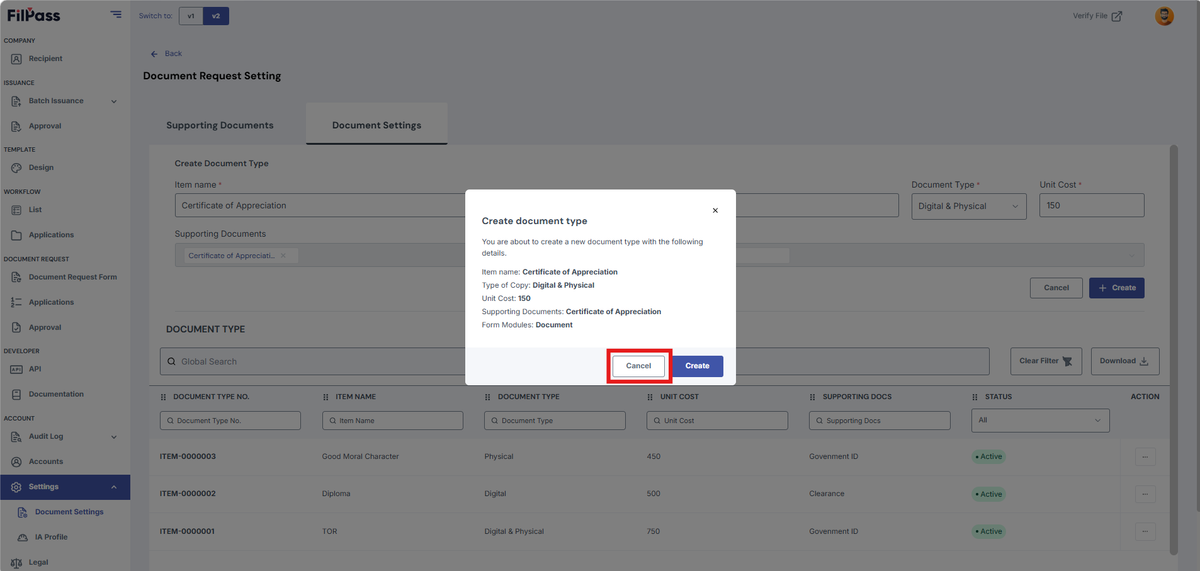
- Click Cancel if you don’t want to save and need to change some information
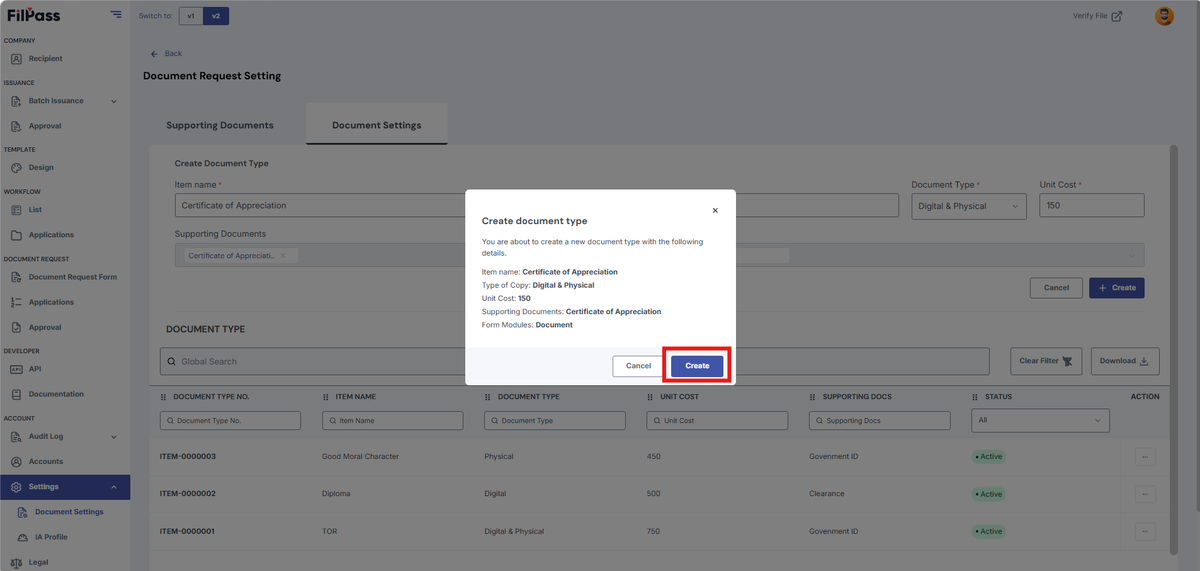
- Click Create to save the created document
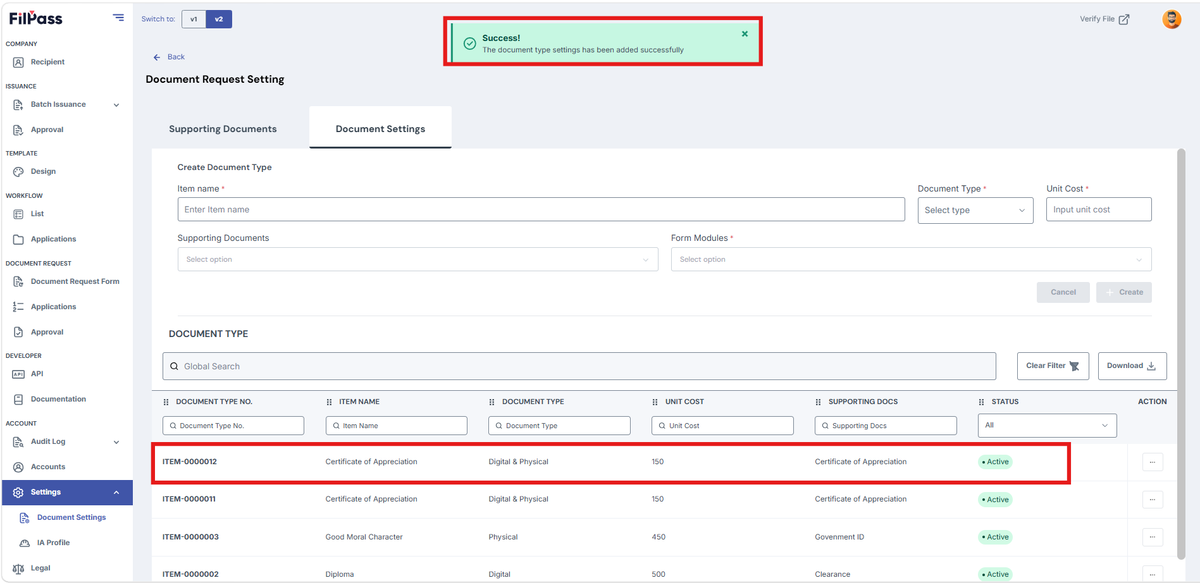
- A success message will appear after clicking create
Was this helpful?