

Custom Field
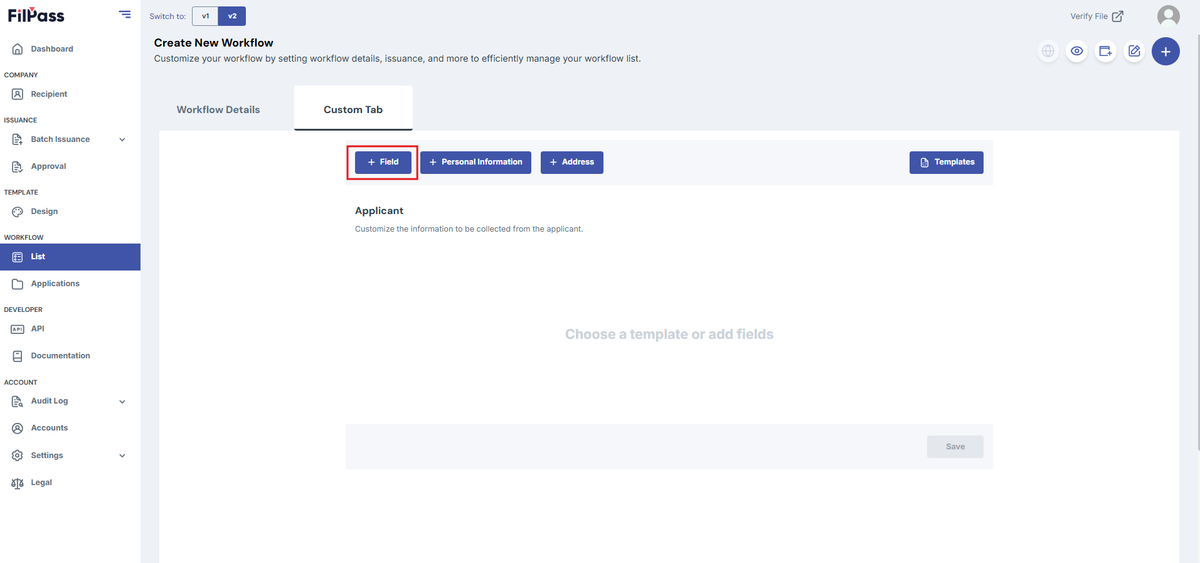
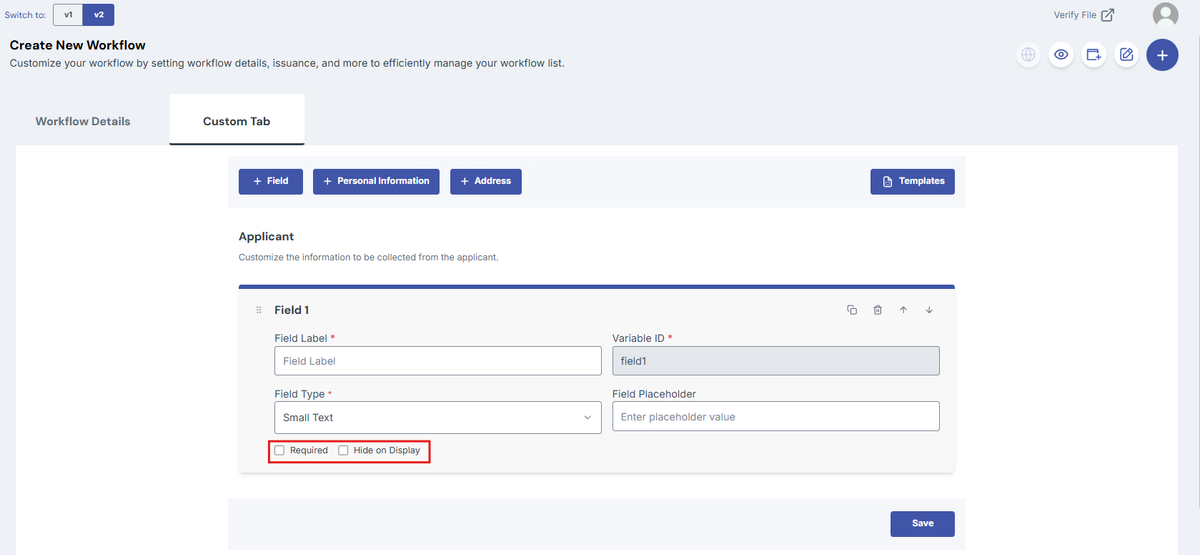
1. Click "+ Field" in upper left corner. A new field will automatically be added at the bottom of your template
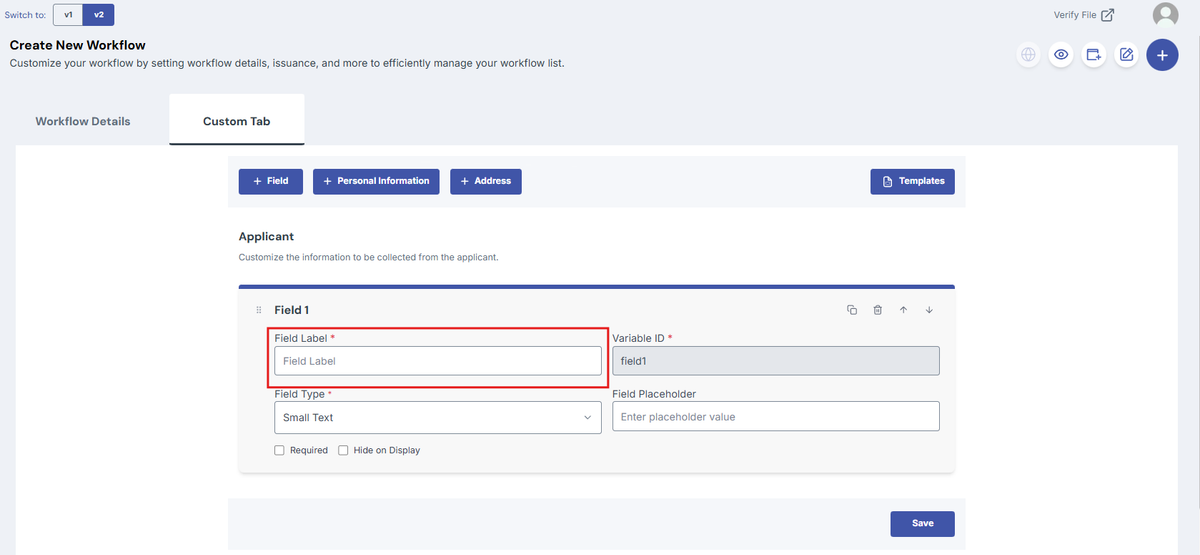
2. Fill in the Field Label Name.
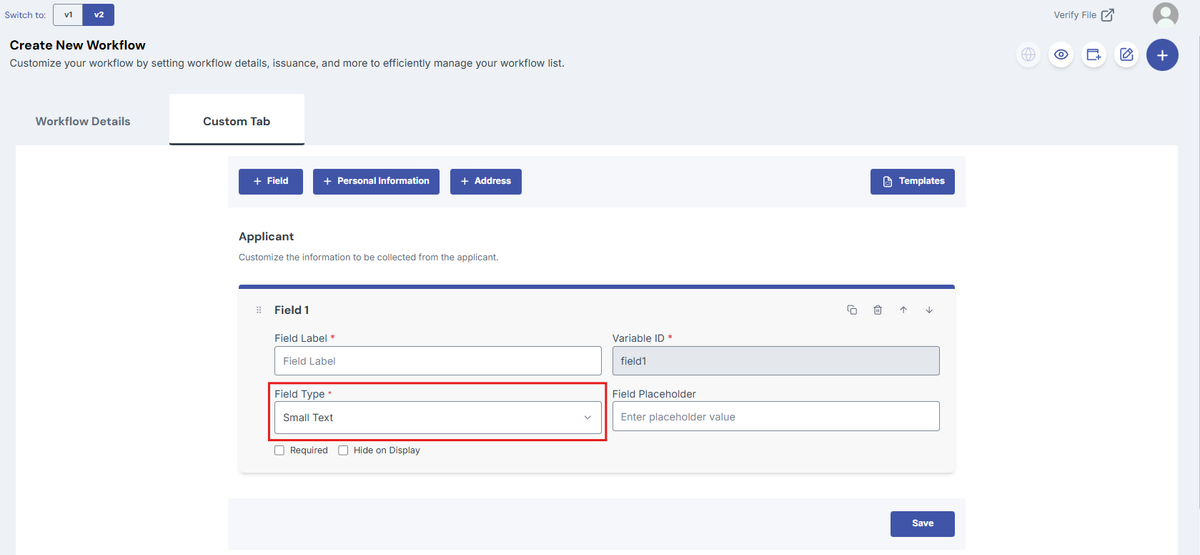
3. Select the Field Type.
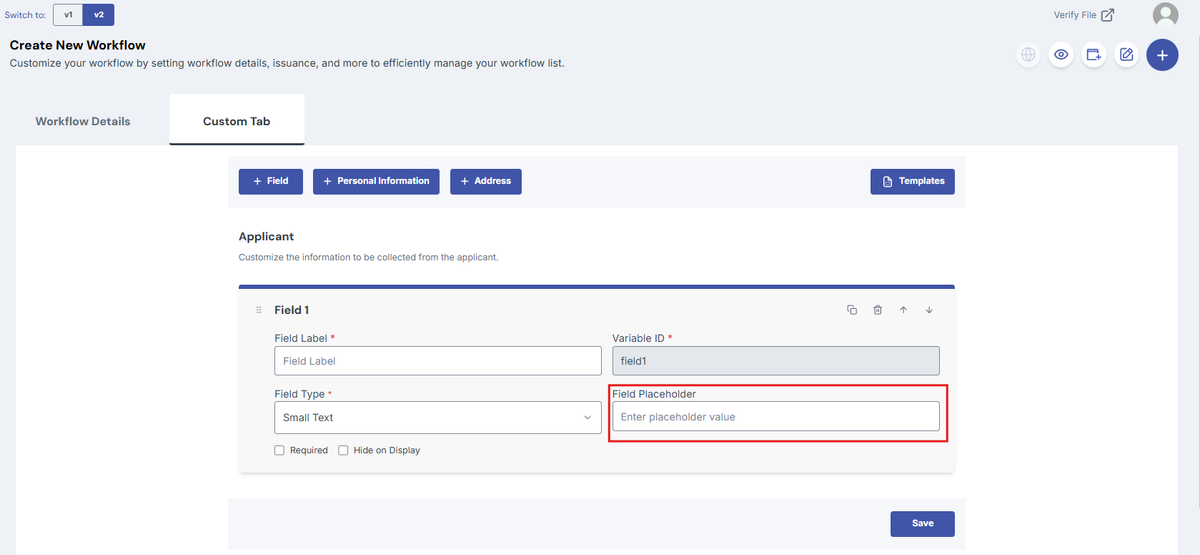
4. Replace the Field Placeholder if needed.
5. Check the options needed
- Required: This will required the recipient to answer the field.
- Hide on Display: This will grey out the field in the form which will keep recipients from answering the field. This will require a placeholder.
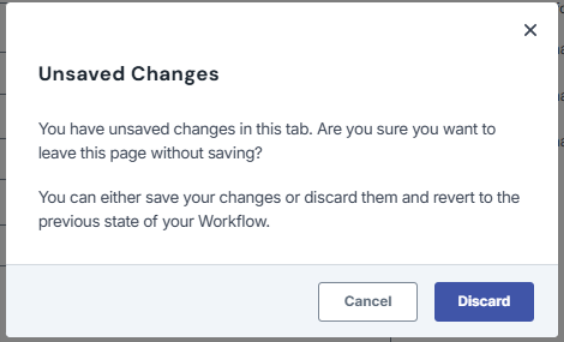
Note: If you exit the page or go to another page without saving, a discard modal will appear and ask for confirmation in leaving the page.
Was this helpful?