

Upload Logs
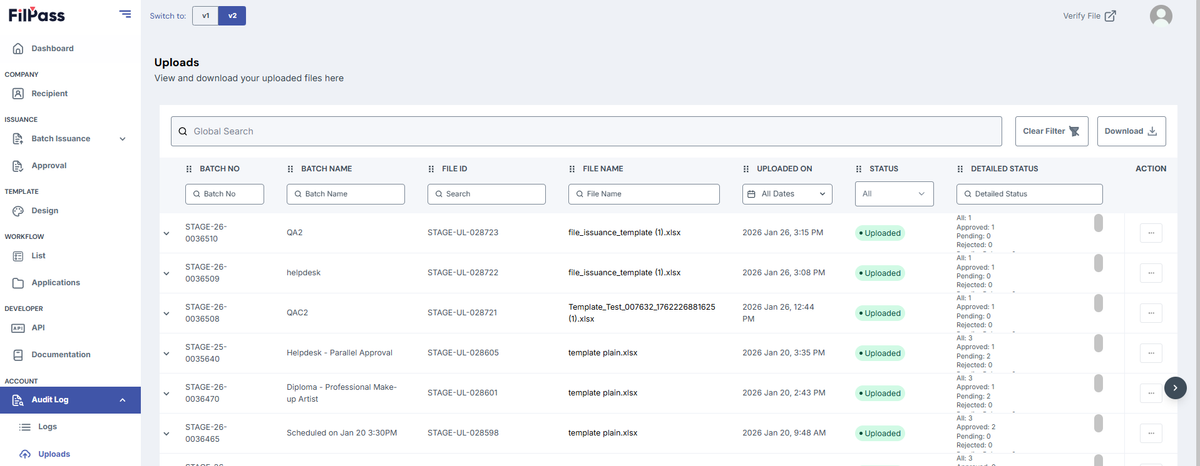
1. Uploads
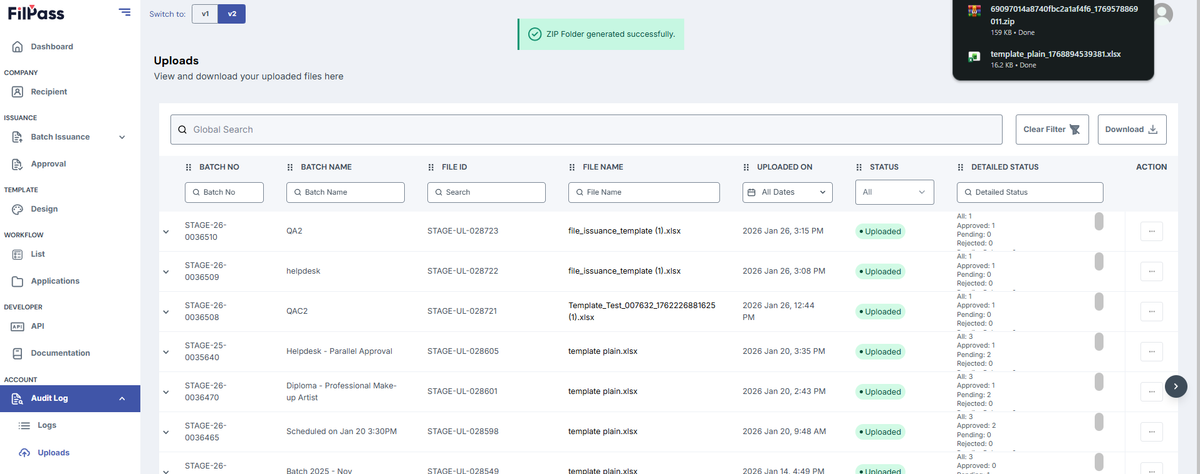
- In this page, you can see all uploads that your account has uploaded in the System such as Uploading templates for the Upload Tab in Batch Issuance.
2. Actions
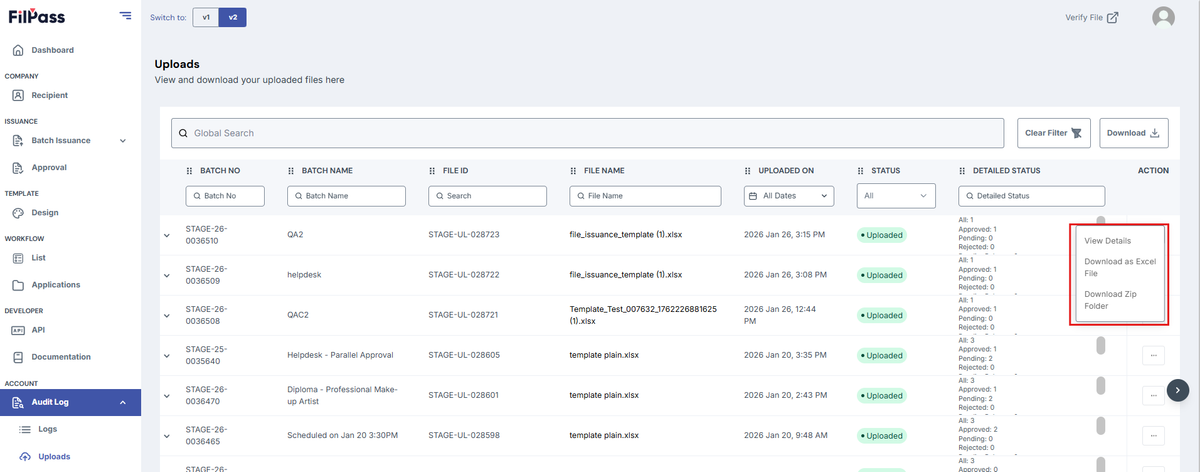
- For every upload, you have the option to:
- View Details
- Download as Excel File
- Download Zip Folder
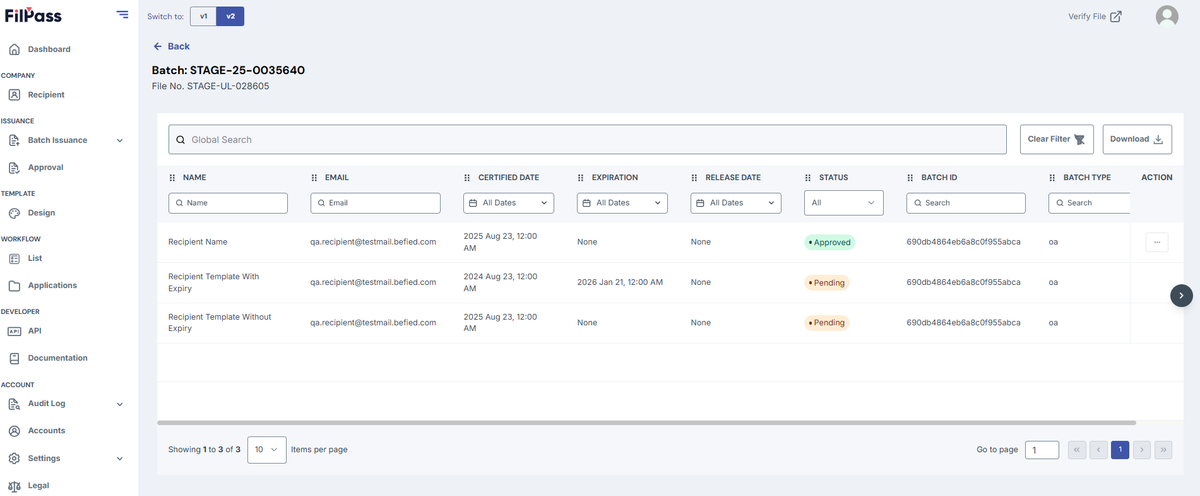
- View Details will show the documents of the Batch of that upload.
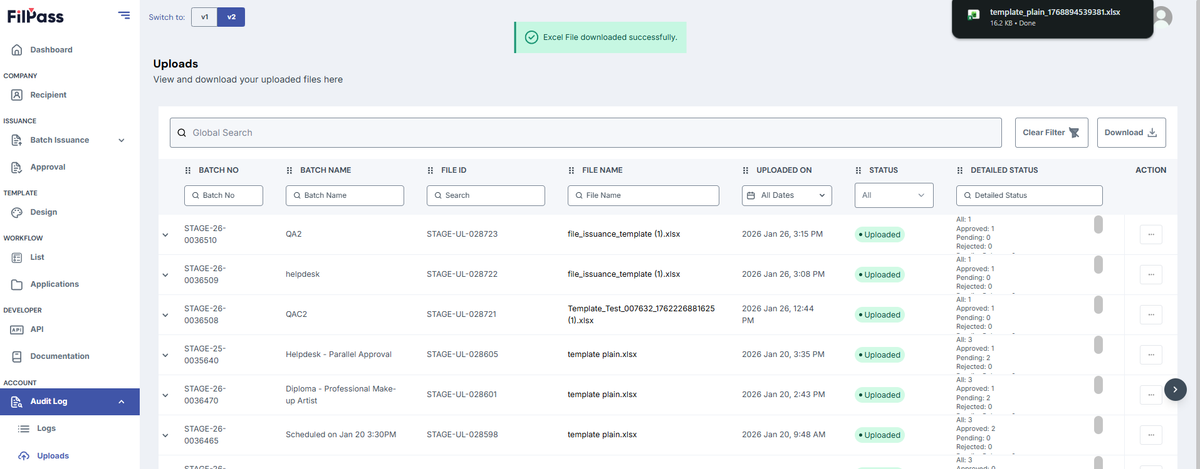
- Download as Excel File will download the actual Uploaded File.
- Download Zip Folder will download the PDF / Files / Issued Templates of that Batch in a Zip Folder.
Was this helpful?