

FilPass Custom Verifier
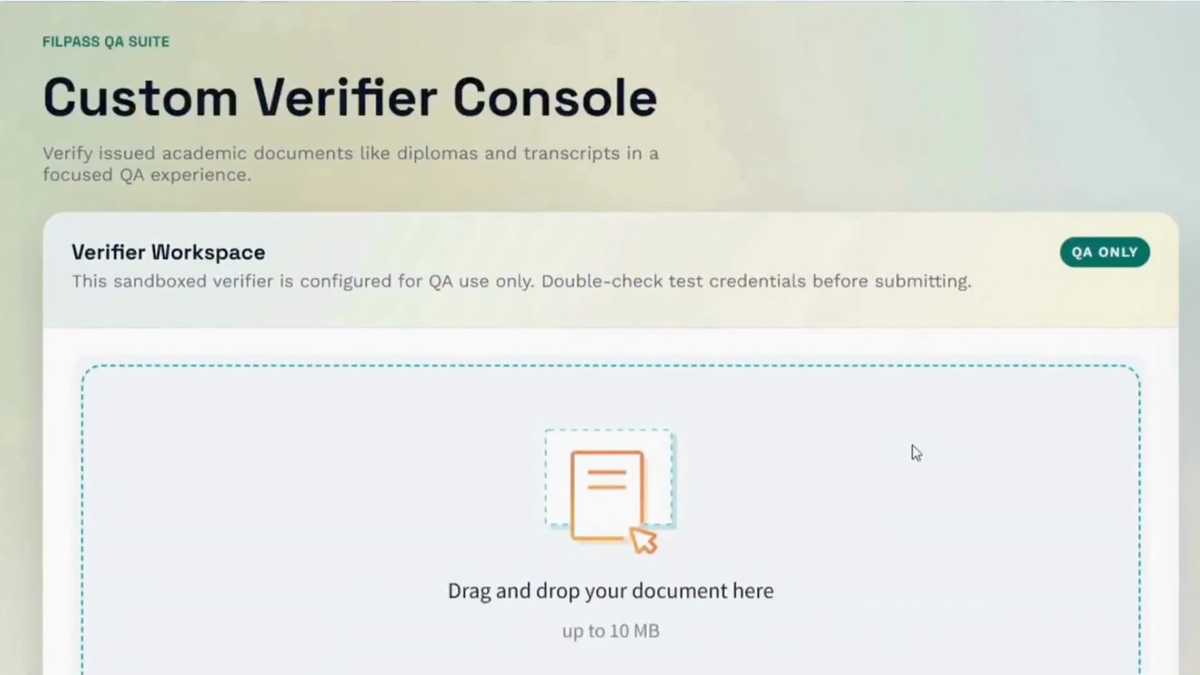
Watch: How to Use the Custom Verifier
To better understand how the Custom Verifier works, watch the video below:
Overview
The FilPass Custom Verifier is a feature designed to give institutions full control over how their issued credentials are verified. While the system continues to support OpenCerts for standard credential validation, the Custom Verifier introduces a more flexible and institution-specific approach.
With this feature, organizations can verify not only blockchain-based certificates but also PDF versions of credentials, ensuring a more comprehensive and accessible verification experience for recipients and third parties.
Importance of Custom Verifier
The Custom Verifier addresses key limitations in traditional verification systems and introduces several important benefits:
- Institution Ownership & Control
Each institution verifies only its own issued credentials, preventing cross-verification between unrelated organizations. - Support for Multiple File Types
Unlike default verification methods, the Custom Verifier supports both:- OpenCerts files
- PDF certificates
- Improved Trust & Accuracy
By restricting verification to the issuing institution, the system ensures higher authenticity and reliability of results. - Better User Experience
Recipients with multiple credentials from different institutions can rely on each organization’s dedicated verifier for accurate validation.
How It Works
1. Default Behavior (OpenCerts)
- The system uses OpenCerts as the default verifier.
- Users can verify OpenCerts-issued documents through the OpenCerts verification page.
- Limitation: PDF documents cannot be verified.
2. Using the Custom Verifier
- Each institution is assigned its own Custom Verifier.
- The verifier is configured to recognize and validate only that institution’s credentials.
3. Verification Scenarios
- Verifying OpenCerts Files ✅
- The Custom Verifier can successfully verify OpenCerts documents issued by the institution.
- Verifying PDF Certificates ✅
- The Custom Verifier enables verification of PDF certificates, something not supported by OpenCerts alone.
- Verifying External Documents ❌
- If a document from another institution is uploaded:
- The system will display:
- If a document from another institution is uploaded:
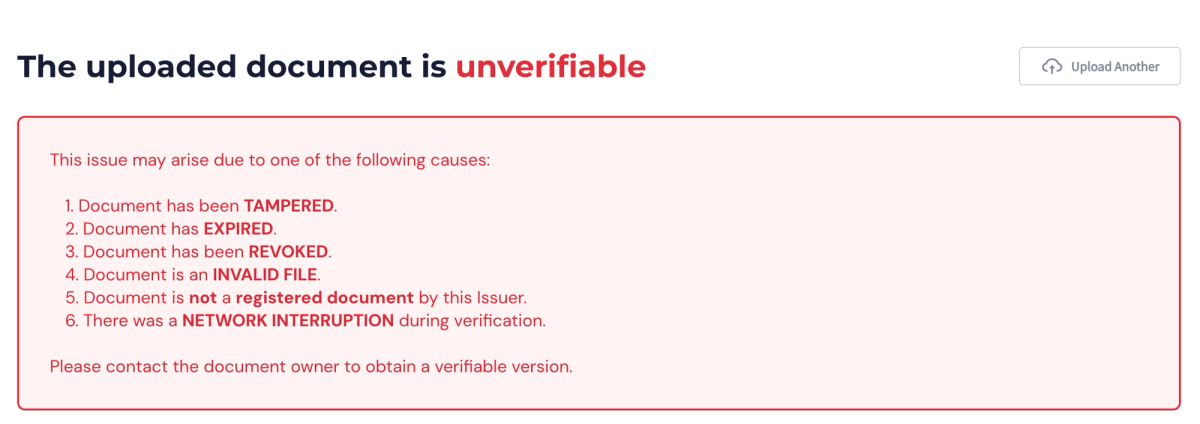
- This ensures that only valid, institution-issued credentials are recognized.